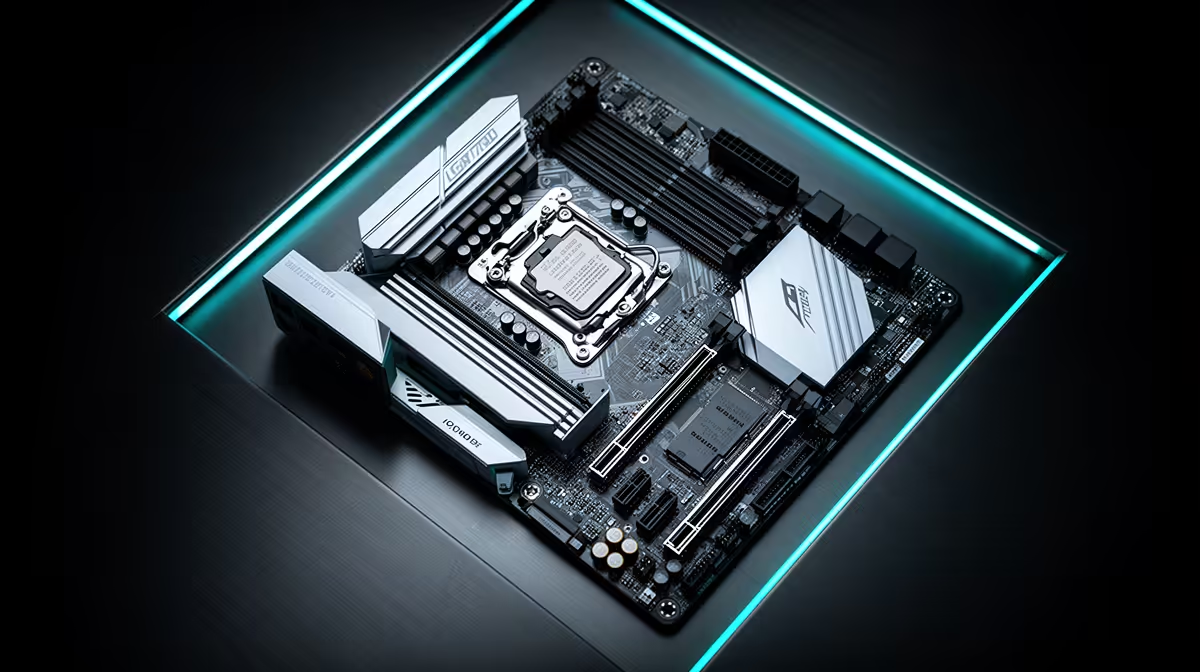
Choosing a motherboard for a Core i5-13600K tuned for stock use comes down to VRM quality and memory support, not RGB.
Quick Answer
For a stock Core i5-13600K, a solid Z790 board around R3,200 is the sweet spot, since the chip will not stress the VRM at default clocks. Spend the saving on faster DDR5 and cooling rather than a premium board you will not use.
VRM, power and thermals
For stock use, VRM quality decides whether the Core i5-13600K holds its clocks under load. A 12-phase or better design with heatsinks keeps temperatures sane during long sessions. At Z790 class boards typically cover this without overspending on flagship trim.
Memory and expansion to plan for
Pair the Core i5-13600K with 32GB of 6000MT/s DDR5 and confirm the board's QVL lists your kit. Check M.2 slot count and PCIe lane sharing if you run a fast NVMe alongside the GPU. A Z790 board usually offers two Gen 4 or Gen 5 slots, which suits most stock use builds. Confirm local stock and warranty before you commit, since support matters on parts you rely on daily. Prices shift with the Rand and availability, so verify the figure at checkout rather than budgeting on an old quote. Match the spend to how you actually play, not to the longest spec sheet on the shelf.
FAQ
Is the Core i5-13600K easy to keep stable?
Yes, on a current BIOS with QVL memory the Core i5-13600K runs cleanly for stock use. Update the board before first boot to avoid early hiccups.
Which board should I buy for a Core i5-13600K for stock use?
A Z790-class board around R3,200 suits the Core i5-13600K well for stock use. It feeds the chip cleanly without paying for unused flagship features.
How many M.2 slots should the board have?
Two M.2 slots cover most builds, letting you add a fast NVMe alongside the boot drive. Check PCIe lane sharing so the GPU keeps full bandwidth.
Buyer Tip
the board to the job: a Z790 board near R3,200 handles a Core i5-13600K tuned for stock use, so put the saving into faster memory and cooling.