Quick Answer
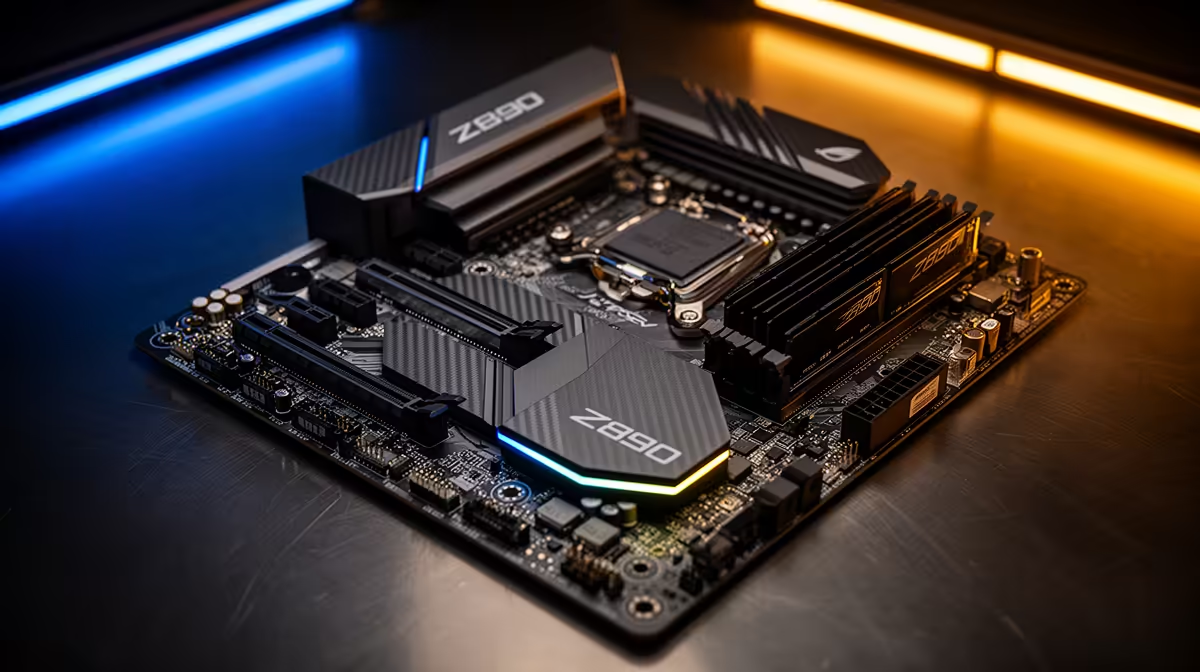
The best dual PCIe 5.0 M.2 motherboard for the Core i7-14700K is the MSI MEG Z790 ACE DDR5 (R8,000 at Evetech) — two PCIe 5.0 M.2 slots support SSDs like the Samsung 9100 Pro (R3,200 per 1 TB) at 12,400 MB/s, a 24-phase VRM handles the i7-14700K's 253 W peak, and Wi-Fi 6E plus dual 2.5GbE complete the connectivity picture. The Gigabyte Z790 AORUS MASTER DDR5 (~R6,500) offers the same dual PCIe 5.0 M.2 capability at lower cost.
Why Dual PCIe 5.0 M.2 Suits the i7-14700K
The i7-14700K's 20 cores make it one of the fastest LGA 1700 CPUs for content creation — video editing, 3D rendering, and software development. These workloads benefit more from fast NVMe storage than gaming does:
- 4K video editing: Two PCIe 5.0 SSDs in a workflow config (active project on one, cache/proxy on another) eliminates storage I/O as a bottleneck during 8K RAW timeline playback
- Software builds: Large C++ project compilations with heavy disk I/O (3D game engine builds) complete measurably faster with 12,000 MB/s SSD vs. 7,000 MB/s PCIe 4.0
- ML model training: Loading large datasets at 12,000+ MB/s from SSD reduces epoch start time
Z790 Boards With Dual PCIe 5.0 M.2
Gigabyte Z790 AORUS MASTER DDR5 (~R6,500): Two PCIe 5.0 M.2 + three PCIe 4.0 M.2, 20-phase VRM, dual Intel 2.5GbE, Wi-Fi 6E. Best price-per-feature dual PCIe 5.0 Z790 board.
MSI MEG Z790 ACE DDR5 (~R8,000): Two PCIe 5.0 M.2 + three PCIe 4.0 M.2, 24-phase VRM. Stronger VRM for sustained extreme OC. Wi-Fi 6E, dual 2.5GbE. The definitive i7-14700K dual PCIe 5.0 pick.
ASUS ROG MAXIMUS Z790 APEX (~R9,500): Two PCIe 5.0 M.2. 24-phase extreme OC. Best for 5.8+ GHz i7-14700K builds.
FAQ
Does the i7-14700K support PCIe 5.0 M.2 from the CPU directly?
The i7-14700K provides PCIe 5.0 x16 for the GPU and PCIe 4.0 x4 for the primary CPU-direct M.2 slot. PCIe 5.0 M.2 slots on Z790 boards route through the Z790 chipset via DMI 4.0 x8 — not the CPU's M.2 lane. This means the PCIe 5.0 M.2 SSDs work at PCIe 5.0 speeds, but through the chipset path. In practice this doesn't limit performance for typical workloads.
Are PCIe 5.0 SSDs worth the price premium over PCIe 4.0 for an i7-14700K gaming build?
For gaming specifically, no — loading time improvements are 5–15 seconds per loading screen. PCIe 5.0 SSDs (R2,800–R3,500 per 1 TB) vs. PCIe 4.0 SSDs (R1,350–R1,500 per 1 TB) represent a R1,300–R2,000 premium per drive with minimal gaming benefit. For 4K video editing and large dataset work on an i7-14700K, the transfer speed improvement makes a noticeable difference in daily workflow time.
Does running two PCIe 5.0 M.2 SSDs simultaneously bottleneck the i7-14700K system?
Not in typical use. DMI 4.0 x8 provides approximately 16 GB/s bidirectional bandwidth — enough for both PCIe 5.0 M.2 SSDs to operate at full sequential speed in most scenarios. Only sustained simultaneous sequential reads/writes on both drives approach the DMI ceiling, and this pattern is rare in gaming and common content creation workflows. The bottleneck is theoretical rather than practical.
the included M.2 heatsinks on PCIe 5.0 SSDs in a Z790 board — the Samsung 9100 Pro and Crucial T705 reach 75°C+ under sustained write loads without heatsinks, triggering thermal throttle that drops performance to PCIe 4.0 equivalent speeds. The heatsink keeps both drives under 65°C during typical video editing workflows.