Quick Answer
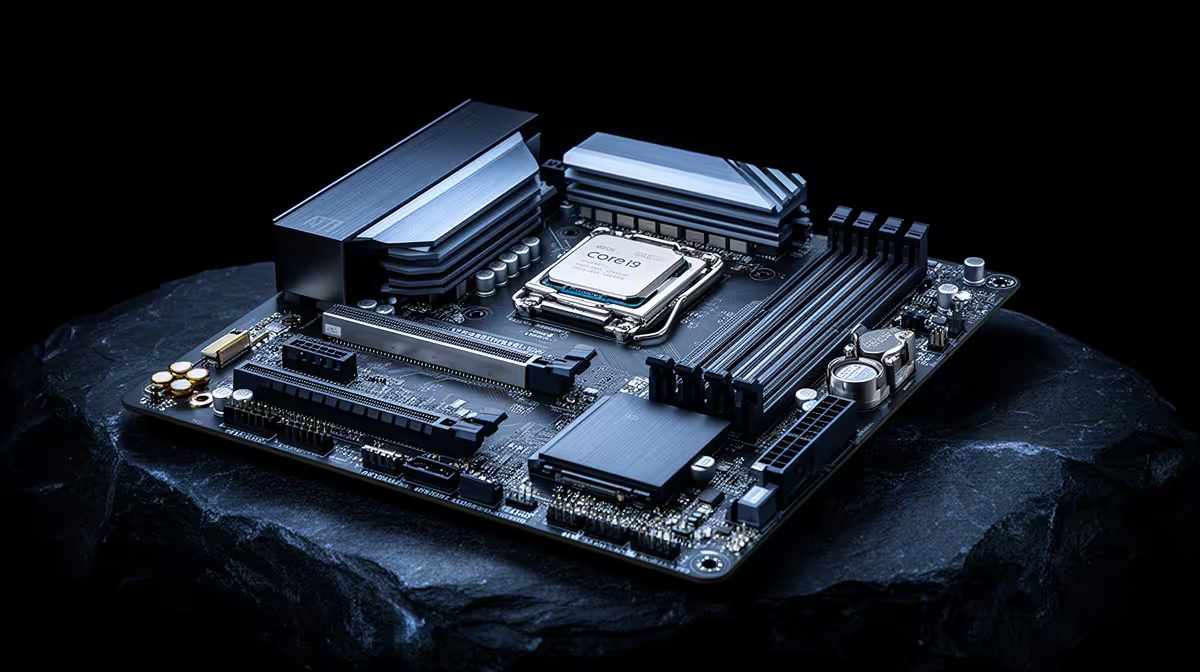
For the Intel Core i9-13900K (LGA1700, a 24-core (8P+16E) flagship), the right board in SA is a full-size ATX board with good VRM cooling and full expansion slots, typically R3,500-7,000 at Evetech. ATX gives you the most M.2, PCIe and RAM headroom for the rand, which suits a flagship CPU build.
What the Intel Core i9-13900K actually needs
The Intel Core i9-13900K drops into LGA1700 and pairs with a Z790 board running DDR5 memory. It is a 24-core (8P+16E) flagship rated at 125W (253W boost), so a robust ATX VRM holds clocks steady under sustained all-core load. Pick the chipset for the feature you need, not the most expensive SKU - a well-built Z790 board feeds this CPU fully.
Why ATX suits this CPU
ATX boards offer the strongest VRMs, the most M.2 slots (usually 3-4) and full-length GPU clearance, which a high-end chip benefits from. A R3,500-R5,000 ATX board covers most builds; R5,500-R7,000 adds PCIe 5.0 M.2, better audio and stronger power stages. Unless you specifically need a small case, ATX is the value choice for a powerful CPU.
Sizing the board to your SA build
Match the board budget to the CPU tier. A high-tier chip like the Intel Core i9-13900K pairs best with a R3,500-7,000 board; overspending on a flagship board adds RGB and ports you may never use. Confirm the board ships with the right BIOS for Intel Core i9-13900K support, or do a BIOS-flashback update before first boot. Buy a kit and board together at Evetech so compatibility is sorted up front.
FAQ
Which chipset is best for the Intel Core i9-13900K?
A Z790 board on LGA1700. It delivers maximum expansion and the strongest power delivery without paying for features the 24-core cannot use.
How much should I budget for the board?
Around R3,500-7,000 at Evetech hits the value point for the Intel Core i9-13900K. Going higher mostly buys cosmetics and extra I/O you may not need.
ATX or micro-ATX for this build?
ATX unless your case demands smaller. ATX gives more M.2 slots, stronger VRMs and better airflow clearance, all of which help a high-core-count CPU run cool and stable.
Evetech tip
Mount the GPU in the top PCIe 5.0 x16 slot and keep one M.2 under the chipset heatsink for the OS. It keeps thermals and bandwidth where they matter.