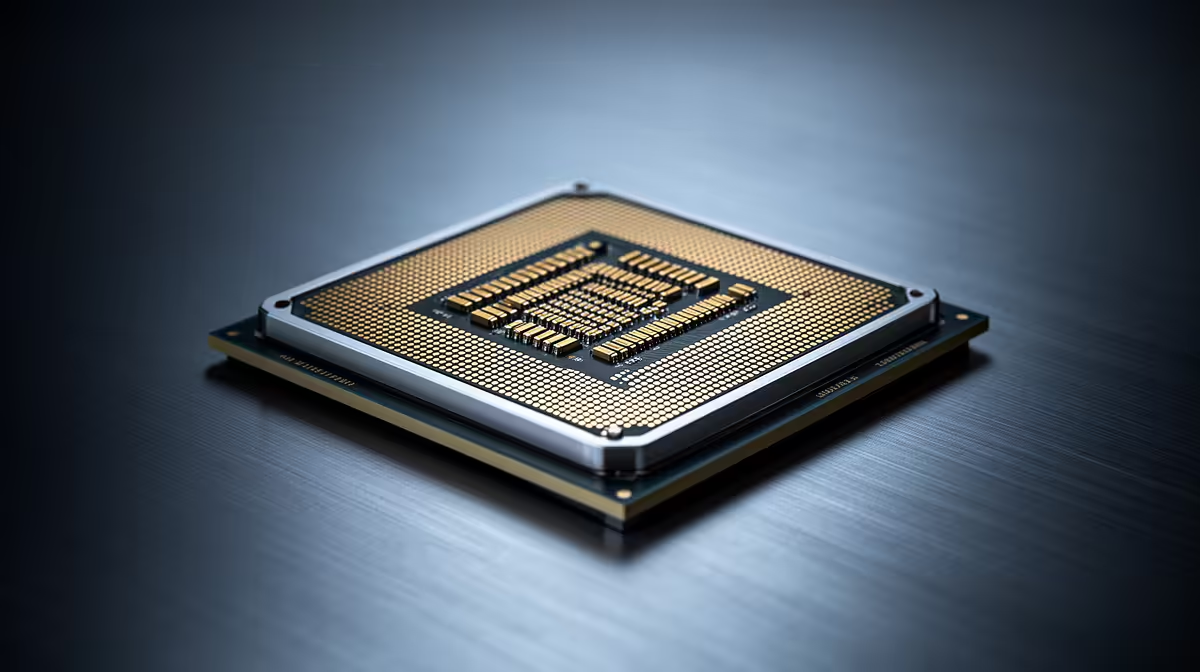
The Core Ultra 270K Plus and Ryzen 9 9950X sit in the part of the CPU market where small benchmark leads get expensive. The useful question is not which chip wins a mixed average. It is which platform finishes your work sooner, feeds your graphics card well and leaves enough budget for the rest of the machine.
Quick Answer
Choose the Ryzen 9 9950X for sustained heavily threaded work when your applications scale across its cores. Consider the Intel option when your measured gaming, media or mixed-production workloads favour its architecture and platform features. Check current independent benchmarks for the exact processor names before buying, because firmware, memory and power settings can move the result.
Compare the work you do each week
A gaming chart at 1080p with a top graphics card is designed to expose CPU differences. Your 1440p or 4K result may sit closer together because the GPU becomes the limit. Look at one-percent lows as well as the average, and use games that resemble your library. Strategy simulations and high-frame-rate shooters can care about the CPU in different ways.
Production work needs the same discipline. A 3D render, code compile, video export and photo batch do not scale alike. Some favour many full-performance cores. Others lean on a particular instruction path or a media engine. A processor that wins a long render may trail in timeline playback.
List the two tasks that cost you the most time. Give those results more weight than a broad suite score. If the PC earns money, save five minutes on a daily export before chasing three frames in a game you open once a month.
Platform cost can reverse a CPU win
Price the processor with a suitable motherboard, memory and cooler. Both platforms need a board whose power delivery and firmware support the chip. Premium boards add ports and expansion, but they do not make a stock CPU render faster by themselves.
Memory tuning can alter performance and stability. Start with a supported matched DDR5 kit and a sane profile. Huge capacities may run at lower speeds, which is a fair trade for workloads that would otherwise run out of memory.
Cooling affects sustained clocks and noise. A workstation that renders for hours needs a cooler and case airflow that can remove heat without running every fan at full speed. Set power limits with intent rather than copying an unrestricted benchmark configuration.
As a dated local reference, the Intel Core Ultra 5 250KF Plus cost R4,199 as of July 2026. That is a different processor, but it shows why a complete current-platform quote matters more than assuming a price for either headline chip. Never substitute that figure for the Core Ultra 270K Plus or Ryzen 9 9950X.
Browse the AMD processor range, the Intel processor range and the Ryzen 9 selection when building a current parts list.
Look beyond the benchmark bar
Count the ports and lanes your build needs. A fast GPU, several NVMe drives, capture hardware and high-speed networking can expose platform limits. Read the motherboard manual because slots may share bandwidth or disable ports when populated.
Integrated graphics can be useful in a production PC even when a discrete GPU is installed. It can help with display troubleshooting or supported media tasks. Confirm the capability of the exact CPU variant; suffixes can change whether graphics are present.
Power draw matters under your real workload. A short gaming burst and an hour-long all-core render have different cooling and electricity profiles. Independent reviews that publish package power, temperature and noise give you a fuller picture than a performance chart alone.
Gaming builds need GPU balance
At high resolution, money moved from an extreme CPU to a stronger graphics card can create a larger visible gain. Set a frame-rate target from your monitor, then choose a CPU that can sustain it in your games. There is little value in a costly processor feeding 300 fps to a 144 Hz screen if the GPU cannot hold your preferred quality settings.
Competitive players with a 360 Hz display have a different target. They should inspect low-setting tests, frame-time behaviour and background-task impact. Streamers should include encoding in the test, whether that job runs on the CPU, GPU or integrated media hardware.
Production builds need memory and storage balance
A sixteen-core CPU waits when it runs out of RAM or reads source footage from a slow drive. Size memory from your largest project, then leave room for the operating system and companion applications. Separate active projects, cache and archive data where the workflow benefits.
GPU acceleration may decide an application's export time. Check whether your renderer or editor favours a particular graphics API. The best CPU choice can change after you assign a meaningful share of the budget to the right GPU.
A decision method that survives updates
Collect recent results for the exact software versions you use. Reject tests with unclear power or memory settings. Add the full platform cost and note any feature you would need to buy separately.
Score each build on two outcomes: time saved in your main task and frame delivery at your chosen resolution. Then consider noise, expansion and upgrade path. This method stays useful after a firmware update changes a benchmark lead.
One last compatibility pass
Check the exact motherboard CPU-support list and required BIOS version. A platform comparison falls apart if the board arrives without firmware support or an older cooler lacks the right mounting kit. Confirm memory capacity and expansion at the same time. Those practical checks can outweigh a narrow benchmark lead because they determine whether the completed machine starts cleanly and accepts the hardware your work needs.
Frequently Asked Questions
Save the final quote with a date before comparing totals.
Is the Ryzen 9 9950X always faster for production?
No. Many threaded workloads suit it, while application optimisation and GPU acceleration can favour another platform. Check your software.
Is the Intel chip always better for gaming?
No. Results vary by title, memory, firmware, power settings and graphics limit. Use current per-game tests.
Can I reuse my old cooler?
Only if the cooler maker supports the socket, mounting kit and heat load. Inspect case clearance and contact the maker when compatibility is unclear.
Build your CPU shortlist from current tests in your own games and production apps, then price the complete platform around the winner.