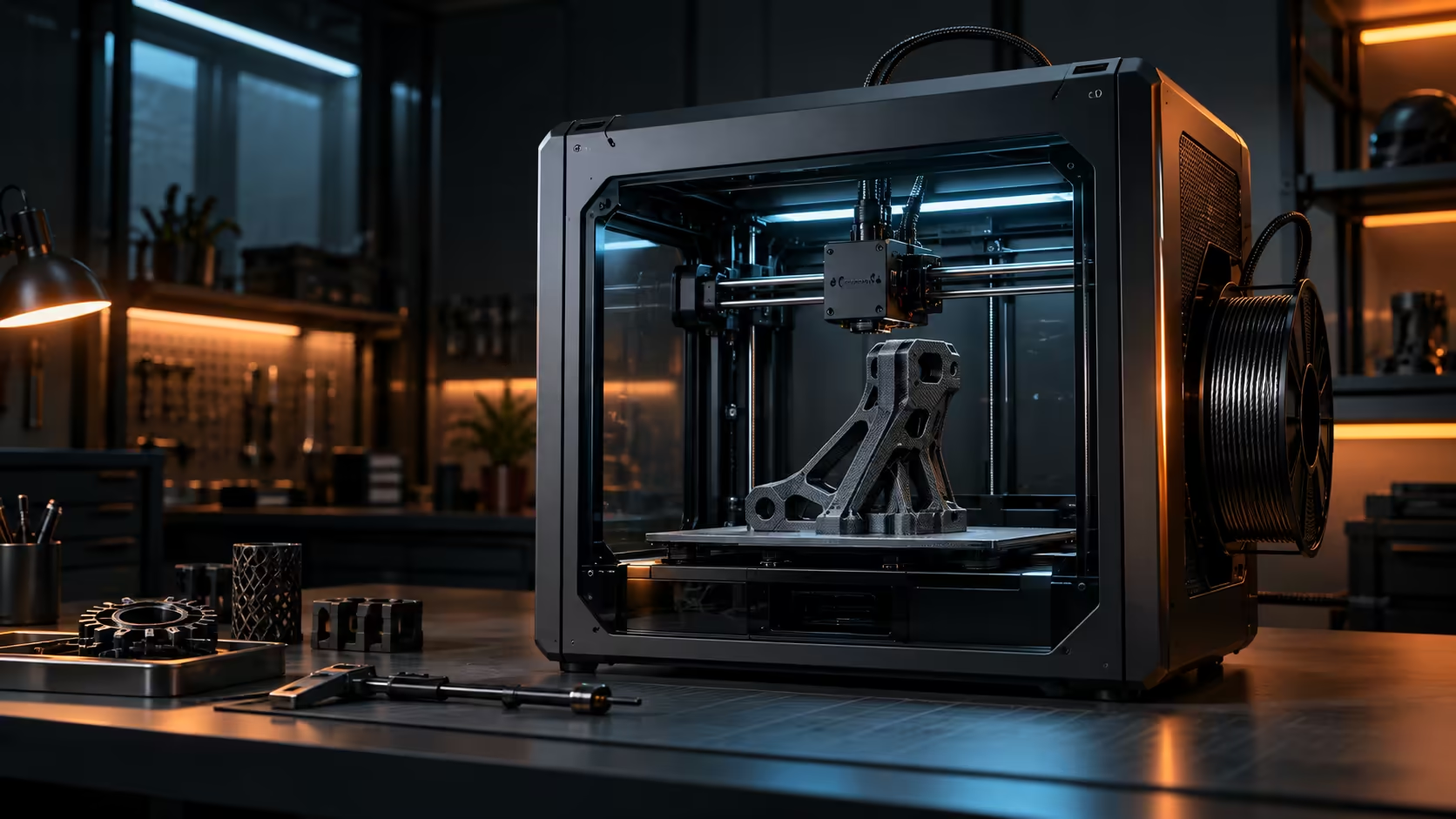
Every motion system on a 3D printer is really just a particular way of turning motor rotation into actual toolhead movement, and the specific method a given design chooses has real consequences that ripple through everything from top speed all the way to final accuracy. CoreXY 3D printer motion system design overall solves this problem with a particular kind of shared mechanical trick.
Quick Answer
In a genuine CoreXY system, two separate motors sit permanently fixed at the frame corners and each one drives its own belt looped carefully through the gantry, so which way the toolhead travels is decided purely by whether the pair spins together or spins apart. Neither motor's mass ever needs to accelerate through the print, which is how the Creality K1C holds both 20000mm/s2 of acceleration and 600mm/s of top speed together, at R12,599.
🔧 The mechanical trick behind the belts
A CoreXY layout routes two separate belts through a shared pattern so that a single toolhead responds to combinations of both motors turning together. Spin both motors the same direction and the toolhead moves along one diagonal; spin them in opposite directions and it moves along the other, and any combination of the two produces movement anywhere within the frame.
This might sound more complex than a simpler design, but the mechanical payoff is that the motors themselves, often 200g or more each, never have to move at all during printing.
⚙️ Why keeping the motors still matters for speed
Acceleration is limited by how much mass has to change direction and how quickly the system can force that change without shaking itself apart. A single motor weighing 200g or more is genuinely far heavier than the light toolhead assembly it actually drives, so any design that has to accelerate a motor along with the toolhead pays a real penalty in how aggressively it can safely speed up and slow down.
🎯 What this buys you on a finished print
Keeping heavy components stationary translates directly into how well a machine holds accuracy while moving quickly, since there is simply less momentum working against the print at every corner and direction change. This is the underlying reason CoreXY has become a common choice specifically on printers marketed around speed, rather than an arbitrary design trend.
Understanding this mechanism helps when comparing listings, since two printers quoting the same top speed can behave very differently in practice depending on how much mass their specific motion system actually moves. Browse resin printers for a completely different approach built around curing rather than motion speed at all, and check a case fan upgrade for the room if ambient heat becomes a concern during long, fast prints.
🏗️ Why the frame still has to do its share of the work
CoreXY motion genuinely solves the moving-mass half of the accuracy equation, but it does absolutely nothing about a frame that flexes under the reaction force of a lightweight toolhead changing direction hundreds of times every single minute. A stiff frame absorbs that force without transmitting it back into the print; a flexing one reflects it straight back as ringing, regardless of how light the toolhead itself is.
This is exactly why two CoreXY machines with genuinely identical motors and belts can still produce noticeably different results in practice, since frame construction, extrusion size, corner bracing, overall rigidity, all vary considerably between manufacturers even when the underlying motion system is technically the same. Check frame specifications alongside motion type across the 3D printer range rather than assuming "CoreXY" alone guarantees a specific level of accuracy.
🔩 Belt tension as the final piece of the puzzle
Even a genuinely stiff frame and a properly light toolhead cannot fully compensate for a loose belt, since a belt that stretches even slightly under load stores and releases energy unevenly regardless of how well everything else in the overall design has been engineered. This is genuinely the one single part of the whole system that a buyer can check and adjust themselves at home without any special tools required, unlike frame stiffness or motor mass, both of which are effectively fixed once the machine has already been built and shipped. Check belt tension regularly by plucking each one gently, listening for a clean note somewhere around 80 to 100Hz on a properly tensioned belt, then retest again after the first few weeks of regular use, since new belts typically stretch and settle during that early period before holding tension steadily for months afterwards without further attention.
Frequently Asked Questions
Is CoreXY the only motion system that keeps motors stationary?
No, other designs achieve this too, but CoreXY is one of the more common approaches specifically associated with high-speed consumer printers.
Does CoreXY motion make a printer more complex to maintain?
The belt routing is slightly more involved than simpler designs, but day-to-day maintenance, like tension checks, remains straightforward.
Can a CoreXY printer still lose accuracy at high speed?
Yes, if the frame itself flexes or the bench underneath it is not rigid enough, since the motion system alone does not solve every source of vibration.
Why is this motion system common on machines marketed for speed specifically?
Because keeping heavy motors stationary is exactly what allows aggressive acceleration without the print shaking apart, which is the core selling point of a fast printer.
Does frame rigidity matter as much as the motion system itself?
Yes, a genuinely flexing frame undermines even an otherwise well-designed CoreXY system, since the reaction force from every direction change has to go somewhere specific, and a soft frame simply reflects that force straight back into the print itself.
Can two CoreXY printers with the same motors perform differently?
Yes, frame construction and belt tension both genuinely vary between different manufacturers, so identical motion systems on paper can still produce noticeably different real-world accuracy once speed increases.
How often should belt tension be rechecked on a new machine?
Check again after the first few weeks of use, since new belts typically stretch and settle during that period before holding tension steadily for months afterwards.
What does a properly tensioned belt sound like when plucked?
A clear, consistent musical note rather than a dull, flat thud sound; a genuinely loose belt sounds noticeably different when plucked at different points along its own length.
Curious how your printer actually achieves its speed?
Understanding the motion system behind the numbers helps you judge a spec sheet more accurately.