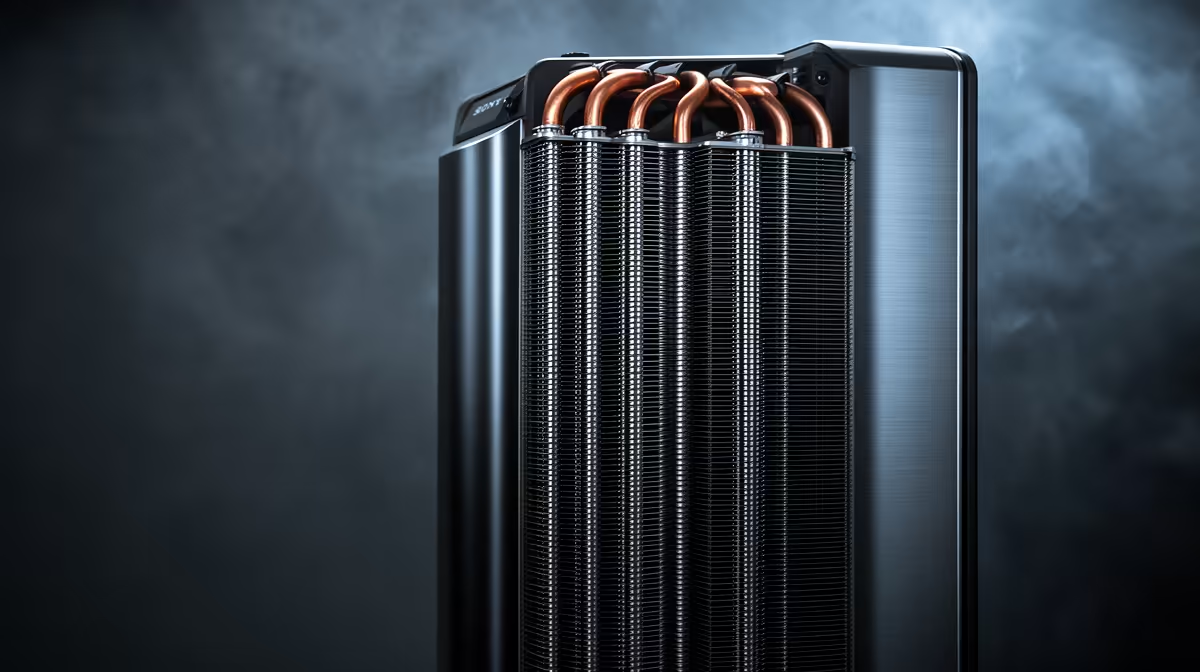
Gamdias Boreas M2-51D at R205 suits a Canva creator who wants a low-cost cpu cooler for a basic design desk without paying for a larger liquid unit. For light poster layouts, social graphics, and browser-heavy work, the value question is simple: keep the processor comfortable enough for steady everyday sessions, then spend the rest of the setup budget on the screen, chair, or storage that affects the design workflow more directly.
Product picks for CPU cooling
The Gamdias Boreas M2-51D at R205 is the sensible starting point because the M2-51D model is the lowest-priced listed option. It fits the kind of creator desk where Canva is the main workload, not a workstation running heavy renders all day. The saving matters in SA student and small-business setups where every rand has to justify itself.
Cooler Master 240L Core ARGB at R749 is a stronger pick when the same PC also handles gaming, many browser tabs, and regular exports. The 240L spec gives it a more serious cooling class than a basic budget cooler, while the ARGB naming also makes sense for a visible creator or gaming room build.
Deepcool LQ360 at R950 is the most performance-minded option listed here, with the 360 spec pointing to a larger cooling setup. Deepcool LS520S at R686 sits below that price, and the LS520S model makes sense when the build needs a neater mid-range option without jumping straight to the LQ360.
SA creator desk reality for Canva
For this workload, a CPU cooler is worth buying when the current PC gets noisy, hot, or inconsistent during long design sessions. On a compact home office or small-business counter, the Gamdias Boreas M2-51D at R205 is enough for value-first cooling, while the Cooler Master 240L Core ARGB at R749 suits a more polished visible setup.
Ready to choose the right cpu cooler?
Use Deepcool LS520S at R686 as the cpu cooler shortlist benchmark, then check whether its listed spec matches the space, workload, and upgrade path.