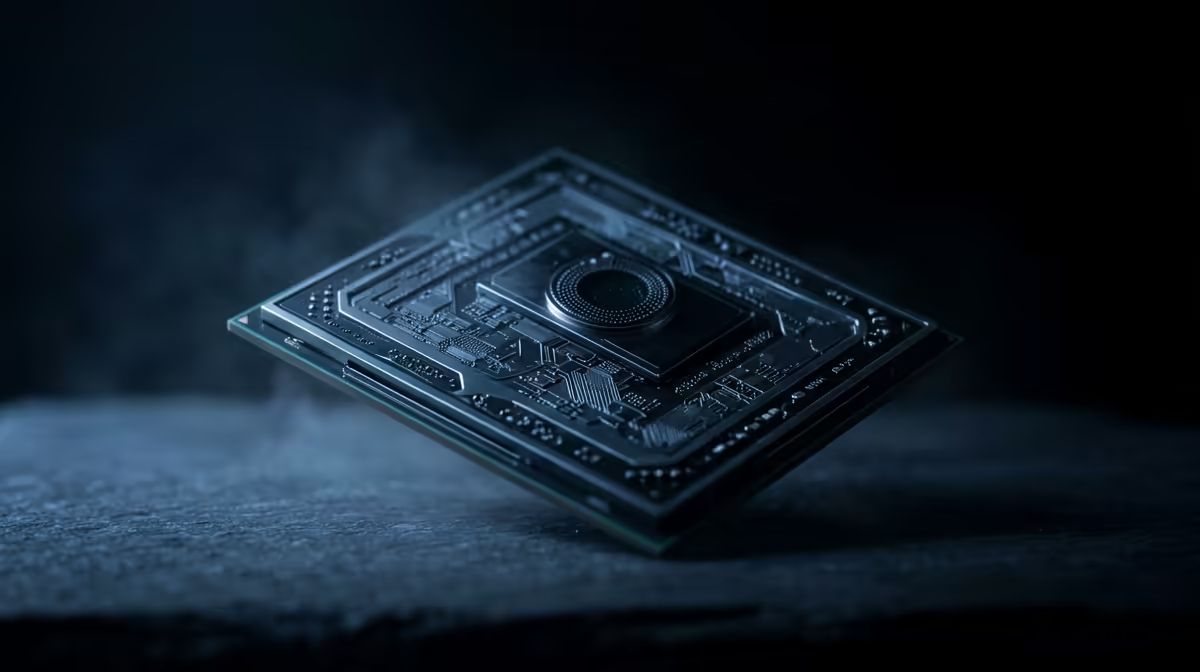
You’ve just dropped some serious ZAR on a shiny new graphics card, expecting buttery-smooth frame rates. You boot up your favourite game, ready for glory… but something’s wrong. The FPS still stutters, and the gameplay feels sluggish. Sound familiar? You might be facing one of the most frustrating PC gaming issues: a CPU bottleneck. But don't stress, we're here to help you diagnose and solve it for good.
What Exactly is a CPU Bottleneck in Gaming?
Think of your PC components as a relay team. Your GPU (Graphics Processing Unit) is the star sprinter, ready to render incredible visuals at lightning speed. Your CPU (Central Processing Unit) is the runner who passes the baton… it prepares all the data (game logic, physics, AI) for the GPU to process.
A CPU bottleneck in gaming happens when your processor can't prepare those instructions fast enough. Your powerful GPU ends up waiting around, unable to use its full potential. It's like having a Ferrari engine in a car with bicycle wheels. 🚀
How to Spot a Processor Bottleneck 🔧
Guessing isn't a strategy. You need data to confirm if your CPU is the culprit behind your performance woes. Here are two simple methods to identify a CPU bottleneck.
The Performance Monitor Test
This is the most reliable way to check.
- Download and install a monitoring tool like MSI Afterburner with RivaTuner Statistics Server.
- Launch your game and play for a few minutes in a demanding scene.
- Look at the on-screen display. If your CPU usage is consistently high (hovering around 95-100%) while your GPU usage is significantly lower (e.g., 60-80%), you've found your bottleneck. Your CPU is maxed out and can't keep up.
Check Your Game Type
Remember that some games are naturally more CPU-intensive. Huge strategy titles like Civilization VI, simulators, or high-FPS competitive shooters like Valorant at 240Hz will hammer your CPU harder than a visually stunning single-player RPG at 60 FPS.
The Resolution Drop Test
Another quick check involves a simple in-game settings tweak.
- Note your average FPS at your normal resolution (e.g., 1440p).
- Drop the resolution way down to 1080p or even 720p, keeping all other settings the same.
- If your FPS barely increases, it's a strong sign your CPU is the limiting factor. A healthy system would see a massive FPS jump, as the GPU has a much easier job at lower resolutions.
Practical Solutions for SA Gamers ✨
Okay, you've confirmed you have a CPU bottleneck. What now? Before you reach for your wallet, try a few software fixes. Closing unnecessary background apps (especially web browsers) and ensuring your chipset drivers are up to date can sometimes help.
However, for a significant bottleneck, the most effective solution is a hardware upgrade. Balancing your system is key to unlocking the performance you paid for. A modern processor not only resolves gaming bottlenecks but also makes your entire PC feel snappier.
Whether you're looking for the raw power of the latest Intel Core processors for a mix of gaming and productivity, or the incredible gaming efficiency of an AMD Ryzen CPU with 3D V-Cache, a well-chosen upgrade is the ultimate fix. Investing in a new CPU is the best way to ensure your GPU can finally stretch its legs.
Ready to Unleash Your PC's True Power?
Don't let an outdated processor hold your rig hostage. Explore our massive range of CPU processors and find the perfect match to eliminate your gaming bottleneck for good. Shop now at Evetech for performance that leaves lag in the dust.