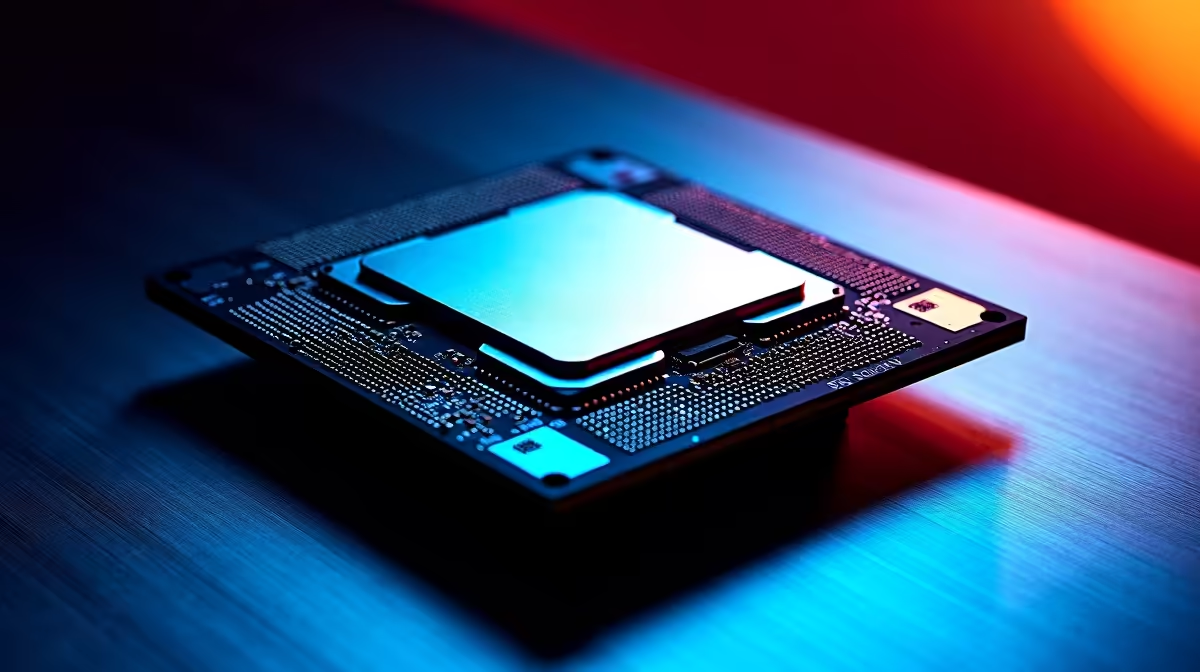
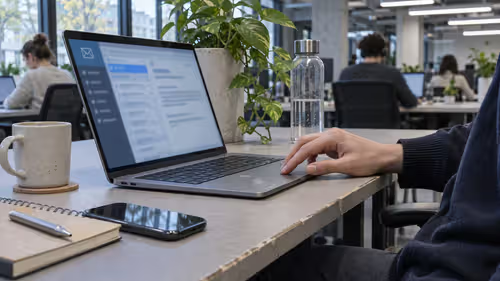
MSI A520M-A PRO at R700 suits a budget home creator who wants a basic motherboard for light edits, family photos, and simple content prep without overspending. A CPU and board combo can handle casual photo editing well when the board choice matches the processor, memory, and storage plan instead of chasing the most expensive option first.
Best motherboard picks for casual editing
The MSI A520M-A PRO at R700 is the sensible entry point if the build is mainly for cropping, resizing, web graphics, and school or small-business image work. Its A520M platform positioning keeps the spend low, which leaves more of the budget for enough memory and a decent drive, both of which matter during everyday editing.
The ASUS Prime B850M-F WiFi at R2,300 is a stronger choice for a cleaner modern desk setup where wireless connectivity is useful. Its B850M name points to a newer mainstream board tier, making it a better fit for a fresh CPU bundle than stretching an older entry-level board into a longer-term editing PC.
SA creator desk setup
For a home creator desk, reception desk, or small-business counter where image files move between a phone, camera, and desktop, the ASROCK B850 Pro RS at R2,850 and MSI B850 Gaming Plus at R2,900 are both practical middle-ground options. The ASROCK model keeps the price just under R2,900, while the MSI board is close enough to compare if the bundle pairing or feature mix suits the rest of the build.
The ASUS TUF Z890-Pro at R5,000 only makes sense if the CPU bundle is aimed at a higher-end platform and the whole PC budget supports it. For casual editing, most SA buyers should start with the B850 options first, then step up only when the processor choice demands it.
Ready to choose the right motherboard?
Compare the listed motherboard range and match the board to the CPU bundle, desk setup, and editing budget.