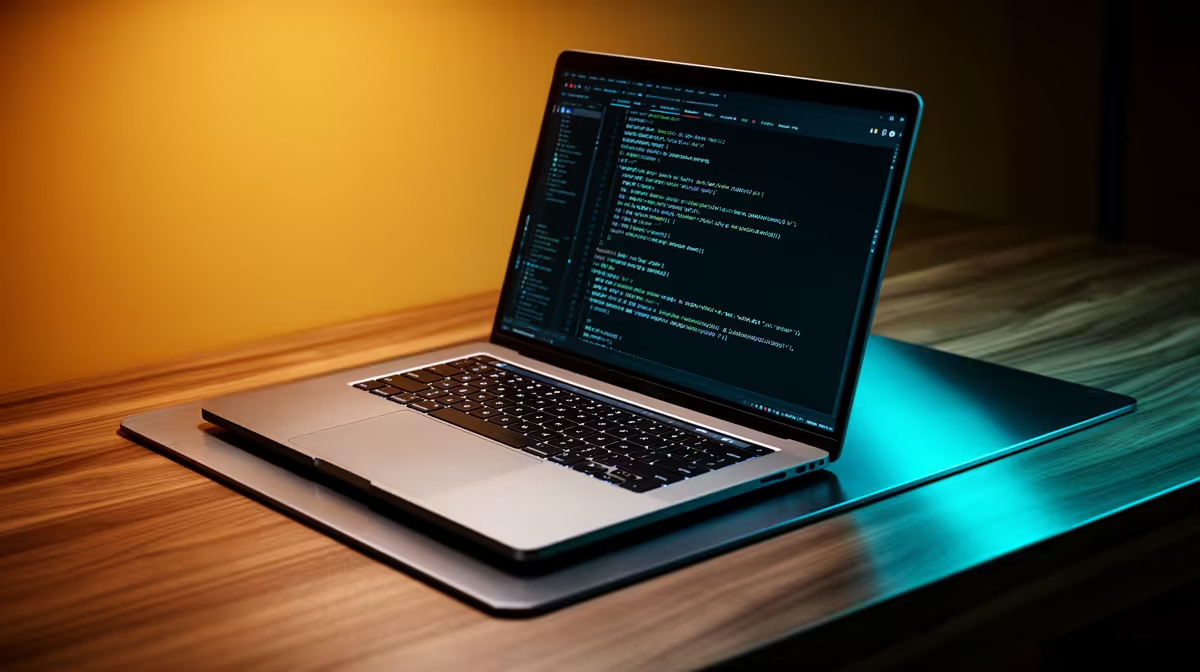
ASUS Vivobook S14 OLED at R10,719 suits an SA learner who wants a creator-friendly laptop for coding bootcamp work, notes, browser research, and visual review on an OLED screen. It is the most natural first pick here because that OLED spec gives you a sharper workspace for reading code, checking layouts, and keeping design references open without jumping straight to a high gaming-style machine.
Best short answer for bootcamp use
The ASUS ExpertBook P1503 i5 at R9,858 is the sensible entry option when the course load is mainly HTML, CSS, JavaScript, Python basics, Git, video calls, and documents. Its i5 spec keeps the recommendation grounded for a buyer who needs a dependable study machine before spending more on heavier creator features.
The Lenovo IdeaPad Slim 3 i7 at R13,400 and ASUS Vivobook X1504VA i7 at R13,999 make more sense if the bootcamp includes bigger local projects, more browser tabs, database practice, or light design work alongside coding. The i7 spec is the practical reason to step up, especially when the same machine must handle coursework after hours as well as portfolio building.
At a creator desk during a coding sprint
On a small creator desk, the ASUS Vivobook S14 OLED at R10,719 is useful because the OLED screen helps with UI work, colour checking, and long reading sessions. If the learner also wants occasional GPU support, the Lenovo LOQ RTX3050 at R9,500 is the listed option with RTX3050, but it is better viewed as a performance-focused desk machine than a quiet note-taking pick.
The ASUS ExpertBook P5405 at R12,700 is the balanced middle choice when you want a business-leaning machine for lectures, code editors, and browser-heavy research without moving to the Lenovo LOQ RTX3050 at R9,500.
Ready to choose the right laptop?
Use ASUS ExpertBook P1503 i5 at R9,858 as the creator desk benchmark, then check whether its listed spec matches the space, workload, and upgrade path.