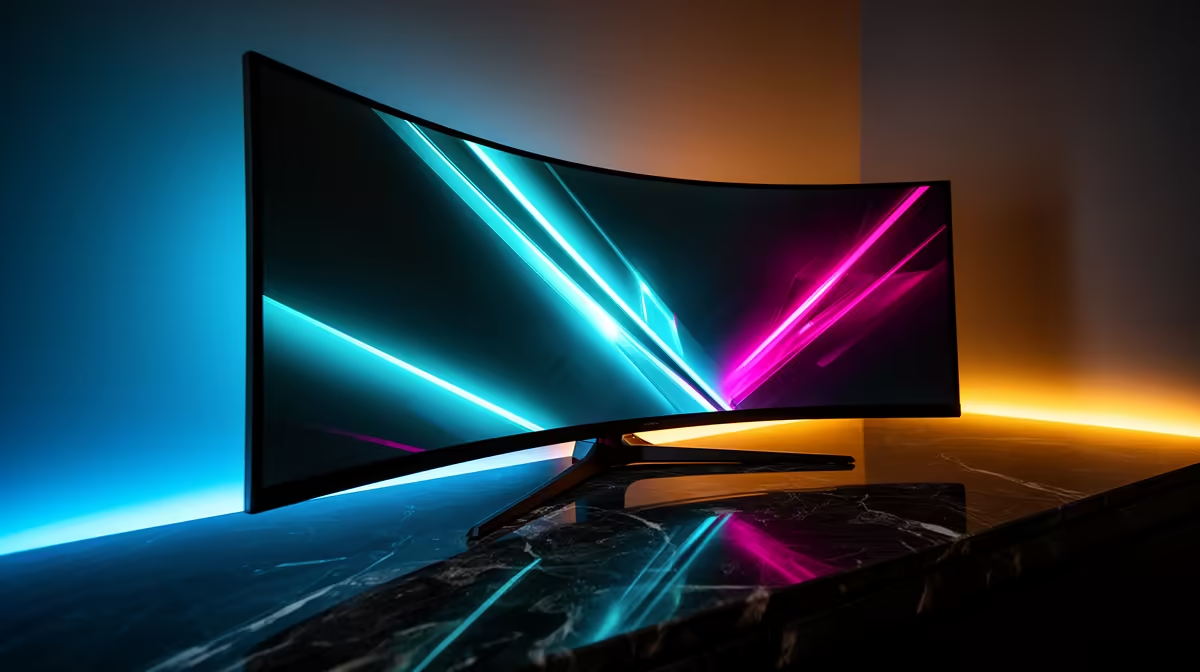
The MSI MAG 274F 200Hz at R3,006 suits buyers who want a fast gaming monitor for smooth play without jumping into premium pricing. Its 200Hz refresh rate gives competitive players more motion clarity than a basic office screen, while the 27-inch class makes sense for a main desk display used for games, browsing, and video.
What to prioritise before chasing curve
A curved screen can feel more immersive, but the refresh rate and resolution still decide how useful the purchase feels day to day. The ViewSonic VX2779A 240Hz at R2,350 is the speed-first option here, giving you the highest listed refresh rate for fast shooters, racing titles, and quick camera movement.
If you want more pixel space for a sharper desktop, the AOC 27in QHD 200Hz at R3,200 is the stronger pick. The QHD spec gives more room for timelines, browser windows, and game menus, while 200Hz keeps motion feeling responsive for evening gaming sessions.
The Dell SE2726H 144Hz at R1,797 is the value option for a simpler upgrade from a slower display. Its 144Hz spec is still a real step up for casual play, and the Dahua LM25 200Hz at R1,850 is worth shortlisting when a lower price and a faster 200Hz panel matter more than screen size.
Gqeberha desk setup notes
For a coastal home office or gaming room, measure the desk depth before choosing a larger display. A 27-inch model such as the MSI MAG 274F 200Hz at R3,006 needs enough viewing distance to feel comfortable, while the Dahua LM25 200Hz at R1,850 can suit a tighter desk where speed matters more than a big panel.
Ready to choose the right gaming monitor?
For curved monitor guide gqeberha buyers, put Dell SE2726H 144Hz at R1,797 first and judge the setup around its listed spec.