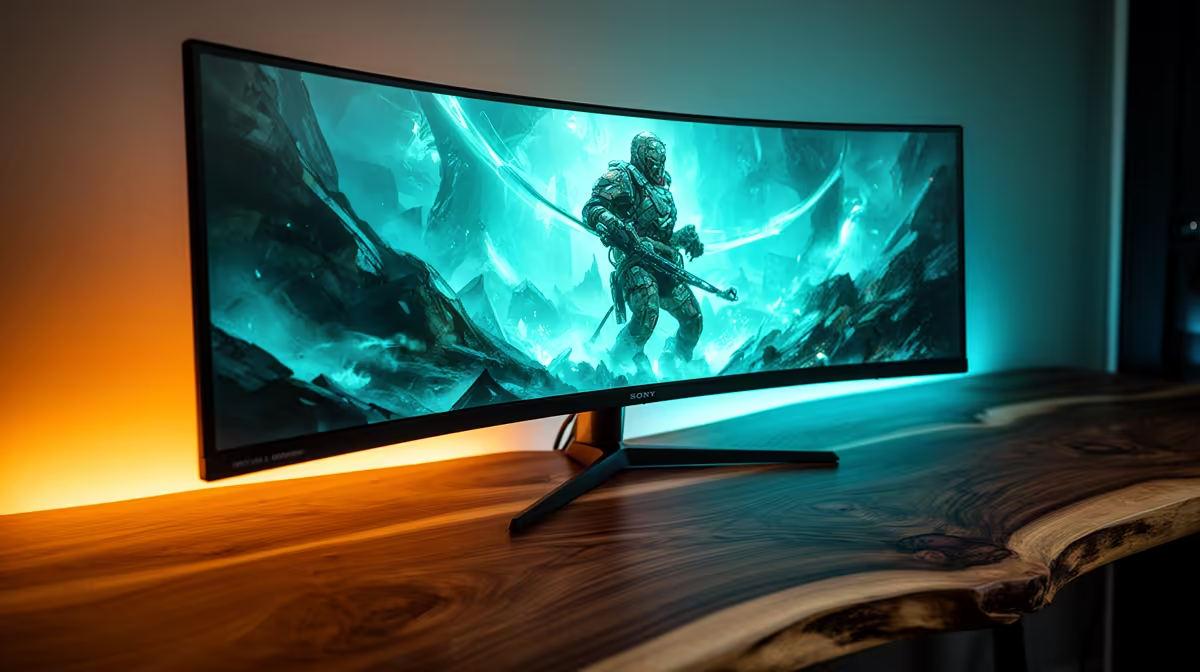
Dell SE2726H 144Hz at R1,797 suits SA buyers who want a low-cost screen for casual play, browsing, spreadsheets, and everyday desk work without paying for extreme refresh rates. It is a sensible entry gaming monitor when the priority is smooth enough motion, a clean 27-inch class workspace, and a price that leaves budget for the rest of the setup.
Best starting point for mixed gaming and office use
For a balanced desk, the Dell SE2726H 144Hz at R1,797 is the easiest value pick. The 144Hz spec is useful for lighter gaming, but it also makes scrolling, cursor movement, and general Windows use feel smoother than a basic office panel. Choose it when the screen will spend weekdays on documents and browser tabs, then switch to games after hours.
If gaming matters more than admin work, the MSI MAG 274F 200Hz at R3,006 gives extra motion headroom. The 200Hz spec is better suited to faster play where quick camera movement and aiming feel more responsive. It is the stronger choice for a gaming room where the monitor is mainly for play, with office work as a secondary use.
The ViewSonic VX2779A 240Hz at R2,350 is the sharp value move for buyers who care about refresh rate most. At 240Hz, it targets smoother competitive-style motion while still staying below the MSI price. The AOC 27in QHD 200Hz at R3,200 adds a QHD spec for buyers who want more desktop space and clearer detail, while the Dahua LM25 200Hz at R1,850 keeps the 200Hz refresh rate at a lower price point.
Student desk or home office corner in SA
A shared desk needs a screen that handles both focus work and gaming without making the space feel overbuilt. The Dell SE2726H 144Hz at R1,797 fits a compact study setup, while the Dahua LM25 200Hz at R1,850 makes sense when gaming smoothness is the bigger reason for upgrading.
Ready to choose the right gaming monitor?
Match curved monitor gaming light office to Dell SE2726H 144Hz at R1,797, then let its listed spec decide whether it belongs on the desk.