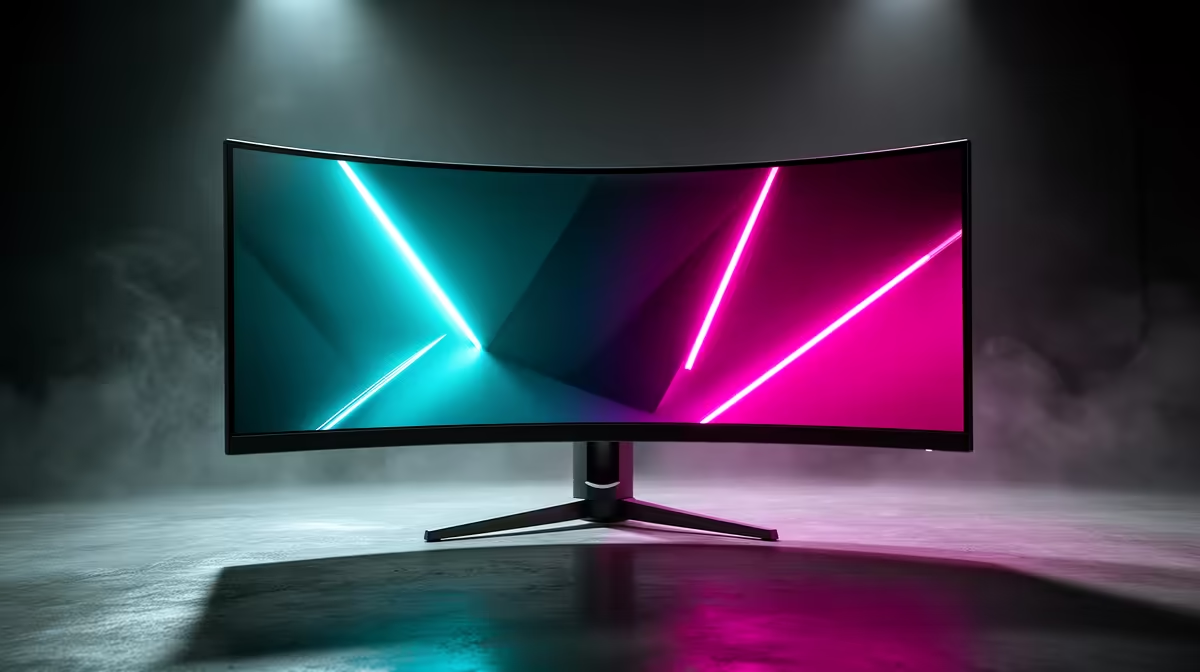
The MSI MAG 274F 200Hz at R3,006 suits a console player moving to a PC desk who wants a fast, flat gaming monitor before worrying about a curved screen. Curved can feel more immersive, but the bigger upgrade usually comes from refresh rate, desk distance, and getting a responsive 27in screen that does not feel like a lounge TV squeezed onto a desk.
What matters more than the curve
The MSI MAG 274F 200Hz at R3,006 is the strongest balanced pick here because 200Hz gives PC games a much smoother feel than a typical console display. If you sit close with keyboard and mouse, that speed will be more obvious than a gentle curve, especially in shooters, racing titles, and fast camera movement.
The ViewSonic VX2779A 240Hz at R2,350 is the value play for players who want maximum refresh rate for the money. Its 240Hz spec makes sense if the PC can push high frame rates, and it keeps the switch from couch gaming to desk gaming feeling sharp and immediate.
Gaming room desk setup in South Africa
For a compact gaming room, the AOC 27in QHD 200Hz at R3,200 is a smart step up because the 27in QHD panel gives more desktop space while still keeping 200Hz motion. That matters when the same screen handles games, Discord, browsing, and settings panels without feeling cramped.
The Dell SE2726H 144Hz at R1,797 is the safer budget choice if the first priority is leaving the TV behind without overspending. The Dahua LM25 200Hz at R1,850 is more focused on speed, so it suits a smaller desk where a fast 200Hz screen is more useful than extra size.
Ready to choose the right gaming monitor?
Use Dell SE2726H 144Hz at R1,797 as the gaming monitor shortlist benchmark, then check whether its listed spec matches the space, workload, and upgrade path.