Quick Answer
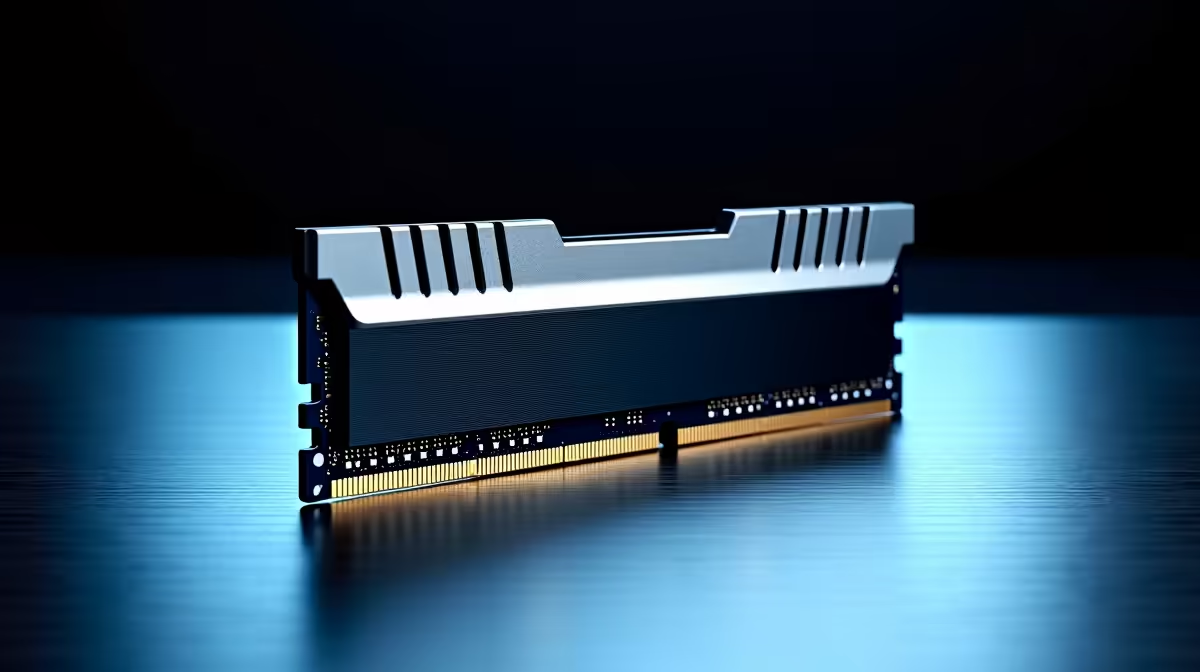
For Boksburg builders, the best DDR5 RAM kits currently stocked at Evetech are the Kingston Fury Beast DDR5-6000 32GB (R2,400), Corsair Vengeance DDR5-6000 32GB (R2,600), and G.Skill Trident Z5 Neo DDR5-6000 32GB (~R2,800). All three target the AMD AM5 Infinity Fabric sweet spot at DDR5-6000 CL30 and deliver to Boksburg in 1–2 business days.
What Is in Stock for Boksburg Buyers
Evetech stocks DDR5 RAM as a core category with regular restocking of major brands. The Kingston Fury Beast, Corsair Vengeance, and G.Skill Trident Z5 Neo are the most consistently available DDR5-6000 kits. For real-time stock confirmation, check the Evetech website product pages — stock status is live. Out-of-stock kits typically show an expected availability date. Boksburg buyers can also call Evetech directly for stock confirmation on specific kit models and speeds.
ZAR Pricing Tiers for Boksburg DDR5 Shoppers
~R1,200: 16GB DDR5-5600 — budget entry, suits light gaming or student workloads. ~R2,400: Kingston Fury Beast DDR5-6000 32GB CL30 — best value for AM5 gaming. ~R2,600: Corsair Vengeance DDR5-6000 32GB CL30 — slightly more aggressive timings, good mid-range option. ~R2,800: G.Skill Trident Z5 Neo DDR5-6000 32GB CL30 — AMD-tuned, premium timings. ~R4,000–R5,500: 64GB DDR5-6000 — content creation and professional workloads. For Boksburg student builders, the Kingston Fury Beast 32GB at ~R2,400 delivers the best performance per rand.
FPS Impact of DDR5-6000 vs. Default Speeds
Enabling EXPO on a DDR5-6000 kit moves the Ryzen 9000 or 7000 series Infinity Fabric from 2,400 MHz (at 4,800 JEDEC) to 3,000 MHz — the architectural optimum. In CPU-limited 1080p scenarios like CS2 and Valorant, this translates to approximately 5–10 fps improvement over default JEDEC speed. At 1440p and 4K, the difference is 1–3 fps — GPU-limited and barely measurable.
Enabling EXPO for Boksburg Builders
All three recommended kits support AMD EXPO. After installing the RAM, enter BIOS (press Del or F2 at POST), navigate to memory or OC settings, and select EXPO Profile 1 (usually DDR5-6000 CL30). Save and reboot. If the system fails to POST at DDR5-6000, try DDR5-5600 EXPO Profile 2 as a fallback — this can happen on lower-tier B650 boards with weaker memory controllers.
FAQ
What DDR5 kit is best for a Boksburg gaming build with a Ryzen 7 9700X?
The G.Skill Trident Z5 Neo DDR5-6000 32GB CL30 (~R2,800) is the top pick for a Ryzen 9 or Ryzen 7 9000-series build — AMD-optimised timings and validated EXPO profiles make it the most stable high-performance option. The Kingston Fury Beast at ~R2,400 is nearly as fast and R400 cheaper if budget is tighter.
How much RAM does a gaming PC need in Boksburg in mid-2026?
32GB is the correct minimum for any new gaming build. Games like Cyberpunk 2077, Microsoft Flight Simulator 2024, and Alan Wake 2 use 12–16GB during gameplay. With 32GB you have headroom for background processes, streaming, and multitasking without hitting swap. 64GB is only necessary for content creation alongside gaming.
Is DDR5 backward compatible with DDR4 motherboards?
No — DDR5 DIMMs have a different key notch and are physically incompatible with DDR4 motherboard slots. AM5 is DDR5-only; AM4 is DDR4-only. If you are upgrading from an older AM4 system to an AM5 build, you must replace the RAM with DDR5. There is no adapter or converter.
should always enable EXPO in BIOS after installing DDR5 — without it the kit runs at 4,800 MHz JEDEC default, and a 30-second BIOS change unlocks the full DDR5-6000 speed you paid for.