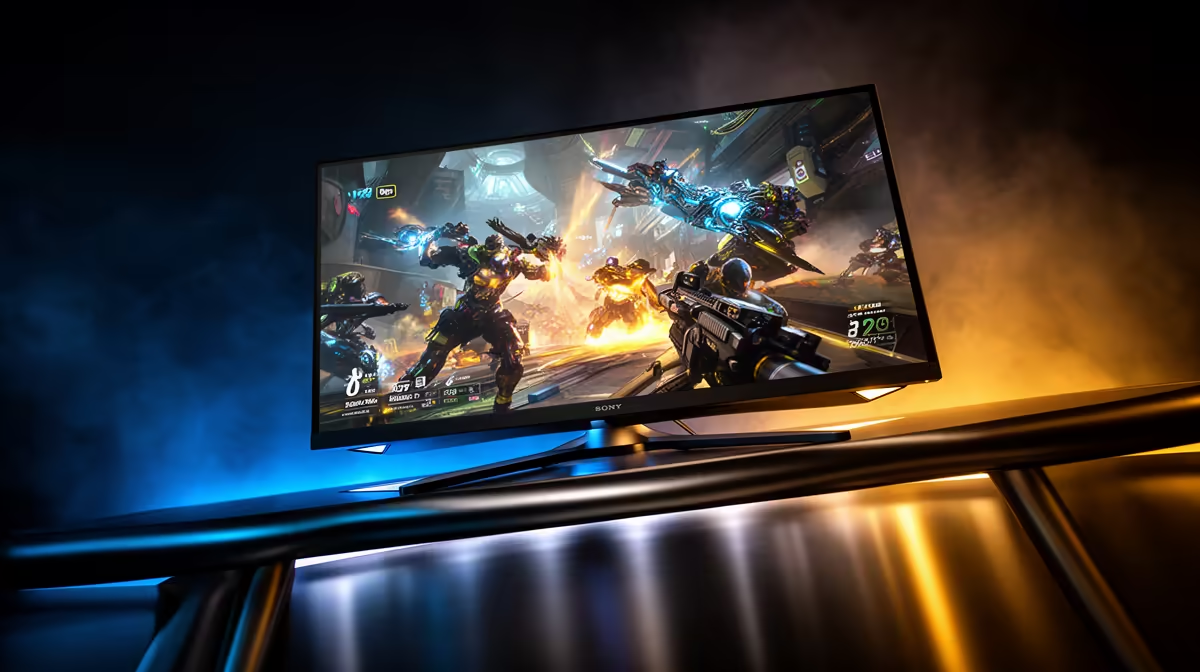
On a R40,000 budget for MMO and live-service games, the display is where frames become picture, so a 1440p, 180Hz to 240Hz panel earns R4,800 to R10,000 of the spend.
Quick Answer
On a R40,000 budget for MMO and live-service games, spend R4,800 to R10,000 on a 1440p, 180Hz to 240Hz fast IPS or QD-OLED monitor. That keeps busy raid and event scenes smooth while staying inside what the GPU can drive.
Resolution And Refresh On A R40,000 Build
Live-service and MMO worlds throw crowds, spells and big UIs at the screen, so refresh rate matters as much as pixel count. A 1440p, 180Hz to 240Hz panel holds steady in 40-player events where a 60Hz screen smears the action. Budget R4,800 to R10,000 of the R40,000 for the display, and only chase the top of the 180Hz to 240Hz range if the GPU clears 100fps in your main game.
Colour, Contrast And VRR
A fast IPS or QD-OLED panel gives the colour and viewing angles MMO crowds reward, and VRR (FreeSync or G-Sync compatible) kills tearing on uneven frame rates. For a busy MMO and live-service games zone, low response time keeps fast camera pans clean rather than smeared.
Ergonomics And Room Fit
Check the stand: in a typical Bloemfontein flat or res room a slim base and VESA mount free desk space for a full-size keyboard and a wide mouse swing. Skip aggressive 1500R curves on a single 27-inch screen; fixed HUD elements read cleaner on a flat or gentle curve.
FAQ
Is an ultrawide worth it on a R40,000 build?
Not here; an ultrawide demands more GPU and desk than a R40,000 build can spare. Stick to 16:9 and put the saving into frame rate.
What screen size fits a single-monitor setup?
A 27-inch panel suits 1440p at a normal desk distance, balancing immersion and sharpness. Go 32-inch only if you sit further back or step up to 1440p or higher.
How many Hz do I need for MMO and live-service games?
Aim for at least 180Hz; MMO and live-service combat is readable at 144Hz and clearly smoother than 60Hz. Extra Hz beyond that helps mostly in fast competitive instances.
Match your MMO and live-service games monitor to the GPU before you buy.
Compare 1440p, 180Hz to 240Hz panels at Evetech and pick one your card can feed at a steady frame rate.