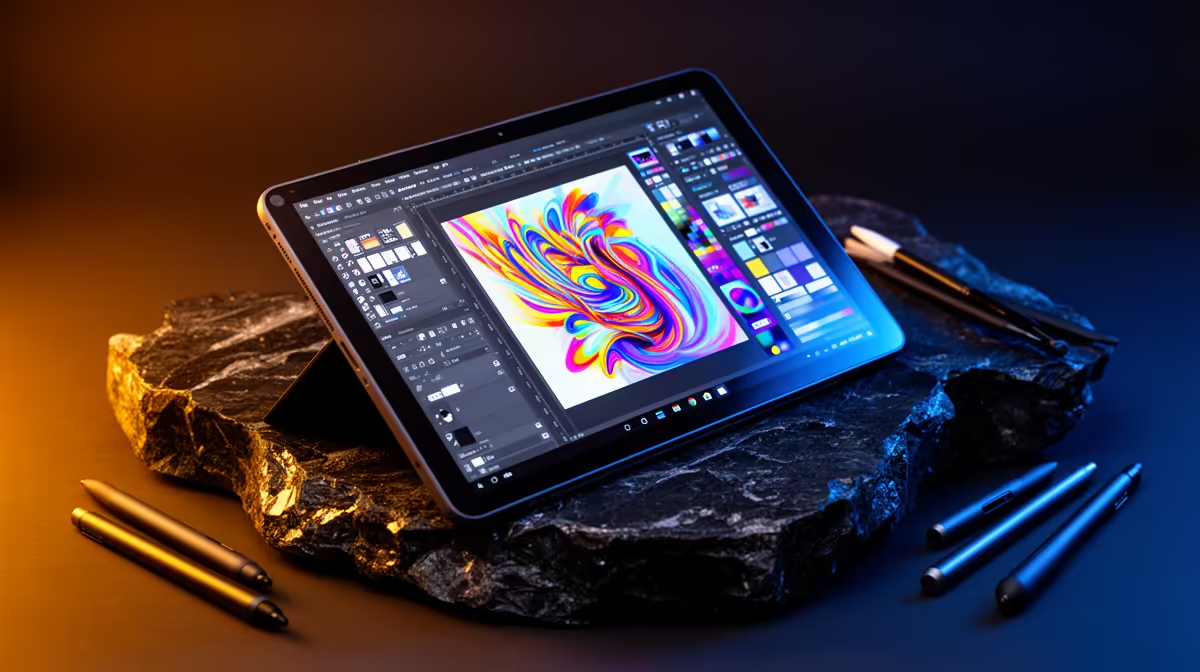
A design student should choose an Android tablet by the exact drawing, annotation and presentation applications used in the course. Pen response, display quality and file exchange matter more than a generic creative label. The tablet may complement a workstation without replacing desktop software.
Test a complete design handoff
Open a representative illustration or layout, draw with the intended brush set, import references and export the required format. Move the file to the main computer and reopen it, checking layers, fonts, colour and resolution. Test keyboard shortcuts, cloud access and offline behaviour during a normal class day.
No Android tablet has verified pricing in the supplied factpacks. Compare candidates on operating-system updates, pen technology, memory, storage, colour behaviour, screen size, keyboard support, application availability, file formats, charging, repair access and warranty.
Use licensed applications, protect cloud accounts and keep source files in versioned independent backups. Do not assume a mobile application preserves every desktop feature. Check campus Wi-Fi and managed-account rules, and carry a known-good charger without blocking shared outlets.
Buy when the file-handoff test succeeds and mobile drawing meaningfully helps the course. A pen display or conventional laptop may suit desktop-heavy software and large projects better.
Check whether lecturers accept files exported from the mobile application before relying on it.
Adding mobile design tools? > Browse Evetech tablets after checking apps, pen support and file formats.