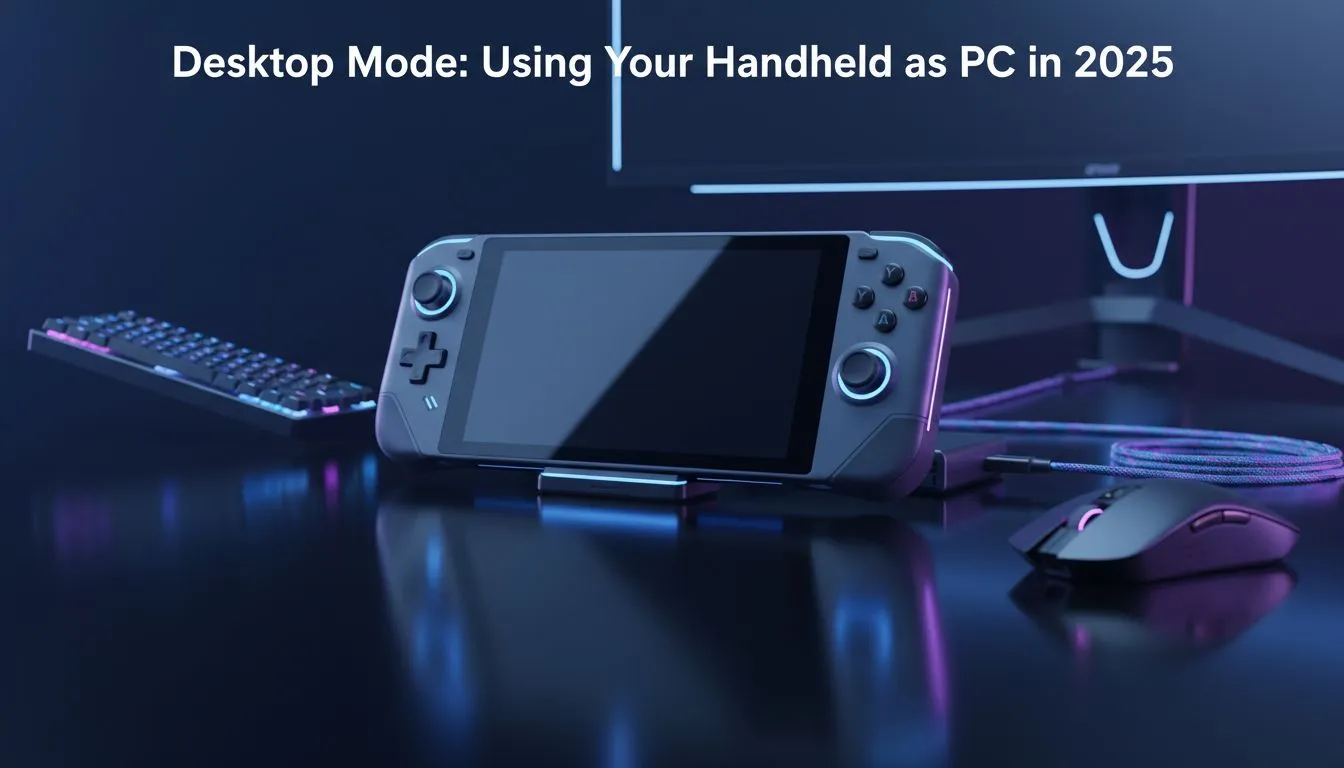
Gone are the days when a handheld was just for the commute. In 2025, your portable powerhouse can easily double as your main workstation. Whether you are finishing a varsity assignment or editing 4K gameplay clips, the desktop mode handheld experience is now seamless. You no longer need a bulky tower to stay productive... just one cable can transform your entire setup into a professional environment. 🚀
Why a Desktop Mode Handheld is the Future
The current crop of portable PCs features hardware that rivals many traditional laptops. With high-speed USB4 and Thunderbolt ports, connecting to a monitor is instant. This versatility is perfect for South African gamers who need to balance study, work, and gaming without buying multiple devices.
When you browse the latest handheld gaming consoles, you are looking at machines capable of driving ultrawide monitors and full-sized mechanical keyboards. It is about getting the most value out of your ZAR investment.
Choosing the Best Handheld for Productivity
Not all portables are created equal when it comes to office work. Screen size and port placement play a huge role in how comfortable your desktop experience will be.
The Big Screen Advantage
If you plan to use your device without an external monitor occasionally, the 8.8-inch display on Lenovo handhelds is a massive plus. The detachable controllers also mean you can prop the screen up like a tablet while using a separate mouse.
Software Integration
For those who prefer a more traditional Windows feel, the ASUS ROG Ally series offers excellent software customisation. Their Armoury Crate SE software allows you to toggle between handheld and desktop power profiles instantly. This helps manage fan noise when you are just browsing or typing documents.
Intel-Powered Performance
If your workflow relies on specific Intel optimisations, the MSI handheld devices are worth a look. The Core Ultra processors handle multitasking exceptionally well... making them a solid choice for a desktop mode handheld setup. ⚡
Productivity Pro Tip ⚡
On Windows, use the PowerToys FancyZones utility to create custom snap layouts for your windows. It's a lifesaver for managing multiple apps on an ultrawide monitor, letting you organise your timeline, preview window, and asset folders perfectly for video editing.
Essential Accessories for Your Hybrid Setup
To truly turn your handheld into a PC, you need the right ecosystem. A high-quality USB-C docking station is non-negotiable. Look for one that supports Power Delivery (PD) so your device stays charged while outputting video.
- Keyboard & Mouse: A wireless mechanical keyboard keeps your desk clean.
- External Storage: Use a fast NVMe enclosure for your large media libraries.
- Audio: A dedicated DAC or a set of quality desktop speakers will beat the built-in ones every time. 🔧
Setting up a desktop mode handheld is about reclaiming your space. You get the power of a PC with the freedom of a console. It is the smartest way to play and work in 2025. ✨