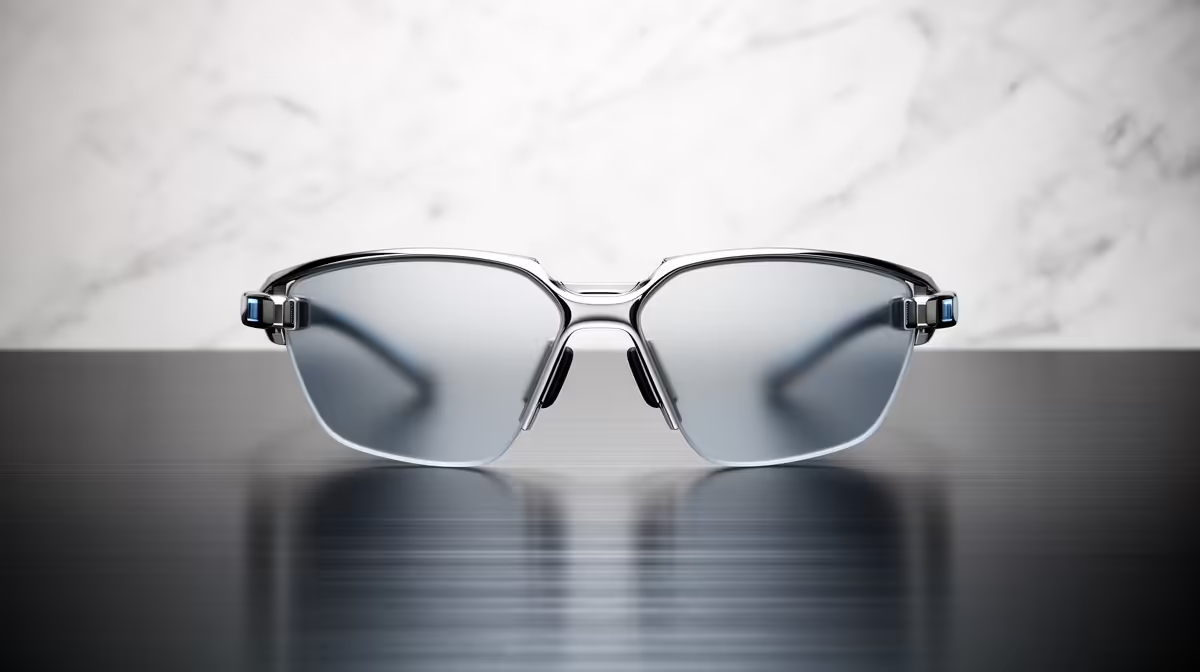
Two pairs of glasses can both be called "smart" and yet do almost nothing alike. Smart glasses split into two camps with very different hardware, prices and reasons to exist: audio-only pairs that pipe sound to your ears and capture photos and video, and display pairs that add a tiny screen inside the lens. Knowing which camp a product sits in tells you most of what you need before you read a single review.
Quick Answer
Audio-only smart glasses use open-ear speakers and a built-in camera, with no screen, so they handle calls, music, voice assistants and capture. Display smart glasses add a small in-lens waveguide screen, usually paired with a control device such as a neural wristband, which makes them far more complex and noticeably pricier. Pick audio-only for everyday wear and capture; pick display only if you genuinely need glanceable visual information.
What audio-only smart glasses do
Audio-only glasses are the mature, mainstream category. They look close to ordinary frames, weigh little more, and put open-ear speakers near your temples so you hear audio while staying aware of your surroundings. A camera in the frame captures photos and short video hands-free, and a microphone array handles calls and a voice assistant. There is no screen, which is the whole point: nothing to drain the battery quickly, nothing to learn, and a price that stays grounded. You can see where current models sit alongside other wearables in the AR and smart glasses range at Evetech.
What display smart glasses add
Display glasses keep everything audio-only glasses do and add a small screen built into one or both lenses, typically using a waveguide to project an image your eye can focus on. That screen can show notifications, navigation prompts, captions, messages or a viewfinder. Because tapping a touchpad on the arm is clumsy for navigating an interface, many display glasses ship with a separate controller, often a neural wristband that reads subtle finger and wrist gestures. All of that adds weight, complexity, battery draw and cost.
The hardware gap
The difference is not incremental. A display pair has to drive a micro-display, run the optics that get the image into your eye, and process input from a companion control device. That is several more systems than a pair that simply plays audio and snaps photos. More systems means more to charge, more to go wrong, and more that you pay for.
The price gap
Audio-only glasses sit in the accessible, everyday-wearable bracket. Display glasses command a clear premium for the screen, optics and control hardware. In Rand terms the gap is significant, so the screen needs to earn its keep in your daily routine rather than just sounding impressive.
Which type suits you
Choose audio-only if you mainly want hands-free audio, calls and casual capture in a pair you can wear all day without thinking about it. That covers most people. Choose display glasses if you have a specific, repeated need to see information at a glance without reaching for your phone, navigation while walking or cycling, live captions, or quick notification triage, and you are comfortable carrying and charging extra hardware. If you are unsure, audio-only is the safer first step, since it delivers most of the everyday value at a fraction of the complexity.
Real-World Use Cases That Separate the Two
The clearest way to decide is to map the category to how you actually move through a day.
Cases where audio-only wins
- Commuting or walking: open-ear audio lets you hear traffic while streaming music or a podcast, and the assistant answers questions without pulling out a phone.
- Casual capture: snapping a photo at a braai, on a hike, or during a workout happens without fumbling for a phone and the shot is genuinely first-person.
- Meetings and calls: a mic array close to your mouth handles call quality better than earbuds worn at a distance, while the glasses look entirely normal.
Cases where a display earns its keep
- Navigation on foot: a glanceable arrow or map prompt in your lens means you look up rather than at your phone while crossing a road.
- Live captions: anyone who attends frequent talks or meetings in multiple languages benefits from text appearing in their field of view rather than requiring them to hold a device.
- Notification triage: reading a message at a glance without reaching into a pocket is a real convenience for anyone in back-to-back situations where pulling a phone out is awkward.
The South African outdoor angle
South Africa's climate pushes a lot of daily life outside, and the audio-only category benefits from that. Most frames ship as sunglasses with tinted lenses, and for walking, driving and sport the combination of open-ear audio, hands-free capture and a voice assistant is practical rather than just clever. Display glasses have no meaningful outdoor advantage today because the screen is hard to read in bright sunlight with current waveguide technology. That gap closes the case for most SA buyers unless their specific need is navigation or captions indoors.
Everyday practicalities
Battery life favours audio-only by a wide margin, since there is no power-hungry display. Comfort favours audio-only too, as they are lighter and closer to normal glasses. Prescription support exists for both but is easier and cheaper on simpler frames. Whichever you choose, charging cases, cleaning kits and spare accessories live with other add-ons in the accessories best sellers. The honest summary is that audio-only glasses are the dependable daily option, while display glasses are a specialised tool for people with a clear reason to glance at a screen on their face.
Frequently Asked Questions
Can I take photos with both types?
Most smart glasses in both categories include a camera for photos and short video. The presence of a screen is what separates them, not the camera, so capture is common to both.
Do display smart glasses need a separate controller?
Usually, yes. Because touch controls on the frame are awkward for navigating an on-lens interface, many display glasses pair with a control device such as a neural wristband that reads finger and wrist gestures. This adds another item to wear and charge.
Are audio-only glasses worth it without a screen?
For most people, yes. Hands-free audio, calls, a voice assistant and casual capture cover the bulk of everyday use, in a lighter pair with much better battery life and a far lower price than display models.
Which type has better battery life?
Audio-only, by a clear margin. Driving a display and its optics consumes significant power, so display glasses need charging more often. If all-day wear matters to you, audio-only is the practical pick.
Should a first-time buyer get display or audio-only?
Audio-only is the better starting point for most first-time buyers. It delivers the core smart-glasses experience at lower cost and complexity, letting you decide whether an on-lens screen is something you would genuinely use before paying the premium.
Trying to choose between a screen and no screen? Browse the smart glasses range at Evetech, compare the audio-only and display models side by side, and pick the type that matches how you would actually wear them.