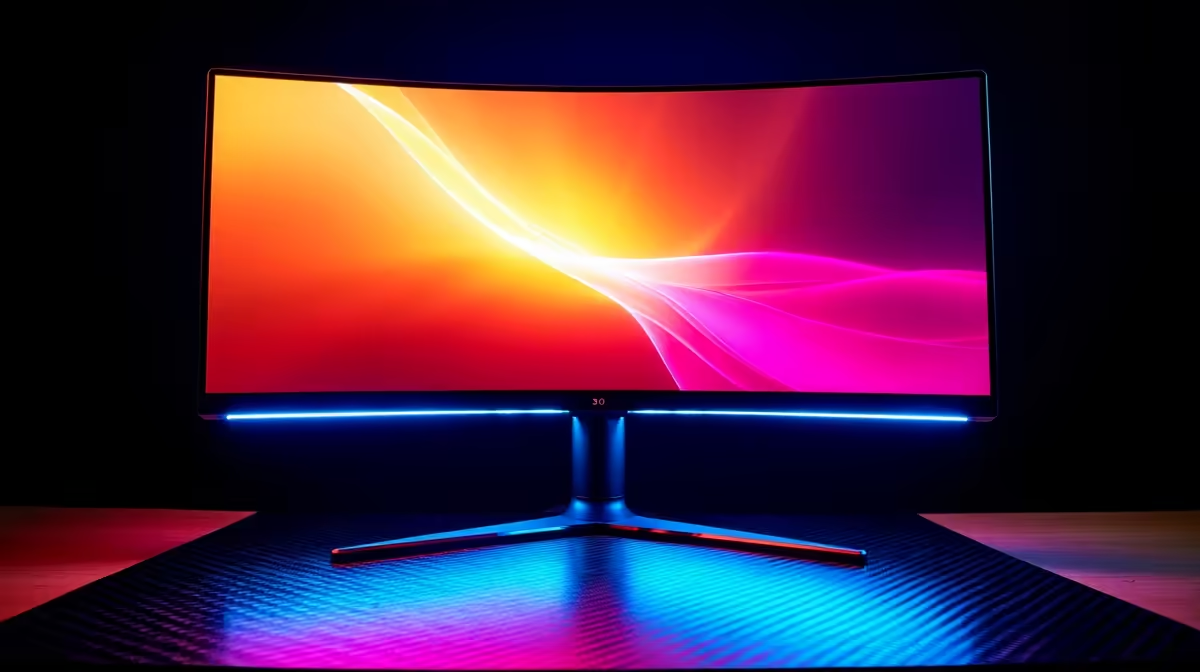
Stuck choosing between breathtaking 4K visuals for your next RPG adventure and the blistering speed needed for competitive shooters? What if you didn’t have to compromise? The latest dual-mode gaming monitors are here to end the debate, offering both 4K at 240Hz and 1080p at 480Hz in a single screen. It’s the ultimate display for the versatile South African gamer who wants it all. Let's dive in. ✨
What Exactly is a Dual-Mode Gaming Monitor?
For years, the choice was simple... and frustrating. You either bought a high-resolution 4K monitor for stunning, immersive single-player games, or you opted for a lower-resolution 1080p screen with a sky-high refresh rate for that competitive edge. A dual-mode gaming monitor smashes that compromise.
At its core, this is a display with two native operating modes you can switch between, often with just a press of a button.
- High-Resolution Mode: Typically 4K (3840x2160) at a very fast 240Hz.
- High-Speed Mode: Full HD (1920x1080) at an incredible 480Hz.
This means you get one kief screen that perfectly adapts to what you're doing, giving you the best of both worlds without cluttering your desk or your budget. It’s a single investment for every type of game you play, making it a powerful centrepiece for any high-end gaming rig. You can browse a wide variety of cutting-edge PC monitors to see how this new tech fits into the broader market.
The Two Faces of Performance: 4K 240Hz vs. 1080p 480Hz
Understanding which mode to use is key to getting the most out of your new display. This isn't just a technical gimmick; it's about tailoring your hardware to the experience.
The 4K 240Hz Experience: Cinematic Immersion
This is your eye-candy mode. 🚀 When you fire up a graphically rich game like Alan Wake 2 or explore the vast landscapes of Elden Ring, you want every pixel to count. The 4K 240Hz mode delivers unparalleled sharpness, vibrant colours, and incredible detail. Even at 240Hz, the motion is buttery smooth, making it fantastic for action-adventure games where visual fidelity is paramount.
This mode is also a dream for content creators who need crisp timelines for video editing or a large, detailed canvas for digital art. Brands like AOC have long been praised for their colour-accurate panels, and this technology takes it to the next level.
The 1080p 480Hz Advantage: Competitive Dominance
When it’s time to clutch the round in Valorant or CS2, every millisecond matters. Switching to 1080p 480Hz transforms your monitor into an esports weapon. The lower resolution means your GPU can push out ridiculously high frame rates, and the 480Hz refresh rate translates that into the smoothest motion you’ve ever seen.
This reduces motion blur to near zero, making it easier to track fast-moving targets and react instantly. For competitive players, this isn't a luxury; it's a tangible advantage that can mean the difference between winning and losing a match. We're seeing more brands like Dahua entering the high-performance space with compelling options.
Is This Tech Right for Your Rig? 🔧
A dual-mode gaming monitor is a premium piece of kit, and it needs a powerful PC to stretch its legs. To truly benefit from both 4K at 240Hz and 1080p at 480Hz, you’ll want a top-tier graphics card, like an NVIDIA GeForce RTX 4080/4090 or an AMD Radeon RX 7900 XTX.
Equally important is sync technology. To avoid screen tearing when your frame rate is fluctuating, you need a monitor that supports it.
Cable Check! ⚡
To hit 4K at 240Hz, you need a high-bandwidth connection. Make sure you're using a DisplayPort 1.4 cable with Display Stream Compression (DSC) or, even better, a DisplayPort 2.1 cable if your monitor and GPU support it. Using an older HDMI or DP cable can bottleneck your performance and lock you out of the highest refresh rates.
Making the Choice in South Africa
So, is a dual-mode monitor worth the ZAR? If you're a serious gamer who plays a wide variety of titles, the answer is a resounding yes. Instead of buying two separate, specialised monitors, you get a single, elegant solution. It simplifies your setup and ensures you're never held back by your display, no matter what game you're playing.
As this technology becomes more common, we expect to see it in lineups from major players like the HP OMEN series, making it more accessible to South African gamers. It represents the future of high-performance displays... a future without compromise.
Ready to See the Difference for Yourself?
A dual-mode gaming monitor isn't just an upgrade; it's a new way to play. Whether you're chasing cinematic beauty or competitive glory, the perfect screen is waiting. Explore our complete range of PC monitors and find the display that will dominate your desk.