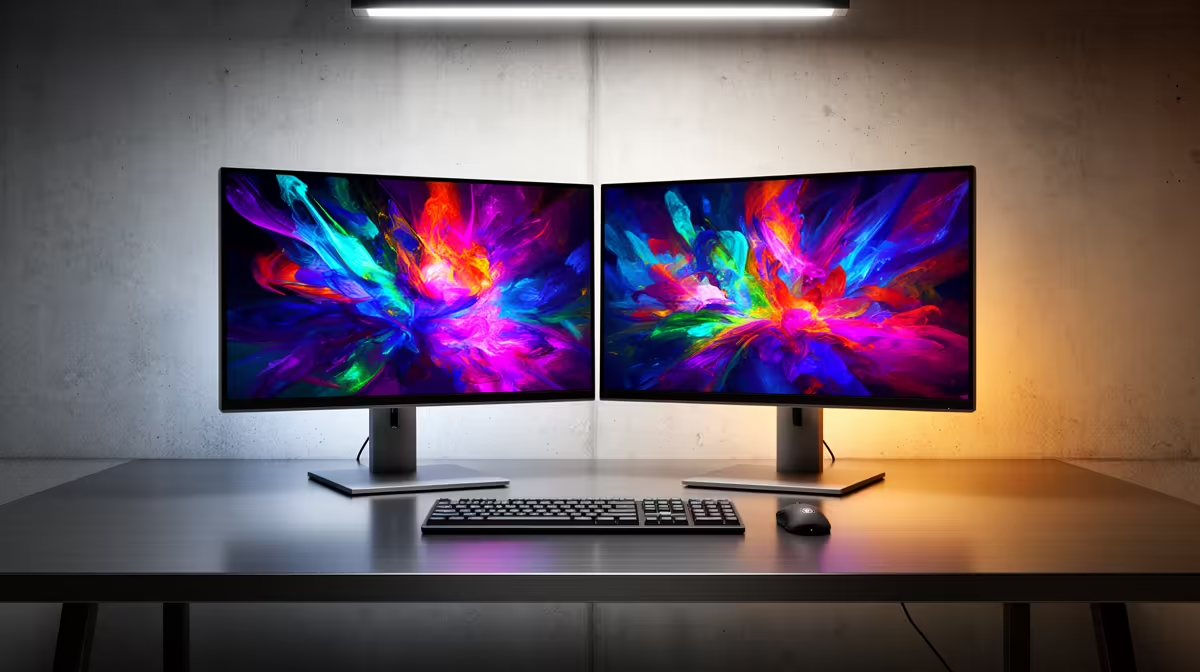
Dell SE2726H 27in FHD 144Hz at R1,797 suits Johannesburg buyers who want the main screen in a dual-display setup to feel smooth for everyday work, browsing, and after-hours gaming. A 27in FHD panel gives the primary workspace enough room for documents, tabs, and video calls, while 144Hz makes pointer movement and light gaming feel more responsive than a basic office monitor.
Best first screen for a two-display desk
For a balanced pair, use the Dell SE2726H 27in FHD 144Hz at R1,797 as the main display and place the Dell SE2426H 23.8in FHD at R1,532 beside it for mail, chat, notes, or reference pages. The smaller 23.8in FHD screen keeps the second display practical without making the desk feel crowded.
The Dahua LM27 100Hz at R1,500 is a value-focused second option when you want a larger 27in screen but do not need the 144Hz refresh rate of the Dell SE2726H. Its 100Hz spec still gives a smoother feel than a very basic display, especially for scrolling long spreadsheets, dashboards, or browser-based tools.
Johannesburg home-office desk planning
For a work-from-home setup in Johannesburg, think about desk width before chasing matching screen sizes. The MSI PRO MP275W at R1,850 works well when you want a cleaner-looking main display, while the Dell SE2426H 23.8in FHD at R1,532 can sit vertically or slightly angled for admin, messaging, and calendar views.
Ready to choose the right monitor?
Use Dell SE2726H 27in FHD 144Hz at R1,797 as the Johannesburg setup benchmark, then check whether its listed spec matches the space, workload, and upgrade path.