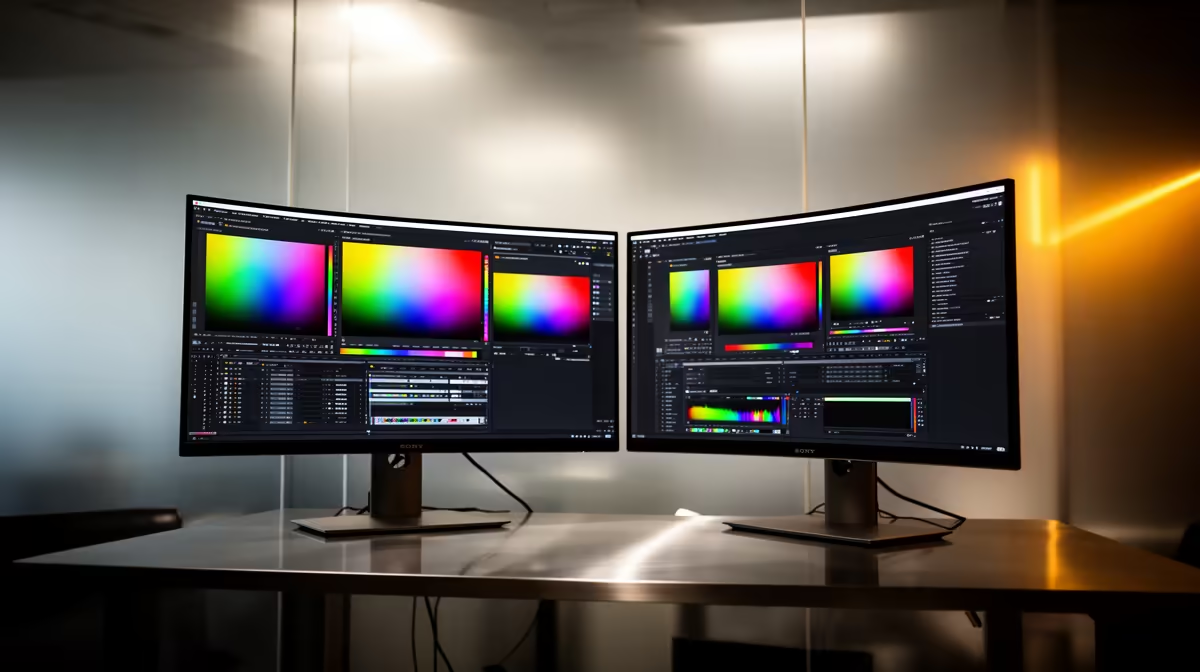
Dell SE2726H 27in FHD 144Hz at R1,797 suits casual photo editors who want a larger second monitor for previews, palettes, and browser references without spending like a studio. A dual-screen setup is worth it when your main screen feels crowded, especially if you often compare edits against source images or keep folders, mail, and export settings open while working.
Best value second screen for casual edits
The Dell SE2426H 23.8in FHD at R1,532 is the tighter desk choice if you only need a side display for file browsing, chat, or tool panels. Its FHD resolution is enough for secondary work, and the smaller size can sit beside a main display without swallowing a student desk or spare-room workspace.
The Dahua LM27 100Hz at R1,500 is attractive when the budget is strict but you still want a 27in canvas. That extra physical space helps when viewing contact sheets, checking exports, or keeping a reference image visible while the editing window stays on your primary screen.
The MSI PRO MP275W at R1,850 is the neat pick when the setup also has to look clean for everyday work. It keeps the useful 27in class size, and the FHD spec makes sense for casual editing, admin, and web publishing rather than colour-critical studio proofing.
Creator desk setup in South Africa
For a home creator desk, put the Dell SE2726H 27in FHD 144Hz at R1,797 in the main viewing position if you want smoother general use and a large workspace. Pair it with the Dell SE2426H 23.8in FHD at R1,532 as the side screen for folders, captions, and upload notes.
Ready to choose the right monitor?
Use Dell SE2726H 27in FHD 144Hz at R1,797 as the creator desk benchmark, then check whether its listed spec matches the space, workload, and upgrade path.