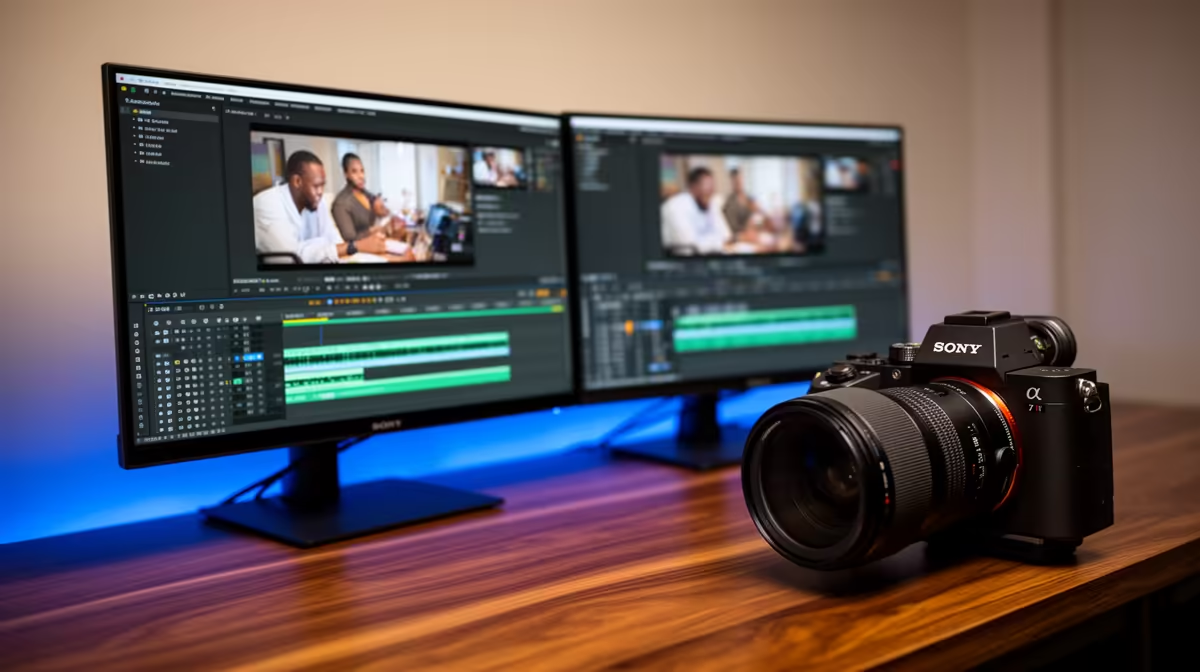
Dell SE2726H 27in FHD 144Hz at R1,797 is the best value pick for creators editing TikToks because its larger 27in screen gives the timeline, preview, and asset folders more breathing room on one affordable monitor. A second screen is worth it when you regularly trim clips, check captions, manage music, and keep notes or thumbnails open while editing, but the smarter move is to make the main display comfortable first.
Best value starting point
The Dell SE2726H 27in FHD 144Hz at R1,797 is the easiest recommendation if your desk can take a 27in panel. FHD keeps the price low, while 144Hz makes scrolling through footage, dragging clips, and moving around the editor feel smoother than a basic office screen.
For a tighter desk, the Dell SE2426H 23.8in FHD at R1,532 is a sensible second display. Its 23.8in size works well beside a laptop or main screen, giving you space for file folders, browser research, comments, or reference notes without crowding a small creator desk.
Creator desk setup for short-form editing
A dual-screen layout makes the most sense when the Dell SE2726H 27in FHD 144Hz at R1,797 is used as the main editing display and the Dell SE2426H 23.8in FHD at R1,532 handles supporting windows. That split keeps the creative work visible while reducing constant tab switching.
The Dahua LM27 100Hz at R1,500 is a budget-friendly alternative if you want a 27in screen and can accept 100Hz instead of 144Hz. The MSI PRO MP275W at R1,850 is another 27in-class option to consider when you want a clean work-focused screen at a still reasonable price.
Ready to choose the right monitor?
Use Dell SE2726H 27in FHD 144Hz at R1,797 as the monitor shortlist benchmark, then check whether its listed spec matches the space, workload, and upgrade path.