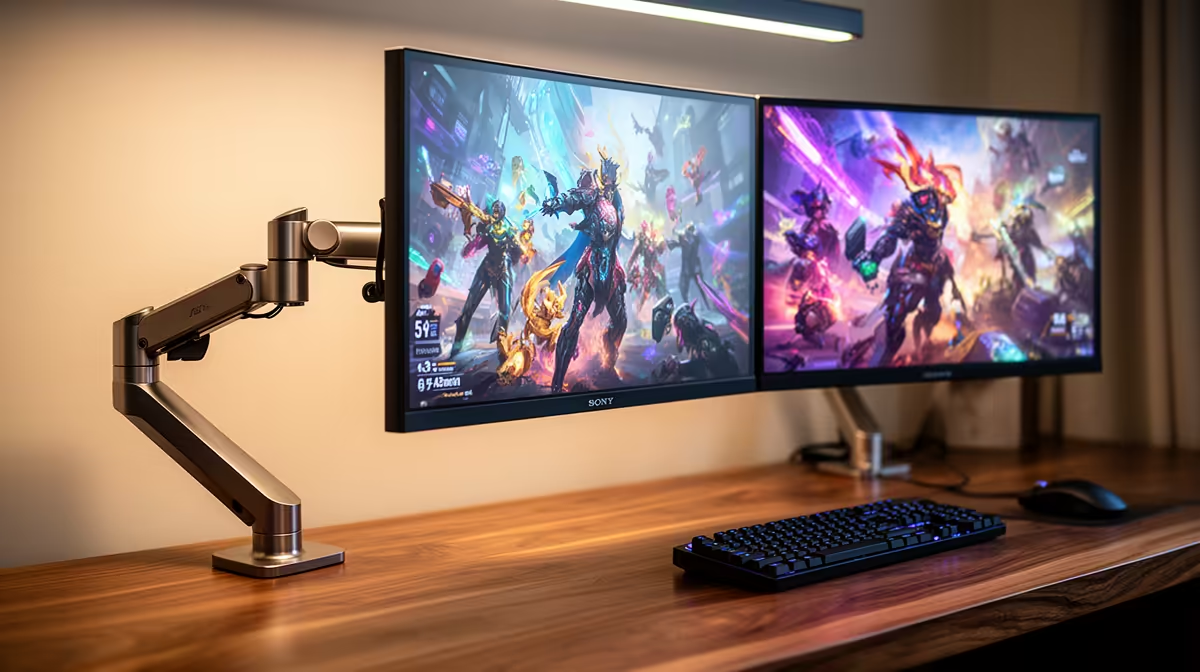
Yes, the MSI MAG 274F 200Hz at R3,006 suits someone who wants one fast main screen for games and a second display for spreadsheets, email, calls, or study notes. A dual-screen desk makes sense when the main gaming monitor handles smooth play while the other screen keeps everyday work visible without constant window switching.
Best way to build a dual-screen setup
The MSI MAG 274F 200Hz at R3,006 is the stronger primary display if gaming matters after hours. Its 200Hz spec gives the main screen the speed advantage, while the second monitor can hold chat, browser tabs, reference docs, or a meeting window.
For a lower-cost second screen, the Dell SE2726H 144Hz at R1,797 is a sensible companion. The 144Hz spec is still smooth enough for casual play, but its real value in a dual setup is giving office work more space without forcing the whole desk budget into two matching premium panels.
SA home office and gaming room practicality
In a shared home office or gaming room, two 27-inch-class screens can feel more useful than one expensive display because the workday and the evening session ask for different things. The ViewSonic VX2779A 240Hz at R2,350 is a sharp value pick if you want the fastest listed refresh rate on the main side, while the Dahua LM25 200Hz at R1,850 can suit a tighter secondary position where desk width matters.
The AOC 27in QHD 200Hz at R3,200 is the premium-feeling option here because it combines QHD with 200Hz. That makes it useful for people who want more desktop room for work while still keeping fast motion for games on the same main panel.
Ready to choose the right gaming monitor?
For the gaming room decision, Dell SE2726H 144Hz at R1,797 gives you its listed spec to measure against the brief.