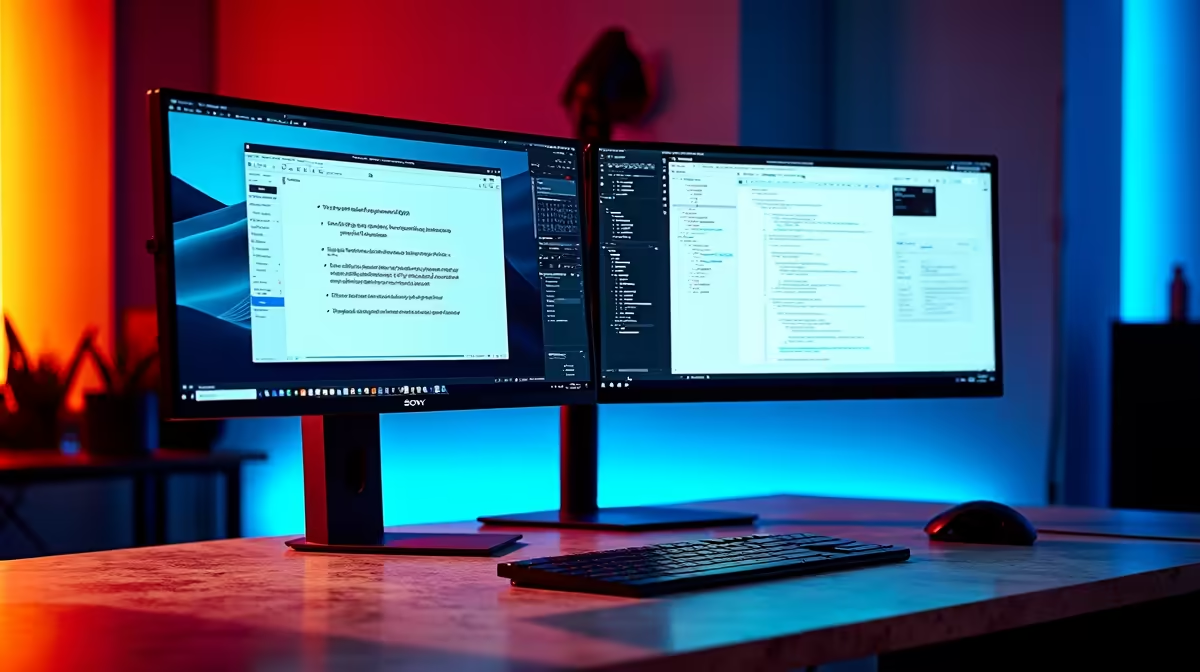
The Dell SE2426H 23.8in FHD at R1,532 suits students who want a second monitor beside a laptop for lecture slides, notes, and reference tabs without taking over the whole desk. A dual-screen setup is worth it when it saves constant window switching: keep the lecture stream or PDF on one screen, type notes on the laptop, and use the extra display for diagrams, readings, or group chat.
Best monitor picks for lecture notes
The Dell SE2726H 27in FHD 144Hz at R1,797 is the stronger choice if your study setup also handles gaming after class. The larger 27in FHD panel gives more space for split windows, and the 144Hz refresh rate makes scrolling and everyday movement feel smoother.
The Dahua LM27 100Hz at R1,500 is a sharp value option for a student desk where price matters but screen size still helps. Its 27in size gives you room for a slide deck and notes side by side, while the 100Hz spec is useful for smoother browsing and lighter entertainment.
Student desk setup for SA lecture notes
For a res room, digs desk, or koshuis corner, the MSI PRO MP275W at R1,850 makes sense when you want a clean 27in workspace that does not feel cramped. Keep the laptop lower for typing, place the external screen at eye level, and use the bigger display for lecture material so your posture stays more natural through long study blocks.
Ready to choose the right monitor?
Use Dell SE2726H 27in FHD 144Hz at R1,797 as the monitor shortlist benchmark, then check whether its listed spec matches the space, workload, and upgrade path.