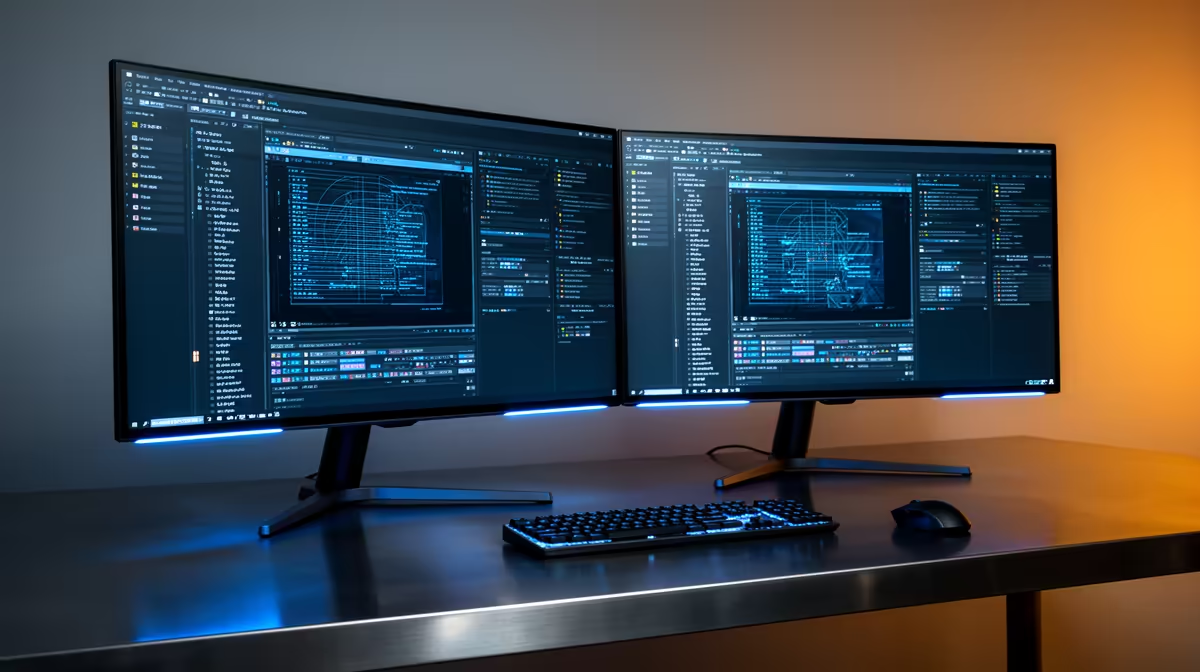
The Dell SE2726H 27in FHD 144Hz at R1,797 suits a creator or developer who wants one larger monitor for the viewport and a second screen for notes, folders, references, or browser checks while running Unreal Engine. A dual-screen setup is worth buying when it removes constant window switching, but it makes most sense if both screens fit your desk, your GPU outputs, and your budget.
Best value dual-screen picks for this workload
For the main screen, the Dell SE2726H 27in FHD 144Hz at R1,797 is the strongest pick here because the 27in size gives more breathing room for panels, timelines, and viewport work. The 144Hz spec is also useful if the same desk setup handles gaming or smooth editor movement after work.
For a lower-cost second display, the Dell SE2426H 23.8in FHD at R1,532 makes sense beside the main panel. Its 23.8in FHD format is enough for documentation, asset folders, task notes, or a preview window without taking over the whole desk.
The Dahua LM27 100Hz at R1,500 is the budget-friendly 27in option if size matters more than the highest refresh rate. The MSI PRO MP275W at R1,850 is another 27in-class office-style choice when you want a clean-looking second panel for longer work sessions.
Creator desk reality in SA
A two-screen setup can feel like a small upgrade, but for that workload it changes how the desk works: one display stays on the project, the other holds references, tutorials, file paths, or chat notes. In a student room, home office, or shared creator desk, the Dell SE2726H 27in FHD 144Hz at R1,797 plus the Dell SE2426H 23.8in FHD at R1,532 is a sensible mixed-size pairing.
Ready to choose the right monitor?
Compare the listed monitor range and pick the screen size and refresh rate that fits your desk setup.