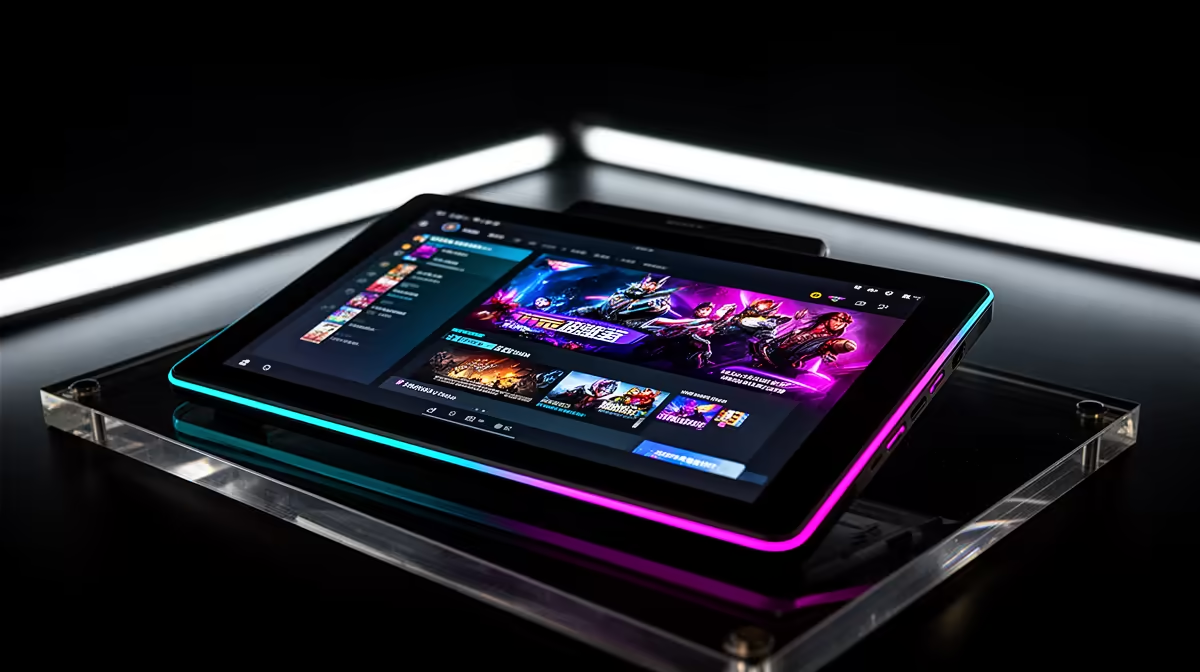
Reading a script from a second screen usually pulls your eyes away from the lens. A desktop prompter solves that by reflecting text in front of the camera, letting you speak to the viewer while following prepared words. For the Elgato Prompter in South Africa, fit, camera support and current supply deserve a closer look than the glass alone.
Quick Answer
Elgato Prompter availability and Rand pricing for South Africa can move as specialist creator gear enters different channels, so no permanent listing should be assumed. Cross-border supply may add shipping, customs duty and fragile-glass return risk. Evetech's live streaming essentials range gives you a current local reference for creator hardware.
👁️ Understand the eye-contact benefit
A teleprompter places angled reflective glass in front of the lens. Text appears to the presenter while the camera looks through the glass.
This reduces the side glance that happens when notes sit beside or below the webcam. It can make tutorials, meetings and scripted videos feel more direct.
The Elgato Prompter combines that optical idea with an integrated display, depending on the exact current model and package. Confirm its supported software and connection.
Prompter text does not fix flat delivery. Break scripts into short phrases, leave breathing room and practise the meaning before recording.
Set a scroll speed that follows your voice. Chasing fast text creates stiff speech and visible eye movement.
Keep lines narrow enough that your pupils do not sweep across the glass. Larger text and shorter lines often look more natural.
Use bullet cues when a word-for-word script is unnecessary. A prompter can preserve structure without making you sound read-out.
📷 Match camera, lens and desk geometry
Confirm which webcams, mirrorless cameras and lenses fit the current mounting adapters. A camera body fitting does not mean a wide lens clears the hood.
Check maximum lens diameter, camera mass and bracket arrangement. Never let the prompter glass carry camera weight it was not designed for.
Measure the display and hood against your monitor and desk. The unit sits in the camera's sight line and can block part of a screen.
Place the lens near eye height. A prompter mounted too low still produces an unflattering downward gaze.
Check wide-angle vignetting. The hood or glass frame can enter the shot at short focal lengths.
Leave access to camera power, memory card and USB ports. A neat front view can hide an impossible cable route behind the hood.
Use a rigid desk mount or stand rated for the complete assembly. Typing should not shake the reflected text or camera.
📦 Compare the complete local or landed setup
Use a current quote naming the Elgato Prompter model, adapters, mount, cables, seller, currency and date. Product photography may show a camera or accessory that is not included.
For border delivery, include international freight and customs duty. Glass and display hardware need proper insurance and packaging.
Ask how transit cracks, dead pixels, mount damage and cable faults are reported. Photograph the sealed box and each layer during unpacking.
Check who handles a failed display or damaged beam-splitter glass. Replacing the optical element may require model-specific parts.
Review Evetech's webcam category to compare locally listed cameras that fit a simpler on-screen script workflow.
Evetech's creator categories change with new arrivals. Use the live pages for current Elgato and streaming gear instead of assuming the title model is present.
Include a camera mount, light placement and microphone in the project. A prompter fixes gaze, but poor audio or an unstable camera will still weaken the result.
Keep the carton, glass sleeves, adapters and serial details. The fitted packaging is important if the unit needs to move.
Check the supported computer graphics connection and whether the Prompter counts as another display. A laptop with one external-screen limit may force a choice between the prompter, presentation monitor and capture setup.
Plan where the script-control window will live. You should be able to edit or pause text without dragging windows through the audience-facing feed.
If the camera uses a large battery grip or cage, compare its full dimensions with the mount. Small rig accessories can create a collision even when the bare camera body appears compatible.
🎬 Build a natural prompter workflow
Assemble the prompter on a clean, stable desk. Handle optical glass by its approved edges and keep fingerprints off the viewing area.
Mount the camera with power disconnected. Check every fastener before installing the screen or hood.
Connect the display and set its recommended resolution and scaling. Confirm text is mirrored or presented correctly through supported software.
Write a 30-second test script with short lines. Set text size from your real camera distance.
Record at the intended lens and framing. Watch the footage for pupil movement, lens vignetting and reflections.
Adjust scroll speed around your speaking rhythm. Add pauses where you need to demonstrate something or take a breath.
Check room lights for reflections in the prompter glass. Move lights to the side and flag stray sources rather than lowering useful face light.
Test camera autofocus through the glass. Lock focus where suitable if the system hunts during a take.
Keep a keyboard or Stream Deck control for pause and rewind. Know the manual backup if software loses the script position.
Clean glass with the maker-approved method and store covers when the prompter is not in use.
Record one unscripted take and one prompter take, then compare your pace and eye movement. The tool should make communication warmer, not turn every sentence into a recital.
Back up the final script outside the prompter software. A plain-text copy keeps the production moving if the app or display connection fails.
Frequently Asked Questions
Is the Elgato Prompter available in South Africa?
Listings can change. Check current local creator categories and live delivery details instead of relying on an old stock statement.
Does Evetech sell Elgato products?
Evetech's linked streaming page shows the current Elgato and creator products listed at the time you check.
How much does a cross-border Prompter cost?
Use the exact product quote plus freight, customs duty, insurance, mounts and possible support transport. A guessed Rand amount would be misleading.
What is the Prompter designed to do?
It places script text in front of the camera lens so the presenter can maintain eye contact while reading.
Can South Africans obtain warranty support?
Support follows the seller's written route. Confirm glass, display and mount coverage before purchase.
Which local streaming gear should I consider?
Check Evetech's current webcams and streaming essentials for the camera, microphone, lighting and control pieces your workflow needs.
Ready to make scripted videos feel more direct?
Browse Evetech's current streaming essentials and webcams, then build a camera, audio and prompting setup that fits your desk.