So, you’re ready to go live. You’ve got the skills, the personality, and a burning desire to share your gameplay with the world. But hitting that ‘Start Streaming’ button with a shoddy setup can kill your channel before it even begins. Forget grainy video and muffled audio. We're here to share three essential tips for building a killer streaming setup that will hook viewers from the first second… without needing to remortgage your house.
Tip 1: Nail Your Audio First 🎤
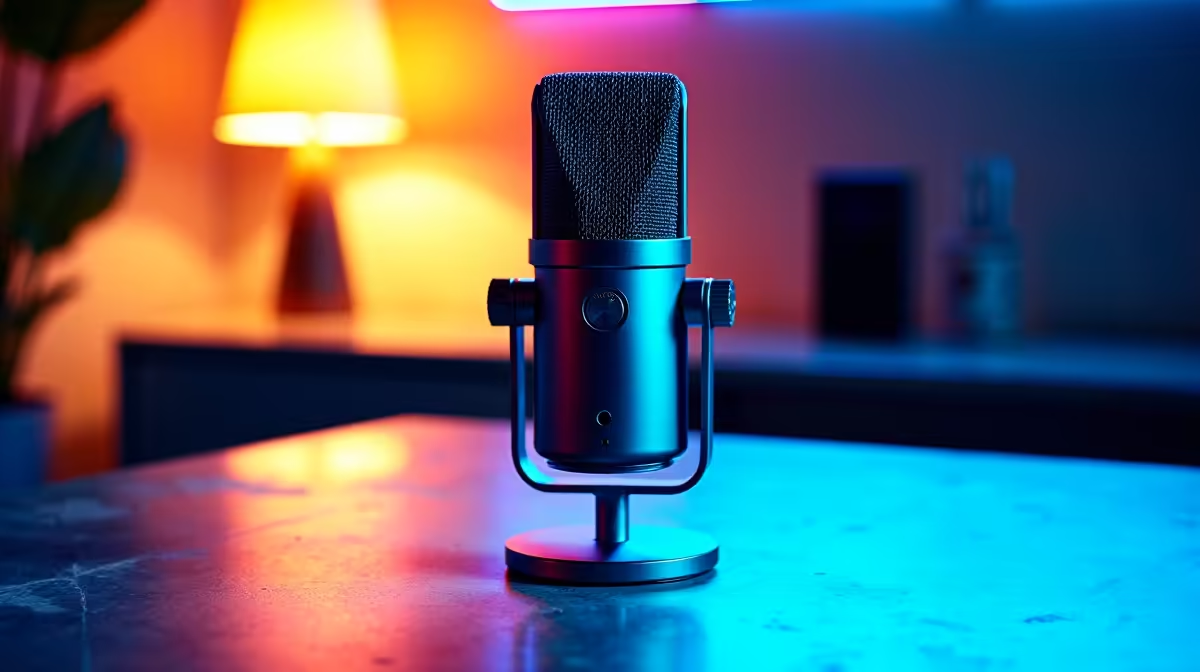
Before you even think about a 4K camera, focus on your sound. Viewers will forgive average video quality, but they will click away instantly if your audio is a crackly, echoey mess. A clean, crisp voice builds a direct connection with your audience. For most home setups, a USB condenser microphone is the perfect starting point, offering excellent clarity without the complexity of an XLR interface.
Investing in a quality mic is the single most important step toward a professional stream. From there, you can add a boom arm to position it perfectly and a pop filter to eliminate those harsh 'p' and 'b' sounds. You don't have to guess what works; you can find a massive range of quality streaming essentials to get your audio sounding broadcast-ready from day one.
Tip 2: Master Your Lighting 💡
Ever wonder why your expensive webcam still looks grainy and… well, a bit flat? The secret isn’t the camera, it’s the lighting. Good lighting is what separates a bedroom stream from a professional broadcast. The goal is to illuminate your face evenly to eliminate shadows and allow your camera's sensor to capture a clean, sharp image.
A simple three-point lighting setup is the gold standard, but even a single key light (like a ring light) placed in front of you will make a world of difference. For extra flair, add some background colour to make your scene pop. Something like the modular panels from creative lighting from Cololight can add that professional touch and express your unique brand personality.
Quick Camera Pro-Tip
Once your lighting is sorted, dive into your webcam's software. Turn off 'auto-exposure' and 'auto-white balance'. Manually setting these gives you consistent, flicker-free video, even when your game's lighting changes dramatically.
Tip 3: Optimise Your Battlestation 🖥️
Your PC is the heart of your operation, but a killer streaming setup is about more than just raw power. It's about creating a seamless experience for both you and your viewers. This means choosing peripherals that are reliable, comfortable for long sessions, and maybe even add to the visual appeal of your stream. A quiet keyboard, a responsive mouse, and a comfortable headset are non-negotiable.
This is where a unified ecosystem shines. For instance, brands like Corsair have an entire ecosystem of premium Corsair gear that syncs up beautifully, creating a cohesive look with iCUE lighting control. And remember, building a solid foundation doesn't need to break the bank; there are fantastic streaming options available for under R6000 that deliver serious performance for the price.
Ready to Build Your Killer Streaming Setup?
Stop dreaming and start building. Explore our curated collection of streaming gear and find everything you need to go live with confidence. Shop now at Evetech for performance that leaves lag in the dust.