Quick Answer
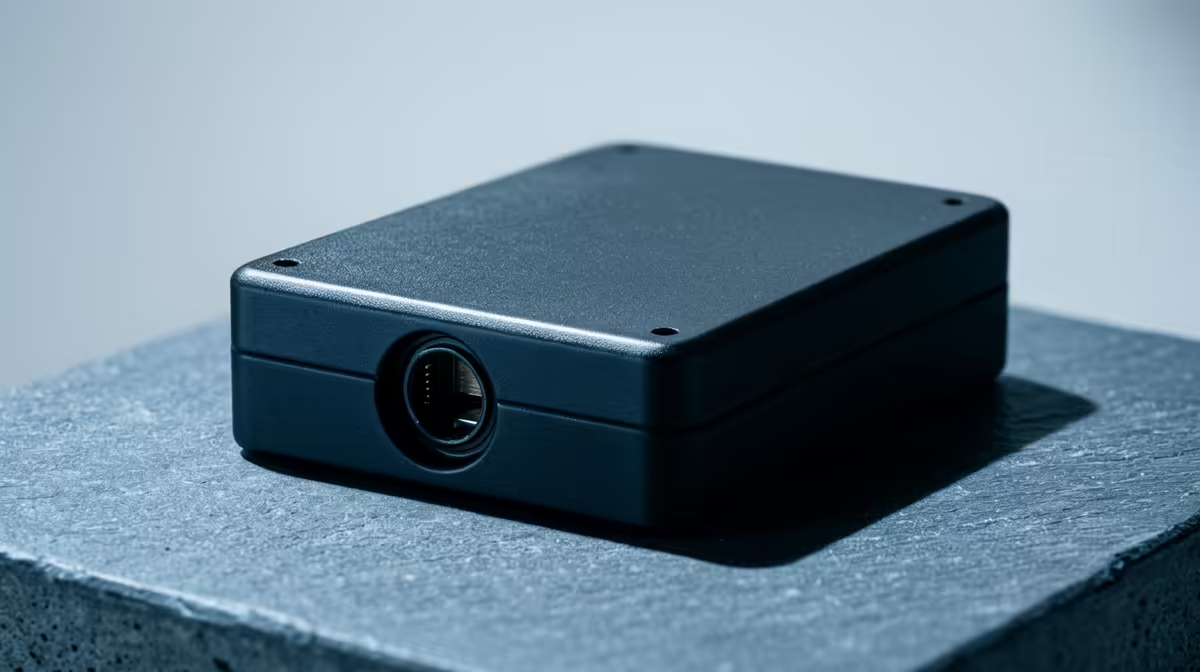
An external NVMe enclosure is worth buying when you need fast game-library moves, backups, or laptop-to-desktop transfers, not when you expect more FPS. A 10Gbps USB enclosure is the value pick, 20Gbps is the sweet spot for faster drives, and 40Gbps only pays off when the PC port supports it. Use R400 to R1,800 as a cautious South African planning band, not a live price claim.
What the spec really changes
Compare Orico M.2 NVMe enclosures, Ugreen 10Gbps aluminium shells, and Sabrent-style tool-free designs. The useful specs are 1,000MB/s on 10Gbps, around 2,000MB/s on 20Gbps, and higher only with USB4 or Thunderbolt-class ports. For cinematic story games, storage affects install space, patch copying, and load screens; it does not turn 80 fps into 120 fps.
Compatibility checks before buying
Confirm M.2 keying, 2280 length, motherboard slot support, USB speed, or case clearance before choosing the external NVMe enclosure. A fast drive in a slow USB port or a hot slot will behave like a cheaper option. If the PC has only one M.2 slot, plan the migration before removing the old drive.
SA buyer notes
For South African buyers, compare local warranty handling, courier practicality, and whether the spec changes daily use. Keep thermal pads, screws, and the retail box until the drive is tested. For laptops and mini PCs, check thickness because some heatsinks are too tall even when the drive itself fits.
FAQ
Will this improve gaming FPS?
No, storage upgrades rarely improve FPS. They improve loading, patching, file transfers, and how comfortably you keep large games installed.
What capacity makes sense for SA gamers?
2TB is the value minimum for a modern gaming PC, while 4TB is the comfort pick for large libraries and capture files. Pick 4TB when you want fewer uninstall decisions.
Should I choose speed or cooling first?
Choose compatibility and cooling first, then speed. A cooler Gen 4 or well-cooled Gen 5 drive is usually better than a hot drive that throttles during large transfers.
Storage check
Before checkout, confirm the port speed, M.2 length, included cable or heatsink, and the workload you actually need. Do not pay for 40Gbps gear if your PC only has 10Gbps USB.