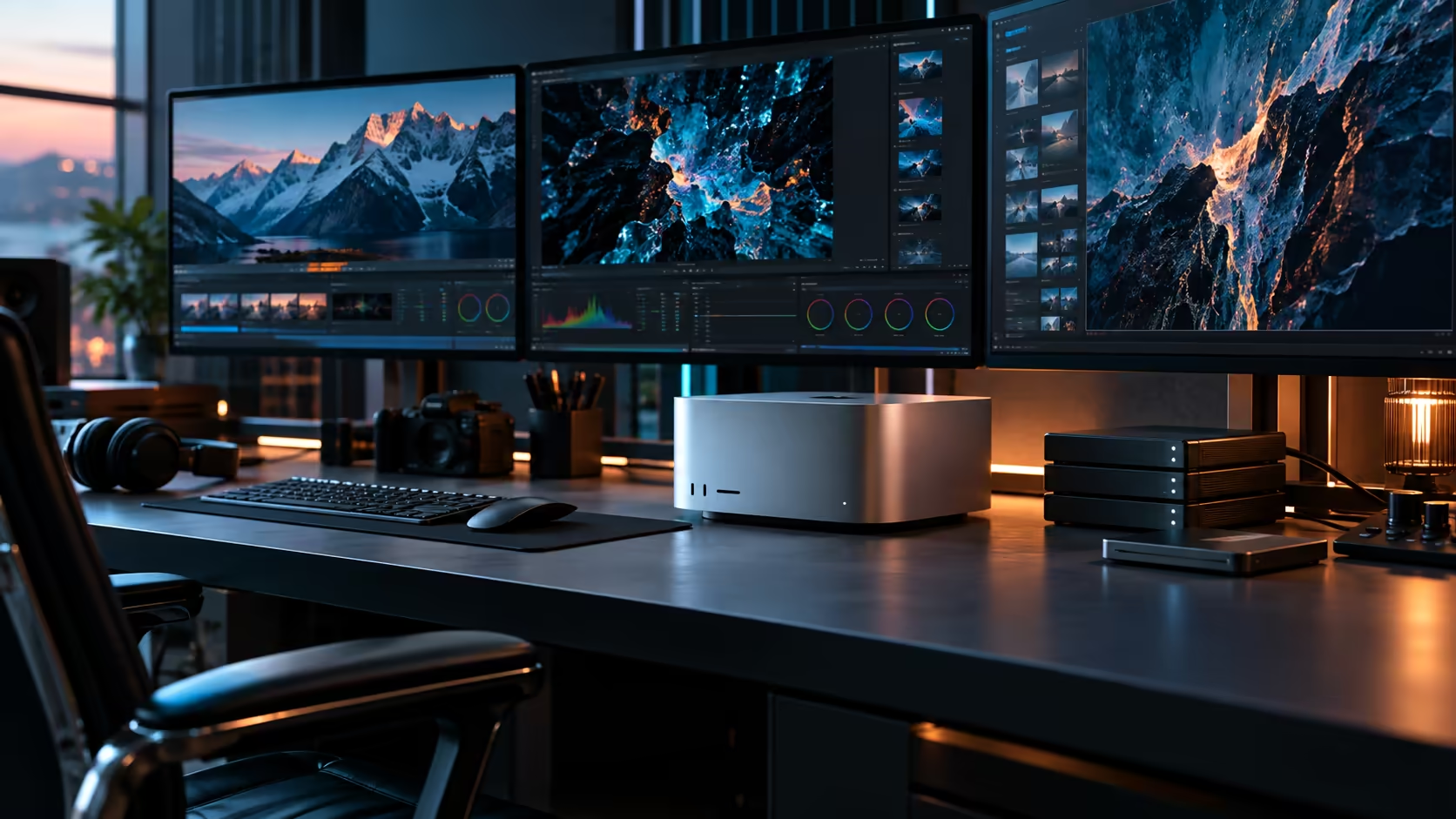
Four Thunderbolt 5 ports on a Mac Studio M5 Max cap a desk at roughly three or four screens before hubs and daisy-chaining enter the picture. Two extra ports on the M5 Ultra don't just add two more monitors; they change what one machine can physically replace.
Quick Answer
Six Thunderbolt 5 ports plus HDMI on the Mac Studio M5 Ultra support a genuinely larger, more demanding array than the four-port M5 Max, which matters most when one machine is meant to replace what several smaller systems used to feed, a broadcast monitoring wall, a multi-feed review station, or a shared review room. Confirm the exact simultaneous ceiling on Apple's page before committing to a specific count. The machine is R108,999.
📈 What two extra ports actually change
Going from four ports to six isn't a modest upgrade; it changes the whole category of setup that becomes realistic.
A four-port machine allocates one port each to a primary display, a secondary display, storage and a dock, leaving no slack for a genuine third or fourth screen without daisy-chaining or a hub. A 6-port machine comfortably supports three displays alongside fast storage and a dock, with a spare port left over, which is the difference between "a nice two-screen desk" and "a review station several people can actually work from at once."
🏢 Replacing several machines with one review station
This is the scenario where the M5 Ultra's extra ports earn the price difference over the M5 Max.
A studio previously running separate machines to feed a monitoring wall, a client review screen, and an editor's own display can consolidate that onto one Ultra's six ports, provided the actual processing load, not just the display count, fits within one shared 96GB pool. This only makes sense when the displays are showing outputs from the SAME machine's work, a render, a live edit, a shared session, rather than genuinely independent machines that happen to sit in the same room.
🎬 A three-screen professional layout, built out properly
For most single-user professional work, three well-chosen screens beat a maximised count.
A primary screen for the active timeline or viewport, a secondary screen for reference material, scopes or project management tools, and a third for communication and monitoring, each on its own direct Thunderbolt connection, covers the large majority of professional workflows without pushing toward the chip's theoretical ceiling. The two remaining ports stay free for storage and a dock, which is the practical benefit of the extra headroom over a four-port machine even when you never approach a maximum screen count.
🎨 Where a dedicated reference monitor still matters most
Screen count is not the same question as screen quality, and colour-critical work still comes down to the second one.
One properly calibrated panel from the OLED monitor range, wired straight into a Thunderbolt port, paired with a second working monitor for tools and timeline, remains the right core setup for grading work regardless of how many additional screens the port count technically allows. The office monitor range suits the secondary and tertiary roles well, and adding further screens beyond the core pair should serve a genuine second function, not simply fill a spare port.
🔌 Confirming what the chip actually allows before committing
The port count sets the ceiling on connections; a separate figure sets the ceiling on simultaneous screens.
Apple documents the M5 Ultra's actual display engine limit per resolution and refresh rate, and that number, not the port count on the R108,999 case, is what determines whether a specific layout works at your intended settings. Check it directly before building a plan around a review station or monitoring setup that assumes every port drives an independent screen at once.
🇿🇦 What this consolidation actually saves a South African studio
Beyond the display question itself, replacing several machines with one has knock-on costs worth counting honestly.
Fewer machines means fewer local warranty relationships to manage, fewer per-seat software licences, and one power and network footprint instead of 2 or 3 separate ones. It also means one point of failure: if the single Ultra goes down for repair, everything that used to run across separate machines stops at once, which is exactly why a local warranty path with a fast turnaround matters more here than it would for any one of the smaller machines it replaced.
🧰 What a consolidated setup needs beyond the ports themselves
The display side is only half of what a review station or monitoring wall actually requires to run smoothly.
A dock or two absorbing keyboards, mice and control surfaces keeps the direct Thunderbolt ports free for displays and storage rather than peripherals. Cable runs get longer and more numerous the more screens are involved, so plan routing before mounting hardware rather than after, particularly for wall-mounted panels where a cable fault is awkward to reach and fix once everything is bolted firmly in place.
Frequently Asked Questions
Does the M5 Ultra's extra two ports over the M5 Max matter if I only need two screens?
Not directly for the screen count, but the spare ports still matter for storage, docks and expansion, which is where a two-screen M5 Ultra setup has more headroom left over than the equivalent M5 Max one.
Can one Mac Studio M5 Ultra replace several machines feeding a monitoring wall?
Only if those displays are showing output from the same machine's work. It doesn't help if the displays are meant to run genuinely separate, independent systems.
Is a three-screen setup a sensible target on the M5 Ultra?
Yes, for most professional work. It uses half the available ports while leaving genuine headroom for storage and a dock, without needing to push toward the chip's theoretical maximum.
Should I count on every one of the seven video connectors running an independent screen?
No. Check the chip's actual simultaneous display limit against the resolution and refresh rate you actually plan to run, since the port count and the driven-screen count are two different figures entirely.
Does consolidating machines onto one Ultra create a single point of failure?
Yes, and it's worth planning for. If the shared machine needs a repair, everything that used to run across separate systems stops at once, which makes a fast local warranty turnaround more important than it would be for any single smaller machine.
Ready to see whether one Mac Studio M5 Ultra can replace several machines on your review station?
Map your current setup's displays and processing load before consolidating onto one system.