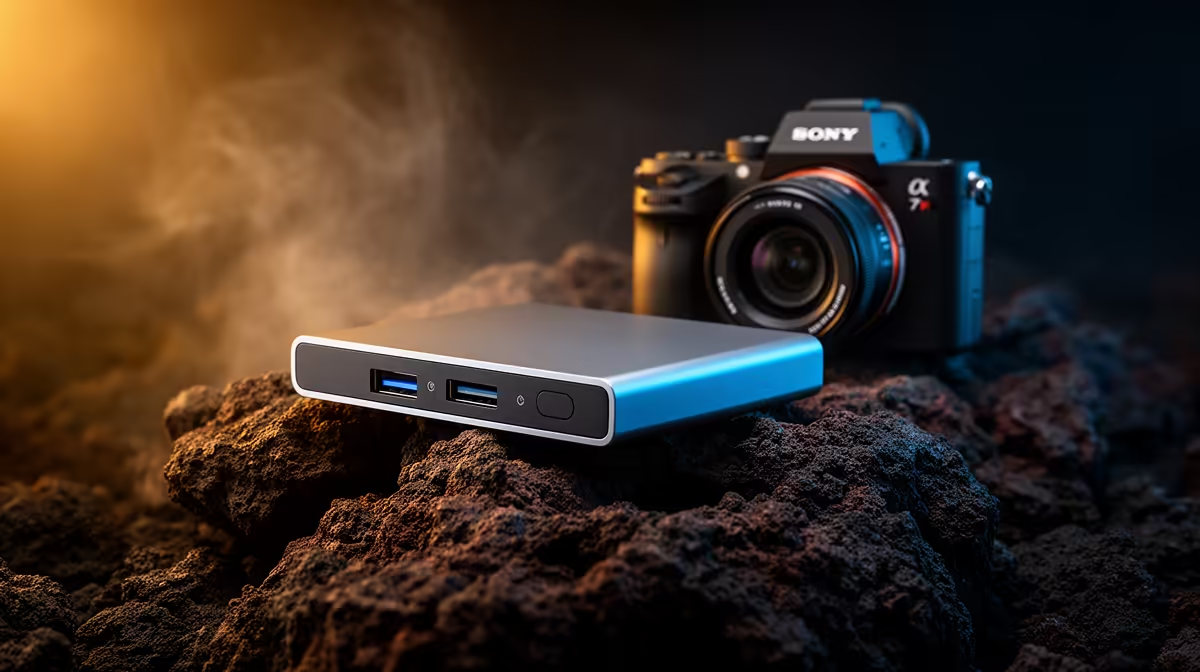
An external hard drive can store a large 4K game library, but mechanical models may deliver slower loading and asset streaming than an SSD. Display resolution does not change every storage requirement, yet modern games often expect responsive access. The Seagate Expansion 4TB external drive is verified at R2,057 for capacity-focused storage and backups.
Separate active games from archives
Keep frequently played titles on fast internal storage where possible. The WD Blue SN5000 1TB NVMe SSD is verified at R998 for compatible systems. Confirm the motherboard has the right M.2 slot and check available capacity after operating-system and update space. Move inactive games to the external drive when platform support allows it.
The Hiksemi Pocket 1TB external SSD is verified at R900 and may offer more responsive portable storage than a mechanical drive. Confirm USB interface and cable speed, then test one demanding game rather than assuming every external connection performs equally. Avoid hubs that share bandwidth with capture devices during gameplay.
Cloud saves differ by title, so protect local saves and personal files separately. A game archive can usually be redownloaded, but recorded clips and custom content may be irreplaceable. Do not make one external device the only copy. The hard drive copes best as a large archive; active 4K gaming performance depends more on GPU, CPU and fast storage for the selected titles.
Expanding a 4K game library? > Compare verified SSD and external-drive options with Evetech using active and archived titles separately.