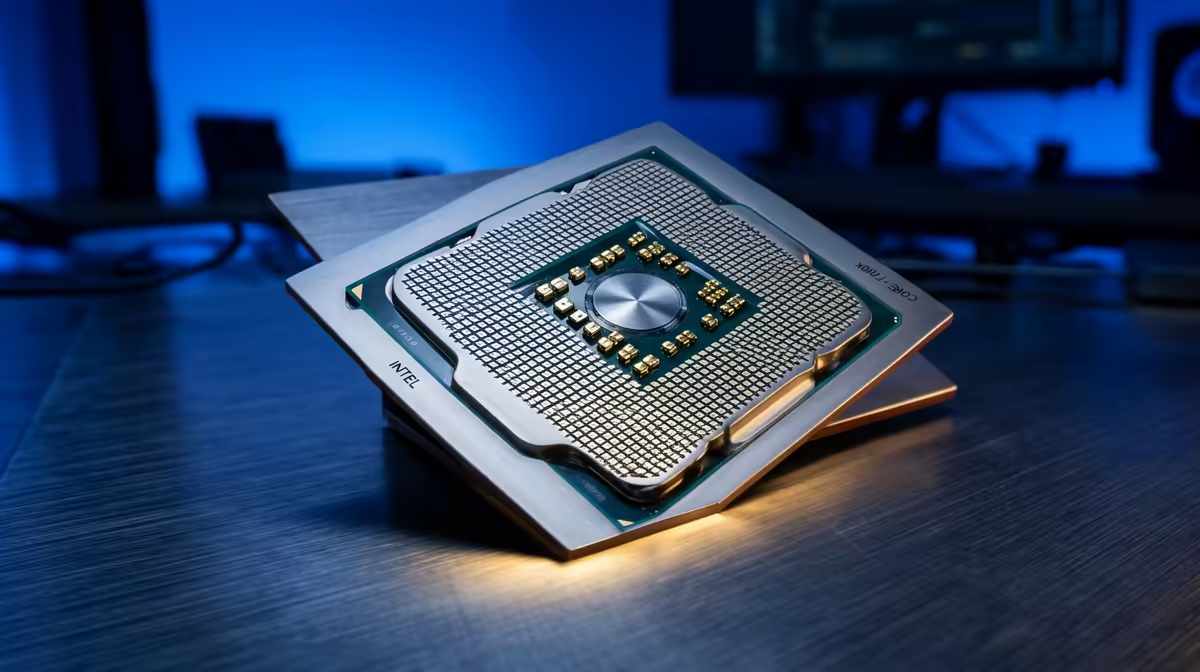
Is Your Gaming PC Lagging? Let's Fix CPU Bottlenecks in Your South African PC
Ever wonder why your powerful graphics card feels underutilised, or why your frame rates dip in intense moments? You’re not alone, fellow South African gamer. Many of us invest heavily in a killer GPU, only to find our PC stuttering. The culprit? Often, it's a CPU bottleneck – your processor struggling to keep up. Don't let a sluggish CPU hold back your epic gaming sessions. We’ll show you how to diagnose and effectively resolve this common performance killer. 🔧
Understanding the Dreaded CPU Bottleneck
Imagine a high-performance sports car stuck in rush-hour traffic. Your graphics card is that powerful engine, eager to render stunning visuals at lightning speed. But if your CPU is the narrow road, it can't feed the GPU data fast enough. This imbalance, where your processor limits the potential of other components (especially the GPU), is a CPU bottleneck. It results in lower average frame rates, inconsistent 1% and 0.1% lows (leading to stutters), and a generally less responsive system, particularly in CPU-intensive games or applications. It’s a frustrating experience that can ruin immersion, whether you're battling it out in Warzone or exploring the vast landscapes of an open-world RPG.
Spotting the Signs: Is Your PC Bottlenecked?
Identifying a CPU bottleneck is crucial. The most common indicator is high CPU usage paired with comparatively low GPU usage during gaming. Here’s how you can check:
- Task Manager (Windows): Open Task Manager (Ctrl+Shift+Esc), go to the "Performance" tab, and monitor your CPU and GPU usage while running a demanding game. If your CPU is constantly at 90-100% while your GPU sits at 60-80%, you likely have a bottleneck.
- Monitoring Software: Tools like MSI Afterburner (with RivaTuner Statistics Server), HWMonitor, or CapFrameX provide in-game overlays that show real-time component usage, temperatures, and frame rates. This offers a more granular view of your system's performance.
- Game Performance: Noticeable stuttering, especially in open-world games with many NPCs, strategy titles, or when targeting very high frame rates (144Hz+), often points towards a CPU limitation.
Practical Steps to Fix CPU Bottlenecks in Your South African PC
Once you’ve confirmed a CPU bottleneck, it’s time for action. Here are strategies ranging from free software tweaks to essential hardware upgrades.
Optimising Your Current Setup
Before you spend any cash, try these software-based solutions:
- Close Background Applications: Every running program uses CPU cycles. Close browsers, chat apps, and any unnecessary software before gaming.
- Update Drivers: Ensure your chipset drivers, GPU drivers, and even Windows itself are up to date. Driver updates often include performance optimisations.
- Adjust In-Game Settings: Some game settings are more CPU-intensive than others. Lowering options like crowd density, physics quality, or shadow detail can significantly reduce the load on your CPU without drastically impacting visual fidelity.
- Power Plan: Make sure your Windows power plan is set to "High Performance" or "Ultimate Performance" to ensure your CPU isn't being artificially throttled.
The Hardware Upgrade Path: When a New CPU is Needed
Sometimes, software tweaks aren't enough. If your CPU is genuinely old or underpowered, an upgrade is the most effective way to fix CPU bottlenecks in your South African PC.
Check Motherboard Compatibility
Before buying a new CPU, always check your motherboard's socket type (e.g., AM4, LGA1700) and chipset. A new CPU might require a new motherboard and even new RAM (DDR4 vs. DDR5). This ensures a smooth upgrade path.
When considering a CPU upgrade, you’ll typically look at two main brands: Intel and AMD. Both offer excellent processors tailored for various budgets and performance needs.
- Intel Processors: Known for strong single-core performance, Intel CPUs often excel in gaming where individual core speed is paramount. Looking for the latest Intel processors to power your rig? Evetech has a wide selection of Intel CPUs that could be your next big upgrade.
- AMD Processors: AMD's Ryzen series has become incredibly popular, offering excellent multi-core performance and great value, making them ideal for both gaming and content creation. For those loyal to Team Red, exploring AMD CPUs might offer the perfect balance of cores and threads for your gaming and productivity needs.
No matter your preference, finding the right processor is key to achieving a balanced system. Browse all available CPUs at Evetech to compare options and find the perfect match for your existing components and budget. Remember, a balanced system is one where no single component significantly holds back another. Aim for a CPU that complements your GPU, rather than one that vastly outpaces or underperforms it. ✨
Building a Balanced Rig: Beyond Just the CPU
While addressing the CPU is critical, a truly high-performing PC is a symphony of components working together. Consider your RAM speed (faster RAM can sometimes alleviate CPU bottlenecks), your storage (an NVMe SSD ensures games load quickly, reducing system overhead), and your cooling solution (a well-cooled CPU maintains boost clocks longer). Building a balanced system means considering how each part interacts, ensuring you get the most out of your investment and enjoy a seamless gaming experience for years to come. 🚀
Unleash Your PC's Full Potential
Don't let a bottleneck hold you back from peak performance. Upgrade your processor and experience gaming like never before – shop CPUs at Evetech today for the power you deserve!