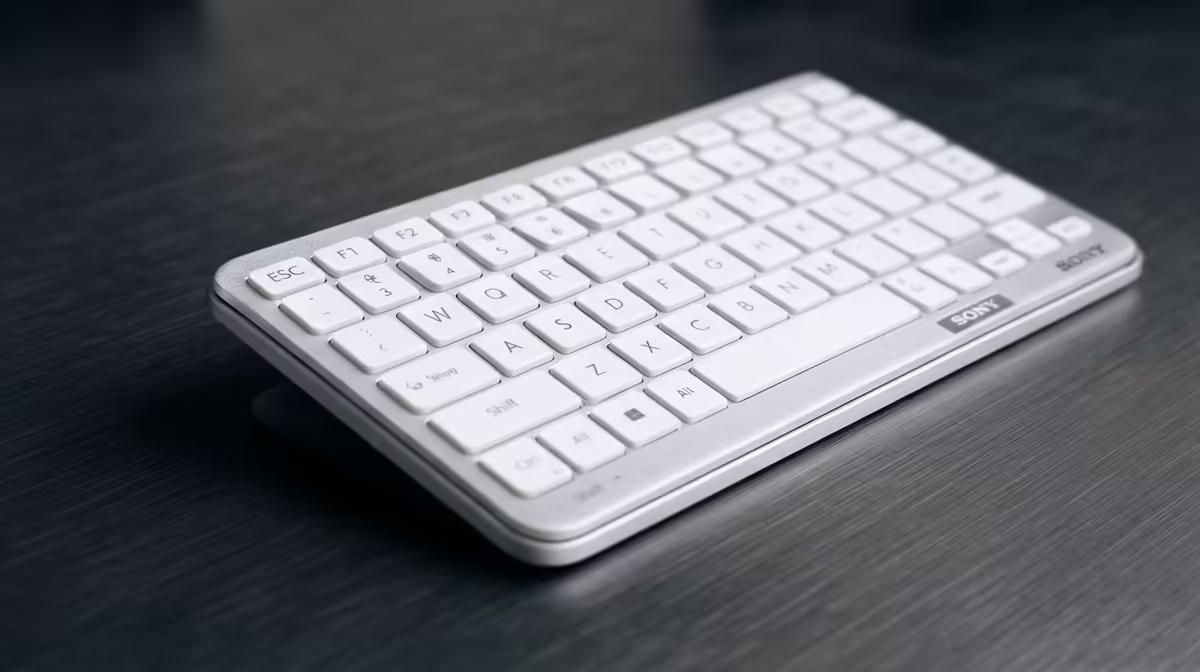
That sinking feeling… you're on a tight deadline, the project is due, and suddenly your 'E' key stops working. Or maybe your WASD keys are getting sticky after a marathon gaming session. Nothing halts productivity or spoils a good time faster than laptop keyboard problems. For busy South African professionals and gamers, this isn't just an annoyance; it's a full-blown crisis.
But before you start pricing out expensive repairs, take a breath. Many common keyboard issues can be fixed right at your desk with a little troubleshooting.
Start with the Simple Stuff: Software Troubleshooting
Before you assume the worst, let's rule out any software gremlins. These digital hiccups are surprisingly common and often the easiest to fix when you're trying to solve laptop keyboard problems.
The Classic Reboot
It's a cliché for a reason: turning it off and on again works. A simple restart can resolve temporary software conflicts that might be interfering with your keyboard's input. Save your work, reboot your machine, and see if the problem disappears. It’s the first step in any troubleshooting guide for a reason.
Check Your Keyboard Drivers
Your keyboard uses a piece of software called a driver to communicate with the rest of your laptop. If this driver is corrupt or outdated, things can go wrong.
- Right-click the Start button and select 'Device Manager'.
- Expand the 'Keyboards' section.
- Right-click on your keyboard (e.g., 'Standard PS/2 Keyboard') and select 'Update driver'.
- Choose 'Search automatically for drivers'. Windows will handle the rest.
If that doesn't work, you can also try 'Uninstall device'. Don't panic! After you uninstall it, simply restart your laptop. Windows will automatically reinstall a fresh, clean driver, which often solves the issue. Sometimes, persistent software issues are a sign that your machine is getting on in years, making an upgrade to one of our current laptop specials for sale in South Africa a very tempting solution.
Keyboard Shortcut Pro Tip 💡
Did you know Windows has a built-in emoji and symbol keyboard? Press Windows Key + . (period) to bring it up instantly. It's perfect for adding a bit of personality to your emails or documents without reaching for your mouse!
Getting Physical: How to Safely Clean Your Keyboard
If software fixes don't work, it's time to look at the hardware. Dust, crumbs, and other debris are the number one enemy of a functional keyboard. A good clean can often bring dead keys back to life. 🔧
First, shut down your laptop completely and unplug it. Turn it upside down over a bin and give it a gentle shake to dislodge any loose debris. For more stubborn grime, a can of compressed air is your best friend. Use short bursts to blow dust out from under the keys. Remember to hold the can upright to avoid spraying liquid propellant.
For sticky keys caused by a spill, you can use a cotton swab lightly dampened with isopropyl alcohol (90% or higher is best) to carefully clean around the affected key switch. Modern designs, like those found on many of the latest Intel laptops on special, often feature improved keyboard construction that can better resist daily wear and tear.
Knowing When to Call It: Repair vs. Replacement
You've tried the software fixes and given it a thorough clean, but some keys are still unresponsive. At this point, you're likely facing a hardware failure. This could be a worn-out membrane under the keys or a faulty connection to the motherboard.
So, what's the next move? You could take it in for a professional repair, but replacing a built-in laptop keyboard can be a surprisingly expensive and time-consuming job, sometimes costing thousands of ZAR.
This is often the point where you should weigh the cost of repair against the value of your laptop. If your machine is more than a few years old, investing that repair money into a new device makes far more sense. You not only get a perfectly working keyboard but also a faster processor, better graphics, and a brand-new warranty. For those who demand serious performance, the latest AMD laptops on special offer incredible power for both work and play. And if your old keyboard gave up after countless intense matches, it's probably the perfect excuse to check out the best gaming laptop deals and get a machine built for battle. ✨
Ready for a Hassle-Free Upgrade?
Sometimes, a keyboard problem is your laptop's way of saying it's time for retirement. Instead of costly repairs, why not invest in a brand-new machine with a flawless keyboard and next-gen performance? Explore our massive range of laptop specials and find the perfect upgrade today.