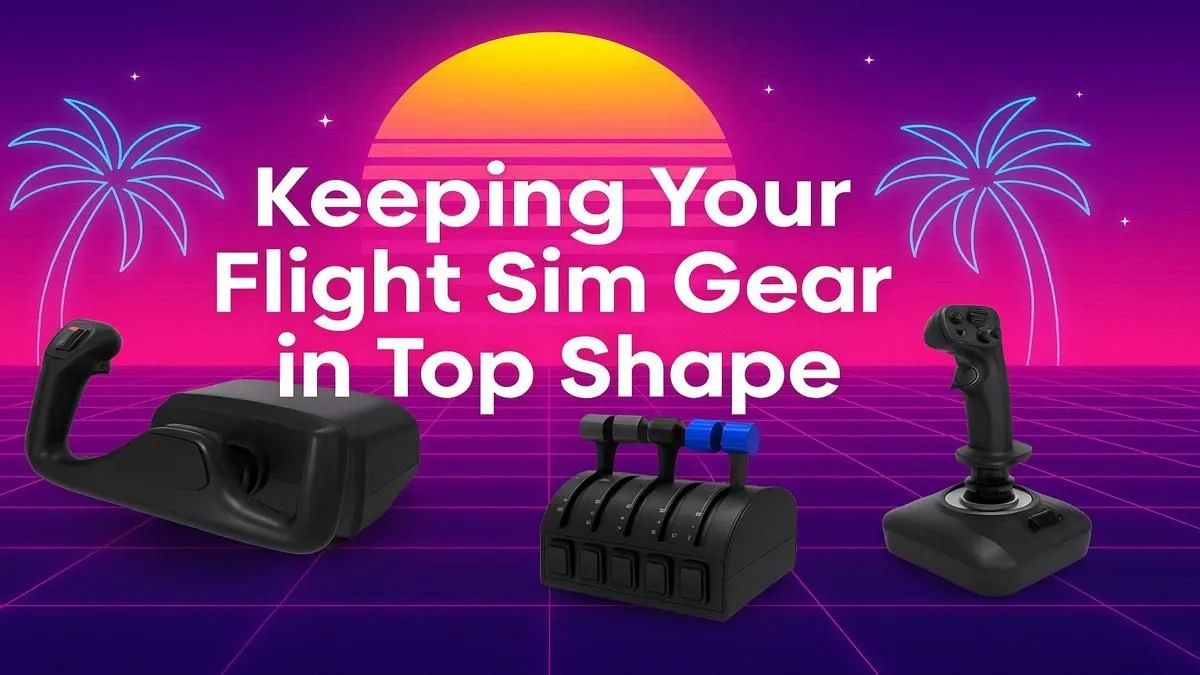
You're on final approach into Cape Town International, winds gusting, and you nudge the yoke for a slight correction... but it sticks. Or worse, it spikes, sending your Airbus lurching. Sound familiar? For South African sim pilots, peak performance isn't just about framerates; it's about precision control. This guide covers essential flight sim gear maintenance to keep your hardware as smooth as your landings, ensuring every flight is flawless from take-off to touchdown. ✈️
Why Flight Sim Gear Maintenance is Non-Negotiable
Ignoring your hardware is like skipping a pre-flight checklist. Dust, grime, and general wear-and-tear are the biggest enemies of your virtual cockpit. Over time, they can lead to spiking potentiometers (causing erratic inputs), sticky movements, and unresponsive buttons. Proper flight sim gear maintenance isn't just about cleaning; it's about preserving the immersion and accuracy that you invested in.
A well-maintained setup ensures your inputs are translated 1:1 in the simulator, which is crucial for everything from delicate trim adjustments to holding a perfect glide slope. It also extends the lifespan of your equipment, saving you ZAR in the long run. Remember, your physical comfort is just as important for those long-haul flights. Ensuring your setup is clean and ergonomically sound, right down to your chair, prevents fatigue and keeps you focused. A long flight is much more enjoyable in one of our comfortable and ergonomic gaming chairs.
The Pre-Flight Checklist for Your Yoke & Stick 🔧
Your primary flight controls—the yoke or joystick—are the most hands-on part of your rig. Keeping them in top condition is priority number one for any serious pilot.
Exterior Cleaning and Dust Prevention
Dust is the silent killer of smooth inputs.
- Disconnect First: Always unplug your gear from the PC before cleaning.
- Microfibre Cloth: Use a dry microfibre cloth to wipe down the entire exterior, including the base, shaft, and buttons. Avoid paper towels, which can leave lint behind.
- Compressed Air: A can of compressed air is your best friend. Use short bursts to clear out dust from button crevices, seams, and the base of the yoke or stick shaft.
Calibration Check-Up ⚡
After cleaning, it's a good idea to check your calibration in Windows' USB Game Controllers settings (just type joy.cpl in the Run command). Move your controls through their full range of motion. If you notice any jitter or dead zones have shifted, recalibrating can often solve the problem without needing to open the hardware up.
Consistent care is especially important for high-quality hardware. If you're flying with premium equipment like the range of Thrustmaster gear, regular maintenance ensures you get the precision performance you paid for.
Keeping Your Throttle Quadrant & Pedals Smooth
Your throttle and rudder pedals often sit out of sight, making them prime targets for dust and debris accumulation. Don't forget about them!
Throttle Quadrant Care
The sliders on a throttle quadrant can feel gritty over time as dust gets into the tracks.
- Wipe Down: Use a microfibre cloth to clean the levers and housing.
- Compressed Air: Gently blow compressed air into the slider tracks to dislodge any trapped particles.
- Smooth Motion: Move the levers through their full range of motion to ensure they travel smoothly without catching.
Rudder Pedal Maintenance
Rudder pedals live on the floor, so they need frequent attention.
- Clear the Area: Ensure the area around your pedals is free of cables, carpet fluff, and other obstructions.
- Wipe & Blow: Wipe down the pedals and base. Use compressed air to clean the pivot points and slider mechanisms.
- Check Stability: Make sure your pedals are secure and don't slide around on the floor during use. A stable platform is key for precise rudder and toe-brake control.
A smooth physical setup deserves a smooth visual one. Pairing your maintained controls with one of the latest immersive curved monitors can create a truly panoramic cockpit view, making every flight feel more realistic.
Beyond the Controls: The Full Cockpit Environment ✨
Peak performance isn't just about the flight controls themselves; it's about the entire ecosystem. A holistic approach to your flight simulator equipment care will yield the best results.
Your PC is the heart of the operation. Just as you keep your yoke clean, ensure your PC's fans and filters are dust-free to maintain optimal cooling and performance, especially during demanding flights over detailed scenery. If your machine is struggling to keep up with the latest updates and add-ons, it might be time to consider one of our purpose-built Microsoft Flight Simulator gaming PCs.
Finally, consider your visual setup. A clean, well-calibrated display is essential. For maximum situational awareness, many sim pilots run a multi-monitor setup, using secondary PC monitors for maps, ATC clients, or instrument panels. Keeping these screens clean and managing your cables creates a tidy, distraction-free environment where you can truly focus on flying.
Ready for a First-Class Upgrade?
Proper flight sim gear maintenance keeps you in the air, but sometimes an upgrade is the only way to reach new heights. Whether you need a smoother yoke or a more powerful PC for those high-fidelity add-ons, Evetech has your six. Explore our complete range of flight simulator gear and build your ultimate cockpit today.