Quick Answer
Yes, Frogfoot 200 Mbps is enough for online gaming in Kimberley when wired ping stays around 25-45 ms, jitter is under 5 ms, and packet loss is 0%. The package speed helps downloads and shared streaming, but match feel is decided by latency, router stability, and whether the gaming device is on Ethernet. Budget about R1,200-R3,500 for a Wi-Fi 6 router such as the TP-Link Archer AX55 or ASUS TUF Gaming AX3000 if the line is fine but Wi-Fi is weak.
What The Speed Tier Really Changes
200 Mbps gives plenty of bandwidth for ranked play because most games use far less than 10 Mbps during a match. The bigger benefit is quality of life: faster patches, less waiting after a game update, and more room for other people streaming in the house. If a 50 GB update is the pain point, a higher tier helps; if hit registration feels late, check ping and packet loss first.
Router And Cable Checks For Kimberley
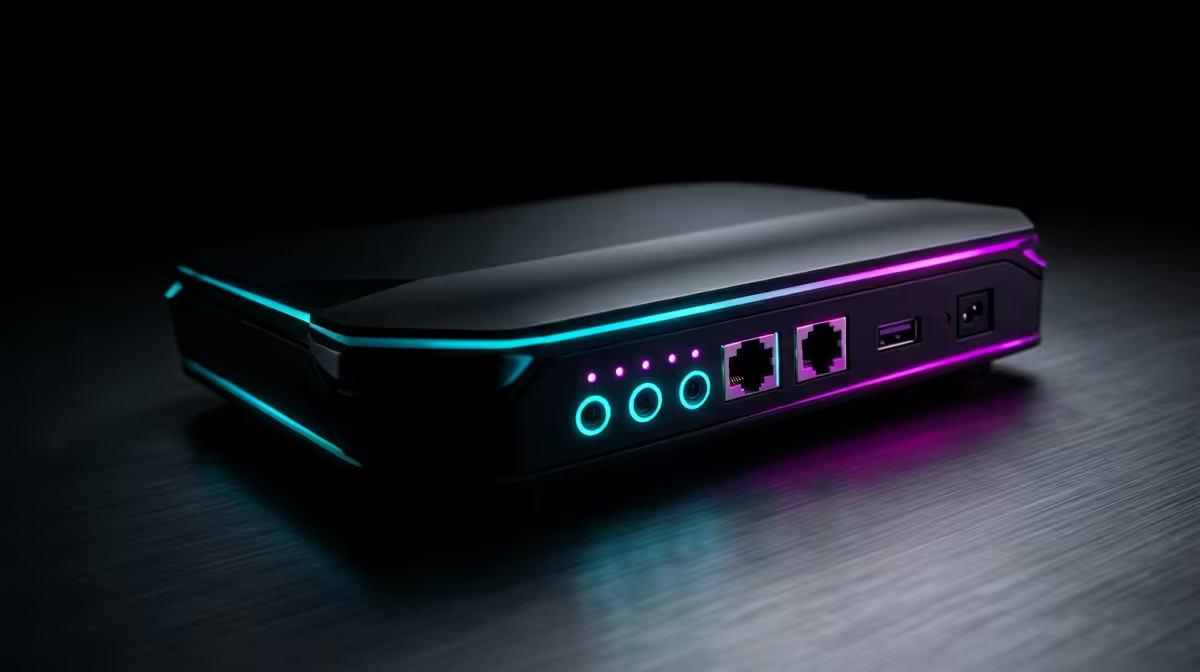
Start with a Cat6 Ethernet cable from the router to the PC or console, then compare that result with Wi-Fi from the same room. Kimberley players should test at the same hour they normally queue, because the home network and routing path matter more than a single speed-test peak. A TP-Link Archer AX55, ASUS TUF Gaming AX3000, or similar dual-band Wi-Fi 6 router is a sensible local shortlist, while a cheap old 2.4 GHz router can waste a good fibre line.
Gaming Hardware That Still Matters
A stable fibre line will not fix a PC that cannot hold frames. For popular esports titles, target 100-144 fps on a 144 Hz screen with a Ryzen 5 5600, Ryzen 5 7600, RTX 4060, or RX 7600 class build before chasing a faster internet package. For heavier AAA games at 1440p, an RTX 4070 Super or RX 7800 XT class GPU is a better performance lever than moving from 200 Mbps to the next tier.
FAQ
Is 200 Mbps fast enough for gaming in Kimberley?
Yes. The speed is enough for online matches; the key target is stable wired latency around 25-45 ms, jitter below 5 ms, and no packet loss during the same hours you play.
Should I upgrade fibre speed or buy a better router first?
Buy or reposition the router first if Ethernet is smooth and Wi-Fi is not. A R1,200-R3,500 Wi-Fi 6 router upgrade can improve local stability more than a bigger monthly package.
What monitor target makes sense with this connection?
Use a 144 Hz monitor if your PC can hold matching frame rates. The fibre line handles the connection, but the GPU and CPU decide whether the screen feels responsive.