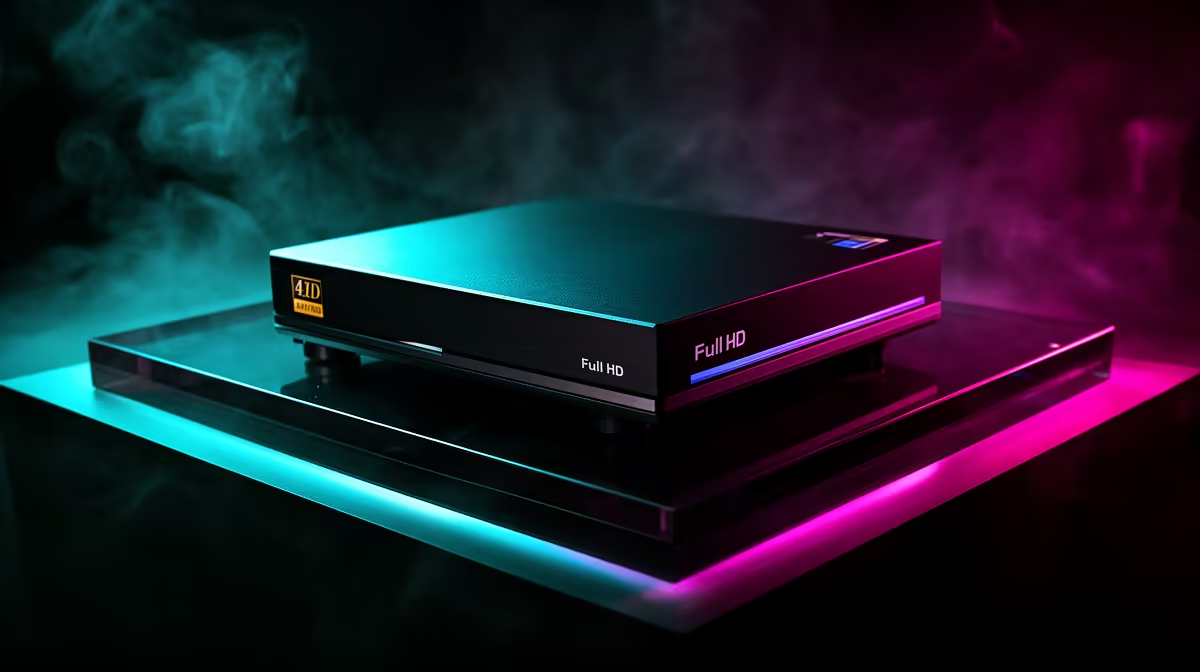
You just pulled off a legendary clutch in Valorant. The comms are going wild, your heart is pounding... and you wish you could share that moment. But a choppy, pixelated recording just doesn't do it justice. To truly capture your best plays, you need a device that keeps up. A dedicated Full HD capture device is the secret weapon for creating smooth, crystal-clear content that makes your gameplay look as good as it felt. 🚀
Beyond Screen Recording: The Performance Edge
Sure, your graphics card's built-in software can record gameplay. It's a decent starting point. But when you're in a high-stakes match, every frame counts. Software recorders use your PC's resources... the same resources your game needs. This can lead to dropped frames, input lag, and a less-than-perfect recording.
A dedicated hardware Full HD capture device takes that entire workload off your PC. It acts as a middleman, capturing the video feed directly from your GPU. The result? Zero performance impact on your gaming rig and a flawless, high-fidelity 1080p video file every time. Your gameplay stays smooth, and your recordings look professional.
Finding Your Perfect Match: Capture on Any Budget
Getting into high-quality recording doesn't have to break the bank. There's a perfect Full HD capture device for every setup and budget. The key is knowing what features you actually need.
- For the Aspiring Creator: If you're just starting out and want to archive your best moments in glorious 1080p, you don't need to spend a fortune. There are some seriously capable entry-level capture devices under R1000 that get the job done beautifully.
- For the Growing Streamer: Ready to go live? Stepping up to the next tier gives you more flexibility. The options available for under R2000 often include better software integration and lower latency passthrough, which is essential for streaming without delay. ✨
- For the Pro Broadcaster: When content creation is your passion, investing in premium gear pays off. The top-tier capture devices up to R3000 deliver the best image quality, advanced features, and rock-solid reliability for professional streams and YouTube content.
Quick Tips for Pro-Level 1080p Capture 🔧
Owning a great piece of kit is only half the battle. A few small tweaks can make a massive difference to your final video's quality. Before you hit 'record' or 'go live', double-check your settings.
A common mistake is setting your stream or recording bitrate too low, resulting in a blocky, pixelated mess, especially during fast-paced action. A higher bitrate means better quality, but it also requires more upload speed for streaming.
Streaming Bitrate 101
For a smooth 1080p 60fps stream on platforms like Twitch, aim for a video bitrate between 4500 and 6000 Kbps. Always run an internet speed test first! Make sure your upload speed is consistently higher than the bitrate you choose.
Another easy win is managing your audio. Most capture software, like OBS Studio, lets you separate audio sources onto different tracks. Put your game audio, your microphone, and your Discord chat on separate tracks. This will save you a massive headache in post-production, we promise.
Ready to Capture Your Legacy?
Stop letting laggy software ruin your best clips. An external Full HD capture device ensures your gameplay is recorded in the stunning quality it deserves. Explore our full range at Evetech and find the perfect tool to share your skills with the world.