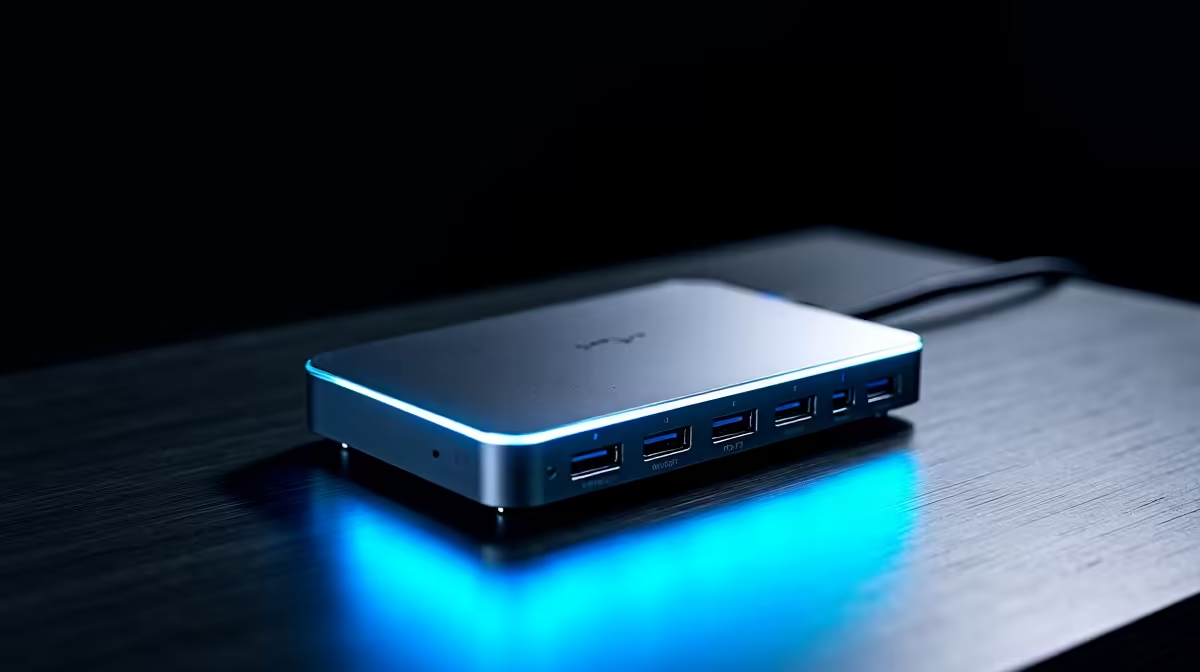
Tired of the cable spaghetti monster taking over your desk? We get it. In South Africa, a flexible setup is king. One moment you're working from home, the next you're setting up for a LAN party. What if you could connect your laptop to multiple monitors, a keyboard, mouse, and even charge it… all with a single cable? That’s the magic of future-ready tech docks, designed to let you invest once and, quite possibly, upgrade never. ✨
Why Your Setup Needs a Future-Ready Dock
Let's be honest, plugging and unplugging a half-dozen cables every time you move your laptop is a drag. A modern docking station streamlines your entire workflow into a single, powerful connection. It’s not just about tidiness; it's about efficiency.
Imagine a clean, minimalist desk where your powerful gaming laptop instantly connects to your entire battle station. We're talking dual 4K monitors, your favourite mechanical keyboard, a high-DPI mouse, and a stable Ethernet connection… all through one USB-C or Thunderbolt port. This is the core principle behind these hubs: they are the central nervous system for your peripherals. By choosing a quality model, like some of the top-tier Promate docks available, you're buying a piece of tech that will outlast your current laptop and be ready for the next one.
Check Your Port! 🔧
Before you buy, confirm your laptop's USB-C port supports 'DisplayPort Alternate Mode' (for video) and 'Power Delivery' (for charging). Most modern gaming and productivity laptops do, but it's always best to check the manufacturer's specs to unlock your dock's full potential.
What Makes a Dock "Future-Ready"?
Not all hubs are created equal. To ensure your investment truly lasts, you need to look for specs that point towards longevity. A future-ready tech dock isn't just about the ports you need today, but also the bandwidth you'll need tomorrow.
Here’s what to look for:
- High-Speed Connection: Look for Thunderbolt 4 or at least USB 3.2 Gen 2. This ensures you have enough bandwidth for multiple high-resolution displays and fast data transfer without creating a bottleneck.
- Serious Power Delivery (PD): A good dock should offer at least 65W-100W of power. This is enough to charge most high-performance laptops while you work or play, eliminating the need for your laptop's original power brick.
- Versatile Video Outputs: Aim for multiple HDMI and DisplayPort outputs that can handle at least two 4K displays at a smooth 60Hz refresh rate.
- A Healthy Mix of Ports: You'll want a combination of modern USB-C ports and legacy USB-A ports for all your gear, plus an essential Gigabit Ethernet port for lag-free gaming and downloads.
The best part? You don't need to break the bank. You can find even affordable docks under R1000 that offer a massive upgrade over a simple dongle.
Find the Perfect Dock for Your Budget 🚀
Choosing the right dock comes down to your specific needs. A graphic designer running two 4K colour-accurate monitors will need more video bandwidth than a student who just wants to connect a single screen and a keyboard.
Think about your daily routine. Do you constantly move between your desk and meetings? A dock means you're ready to present or play in seconds. Are you tired of slow Wi-Fi during a critical online match? An ethernet port on a dock provides a rock-solid connection. Investing in a quality hub simplifies these moments. While basic hubs get the job done, exploring the powerful options under R2000 often unlocks higher refresh rates, more ports, and faster charging—features that make a real difference.
Ultimately, a great docking station is one of the best quality-of-life upgrades you can make for your setup.