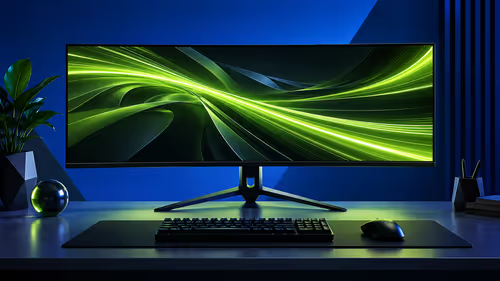
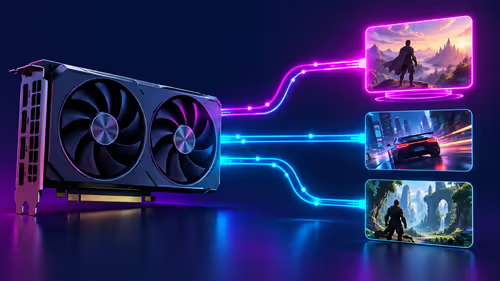
Stuttering gameplay and ugly screen tearing can ruin a perfect headshot. For years, if you had an NVIDIA graphics card, you were told you needed an expensive G-Sync monitor to fix it. But what if there was a smarter way? Enter the world of G-Sync Compatible FreeSync monitors in SA, offering buttery-smooth visuals without breaking the bank. It’s the lekker loophole every PC gamer in South Africa should know about.
Understanding G-Sync Compatible vs. Native G-Sync
So, what’s the big deal? At its core, this is all about "adaptive sync" technology. Both NVIDIA's G-Sync and AMD's FreeSync work to match your monitor's refresh rate to your GPU's frame rate in real-time. The result? No more visual tearing or stuttering. ✨
- Native G-Sync: These monitors have a dedicated NVIDIA hardware module inside. This guarantees top-tier performance but often comes with a higher price tag.
- FreeSync: This is AMD's open-standard alternative. It doesn't require a special chip, making these monitors more affordable and widely available across our full range of PC monitors.
- G-Sync Compatible: This is the sweet spot. NVIDIA tests and certifies high-quality FreeSync monitors that meet their strict standards for a variable refresh rate (VRR) experience. You get a smooth, tear-free experience on your NVIDIA GPU, but with the value and choice of the FreeSync market.
Essentially, a G-Sync Compatible FreeSync monitor gives you premium performance without the premium price.
The Big Win for South African Gamers 🇿🇦
Why should you specifically look for G-Sync Compatible FreeSync monitors in SA? Two simple reasons: value and choice.
For a long time, local gamers felt locked in. If you had a GeForce card, you paid the "G-Sync tax." Now, the game has changed. You can browse a huge variety of displays, from budget-friendly 1080p panels to glorious high-refresh-rate screens, and find incredible value. It means you can often find a fantastic adaptive sync monitor and still have enough ZAR left over for other upgrades. Keep an eye on the best PC monitor deals to snag a certified panel at a great price.
How to Enable G-Sync on Your FreeSync Monitor
Got a certified monitor and an NVIDIA card? Getting them to play nicely is surprisingly easy. Here’s a quick guide to unlock that silky-smooth gameplay.
Step-by-Step Setup
- Check Your Gear: You'll need an NVIDIA GeForce 10-series GPU or newer. Critically, you must connect your PC to the monitor using a DisplayPort cable, as this feature doesn't work over HDMI on most displays.
- Enable on Monitor: Dive into your monitor's on-screen display (OSD) menu using the buttons on the monitor itself. Find the setting for Adaptive-Sync or FreeSync and make sure it's turned ON.
- Enable in NVIDIA Control Panel: Right-click your desktop and open the NVIDIA Control Panel. Navigate to "Set up G-SYNC" on the left. Tick the "Enable G-SYNC, G-SYNC Compatible" box. Select your monitor and tick "Enable settings for the selected display model."
That's it! Your FreeSync monitor is now running in G-Sync Compatible mode. You can now browse all the best gaming monitors with confidence.
Driver Pro Tip 🔧
Always ensure you have the latest NVIDIA Game Ready Driver installed. NVIDIA regularly updates its list of certified G-Sync Compatible monitors and improves performance through driver updates. A quick check in the GeForce Experience app can save you a lot of troubleshooting headaches!
What Else to Look For When Buying
While G-Sync Compatibility is a huge feature, it's not the only thing that matters. To find the perfect display for your rig, consider these factors.
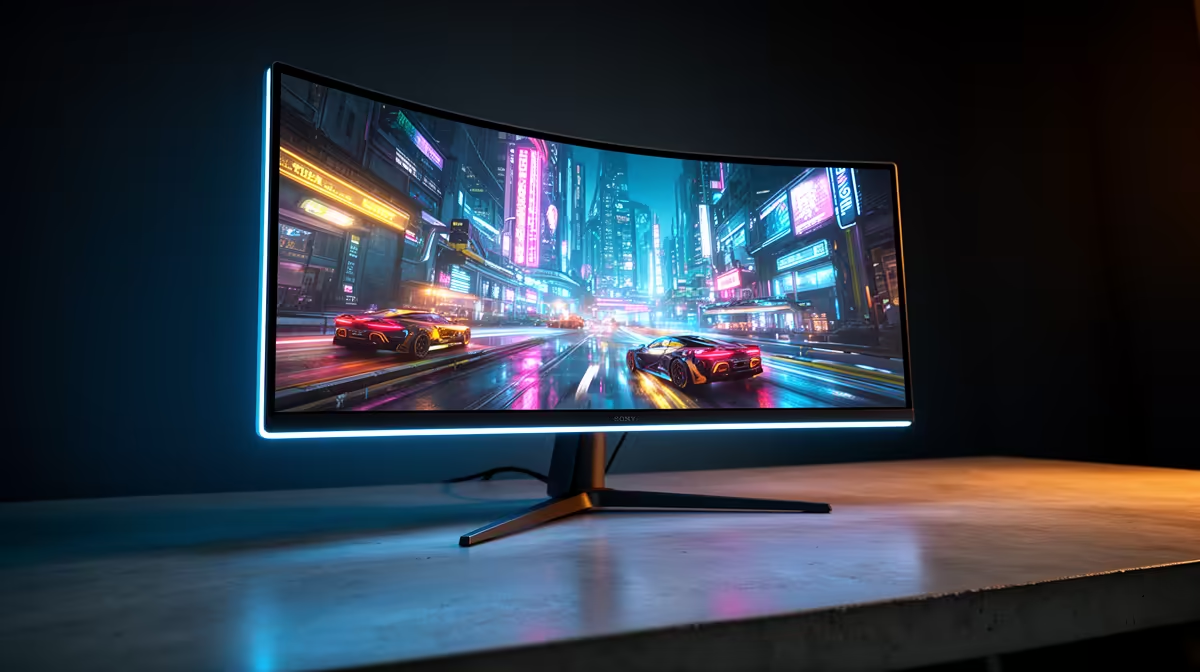
- Resolution & Size: 1440p (QHD) at 27 inches is the current sweet spot for immersive, detailed gaming. For ultimate immersion, nothing beats the wrap-around view of modern curved monitors.
- Refresh Rate: 144Hz is the gold standard for competitive and smooth gameplay. Higher refresh rates are great but offer diminishing returns for most players.
- Pixel-Perfect Detail: If you're a content creator or just want the sharpest image possible for single-player epics, exploring the world of 5K and 4K monitors is a must. The level of detail is simply breathtaking.
- Niche Needs: Do you travel for work or attend LAN parties? A high-quality portable monitor can be an awesome secondary display for Discord or OBS.
- Ergonomics: Don't forget the stand! Good height, tilt, and swivel adjustment are crucial for comfort. If the included stand isn't great, you can always grab a VESA mount from our range of monitor accessories. 🚀
Ready to Banish Screen Tear for Good?
Choosing the right display is key to a flawless gaming experience. With G-Sync Compatible FreeSync monitors, you get premium performance without the premium price tag. Explore our massive range of gaming monitors and find the perfect screen to dominate the competition.