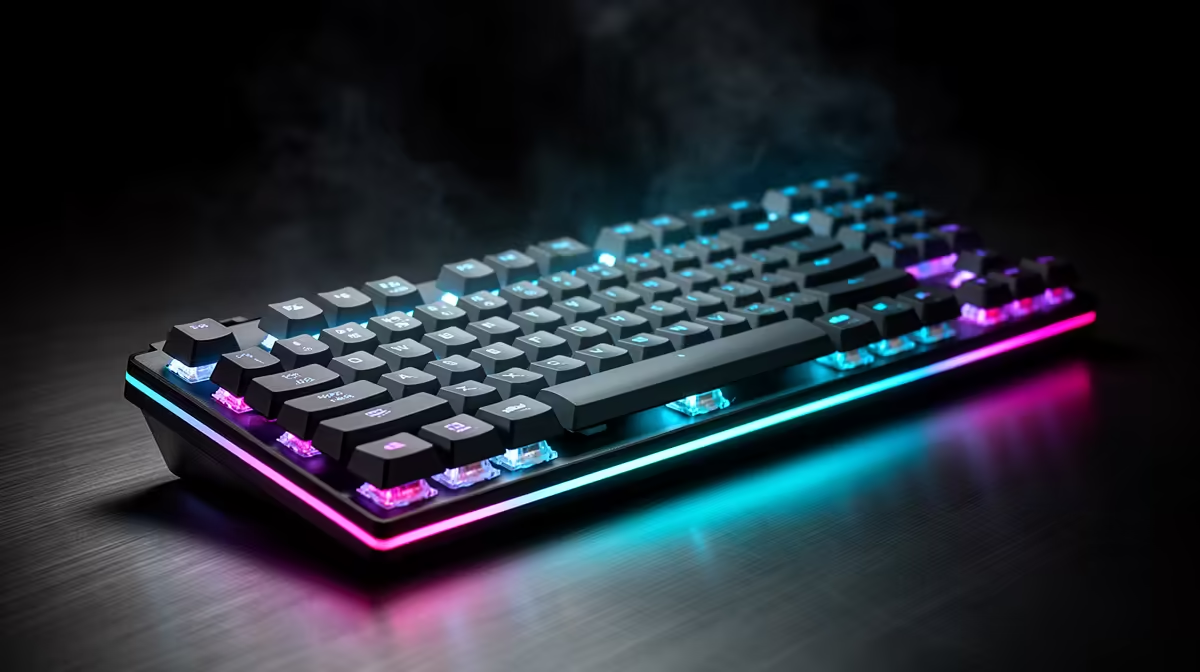
An ergonomic study setup aims to keep your wrists, shoulders, and posture comfortable through long sessions. The keyboard is central to that, so the upgrade path focuses on layouts and features that reduce strain rather than gaming flair.
Quick Answer
For ergonomic study setups, a gaming keyboard upgrade path moves from a basic board to a tenkeyless or split mechanical keyboard near R1,200 to R2,500 that reduces wrist strain. Prioritise a low-profile or split layout and a wrist rest, since hours of study and gaming reward a keyboard that keeps wrists neutral.
Starter: tenkeyless to bring the mouse closer
Even a modest tenkeyless mechanical keyboard near R1,000 improves ergonomics by removing the number pad, letting your mouse sit closer to centre and reducing shoulder reach. This single change eases shoulder and wrist angle for many people. For a study setup, a compact board is the easy first ergonomic win before any specialised hardware.
Step up: low-profile switches and a wrist rest
Low-profile mechanical switches lower the typing height, keeping wrists flatter, and a padded wrist rest near R200 supports them during long essays and coding. A keyboard around R1,500 with low-profile switches plus a wrist rest noticeably reduces fatigue. These refinements matter more for an ergonomic setup than switch colour or RGB ever will.
Serious: split and ergonomic keyboards
For the most wrist-neutral typing, a split or ergonomic keyboard from around R2,000 to R2,500 lets each hand sit at a natural angle, cutting ulnar deviation over long sessions. There is a short adjustment period, but heavy typists who study for hours often find it worth it. Reserve this step for when standard layouts still leave your wrists sore after long days.
FAQ
How does a tenkeyless keyboard help ergonomics?
It removes the number pad, letting your mouse sit closer to centre and reducing shoulder reach and wrist angle. A tenkeyless mechanical board near R1,000 is an easy first ergonomic improvement for a study setup.
Are split keyboards worth it for studying?
For heavy typists, often yes. A split or ergonomic keyboard from around R2,000 lets each hand rest at a natural angle, reducing wrist strain over long sessions. Expect a short adjustment period before it feels natural.
Do low-profile switches improve typing comfort?
They can. Low-profile switches lower the typing height, keeping wrists flatter, which reduces fatigue during long study or coding sessions. Pairing them with a R200 wrist rest enhances the ergonomic benefit further.
Start with a tenkeyless board to bring your mouse closer, add a wrist rest, and consider a split keyboard near R2,000 only if your wrists still ache after long study days.