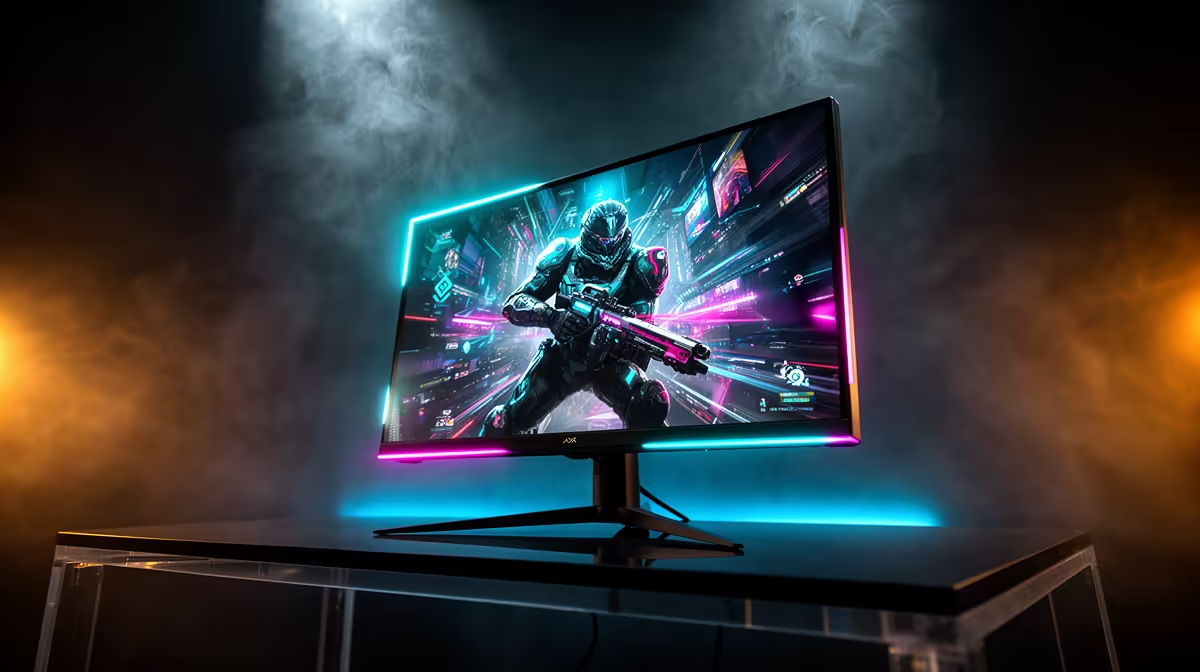
So, you’ve just dropped some serious cash on a new graphics card. You’re ready for buttery-smooth frame rates and eye-popping visuals. But you plug it in, fire up your favourite game… and it looks… okay? For South African gamers, the bottleneck is often an old screen. Choosing the right gaming monitor resolution isn't just a tech spec; it’s the final, crucial step to unlocking the power you’ve already paid for. Let's decode the pixels.
Understanding Gaming Monitor Resolution Basics
At its core, a monitor's resolution is simply the number of pixels it uses to create an image, measured width by height. A 1080p monitor, for example, has a resolution of 1920x1080, meaning it's 1,920 pixels across and 1,080 pixels down. More pixels mean a sharper, more detailed picture. Think of it as the difference between a standard TV broadcast and a crystal-clear Blu-ray movie.
This detail is often measured in Pixels Per Inch (PPI). The higher the PPI, the crisper the image, as more pixels are packed into a smaller space. This is why a 24-inch 1080p monitor looks sharper than a 32-inch 1080p one. Understanding this balance is key when browsing the huge variety of PC monitors available today.
The Main Event: 1080p vs 1440p vs 4K
Choosing the best gaming monitor resolution for your setup comes down to a classic trade-off: visual quality versus performance. Your graphics card has to work harder to render more pixels, which can lower your frames per second (FPS). Let’s break down the main contenders.
Full HD (1080p): The FPS King 👑
- Resolution: 1920 x 1080
- Best For: Competitive esports, budget-conscious builds, and gamers who prioritise pure speed.
For years, 1080p has been the gold standard, and for good reason. It’s the easiest resolution for modern graphics cards to handle, meaning you can push ridiculously high frame rates in games like Valorant or Apex Legends. If your goal is to hit 144Hz, 240Hz, or even higher for that competitive edge, 1080p is your most reliable bet. It's the workhorse of all gaming monitors for a reason.
Quad HD (1440p): The Sweet Spot ✨
- Resolution: 2560 x 1440
- Best For: The majority of gamers with mid-to-high-end GPUs who want a major visual upgrade without sacrificing too much performance.
Often called QHD or 2K, 1440p is considered the new sweet spot for PC gaming in South Africa. It offers a significant, immediately noticeable jump in sharpness and detail over 1080p, making single-player adventures and lush open worlds feel far more immersive. Paired with a decent GPU (think NVIDIA RTX 3060 Ti / 4060 or above), you can still enjoy high refresh rates. This resolution is particularly popular among curved monitors, which enhance that immersive feeling.
Check Your GPU Power! ⚡
Before you commit to a 1440p or 4K monitor, do a quick search on YouTube for your graphics card model + the game you play (e.g., "RTX 4060 Cyberpunk 2077 1440p benchmark"). This will give you a real-world idea of the FPS you can expect, helping you make a smart, regret-free purchase.
Ultra HD (4K): The Visual Powerhouse
- Resolution: 3840 x 2160
- Best For: High-end PC owners, graphic designers, and players who prioritise cinematic fidelity above all else.
4K is where visuals become breathtakingly real. The level of detail is unmatched, making games look like interactive movies. However, this visual luxury comes at a steep performance cost. Pushing high frame rates at this screen resolution requires a top-of-the-line graphics card (like an RTX 4080 or 4090). For those with the hardware to back it up, the range of premium 4K and 5K monitors delivers an experience that is simply second to none.
More Than Just Pixels: Other Factors to Consider
Your monitor's resolution doesn't exist in a vacuum. It works alongside other critical specs to create the final picture.
- Refresh Rate (Hz): This is how many times your screen updates per second. A higher refresh rate (like 144Hz) creates smoother motion, but your GPU has to be powerful enough to supply those frames, especially at a high resolution.
- Screen Size: A 27-inch 1440p monitor is a popular combo because the pixel density is excellent. A 4K resolution really starts to shine on screens 28 inches and larger.
- Panel Type: IPS panels offer the best colour accuracy, while VA panels provide superior contrast. The resolution determines the detail, but the panel determines the quality of that detail.
- Portability: For gamers on the go or those with multi-device setups, even portable monitors now come in various resolutions, offering crisp visuals away from your main rig.
Making the Right Choice for Your Rig (and Wallet)
So, what is the perfect gaming monitor resolution for a South African gamer?
- Assess Your GPU: Be realistic about what your graphics card can handle. There's no point buying a 4K screen if your card struggles to play games at 1080p.
- Define Your Priority: Are you a competitive FPS player needing every frame, or a solo adventurer who wants to get lost in the world? Speed or beauty?
- Set Your Budget: 1080p offers incredible value, while 1440p provides a premium experience for a bit more. 4K is a serious investment.
Ultimately, the best monitor is one that complements your PC. By matching the resolution to your hardware and gaming style, you ensure every rand spent on your rig is visible on screen. Checking out the best PC monitor deals is the perfect place to start weighing your options and finding that perfect match.
Ready to See the Difference?
Choosing the right gaming monitor resolution is the key to unlocking your PC's true power. From high-refresh 1080p screens to glorious 4K displays, we've got the perfect panel for your setup and budget. Explore our incredible range of PC monitor deals and find the perfect screen to conquer your world.