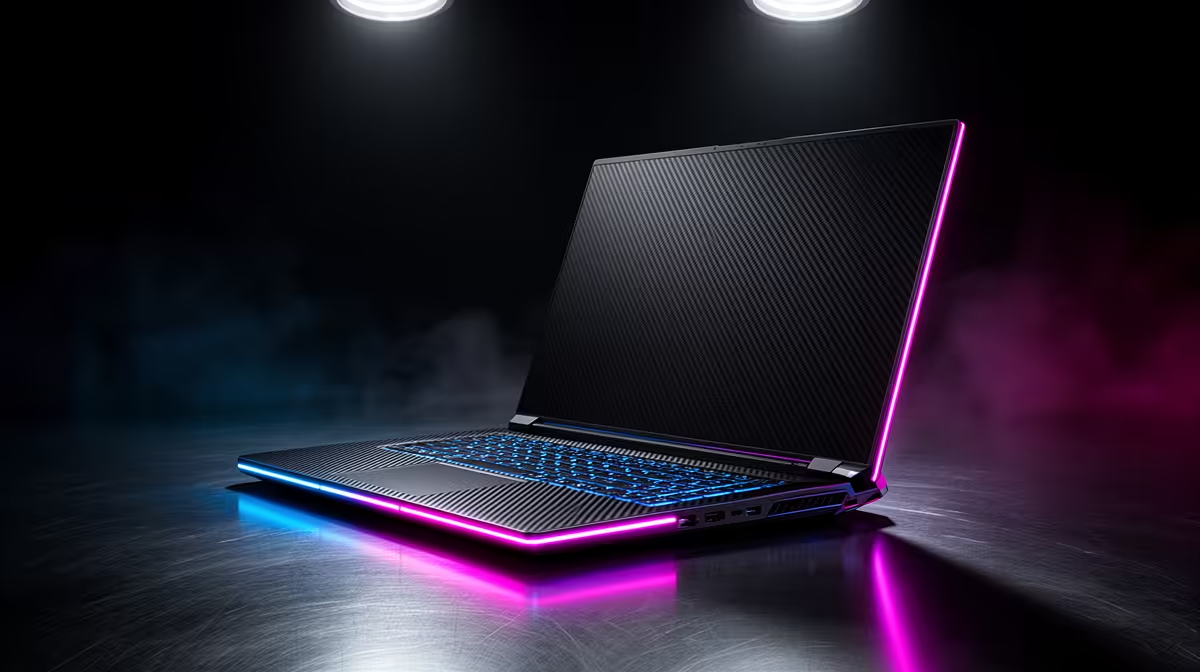
A student should choose a balanced PC when gaming and creative coursework are both frequent. A gaming-tuned build prioritises frame rate and display refresh, while a creator-tuned system may favour memory, storage, codec support and colour accuracy. The right spend follows measured weekly use.
Weight the actual timetable
List the main games, course applications and largest projects. Benchmark one representative task from each group at the target display resolution. Note memory use, frame times, export duration and free storage. If creative work determines grades or income, protect that requirement before chasing marginal gaming gains.
Budget also belongs to a reliable monitor, backup drive, network and comfortable input devices. Keep course files separate from game libraries and maintain an offline recovery copy. A balanced system should complete study work without sacrificing the games played most often.
A student deciding between gaming and creator priorities should include software licensing and course support in the calculation. A cheaper component is poor value if it lacks the acceleration required by the syllabus. Ask whether projects are submitted locally, rendered remotely or completed in campus labs before buying capacity that sits unused.
Include repairability and local support in the student scorecard. A slightly slower supported system may be more useful during exams than a faster custom build with long downtime.
The Palit RTX 5060 8GB is verified at R4,800. The AOC U27G42 4K 160Hz monitor is verified at R4,819. Confirm application acceleration, ports, power and current stock.
Building a balanced student PC? > Compare Evetech hardware by both weekly workloads.