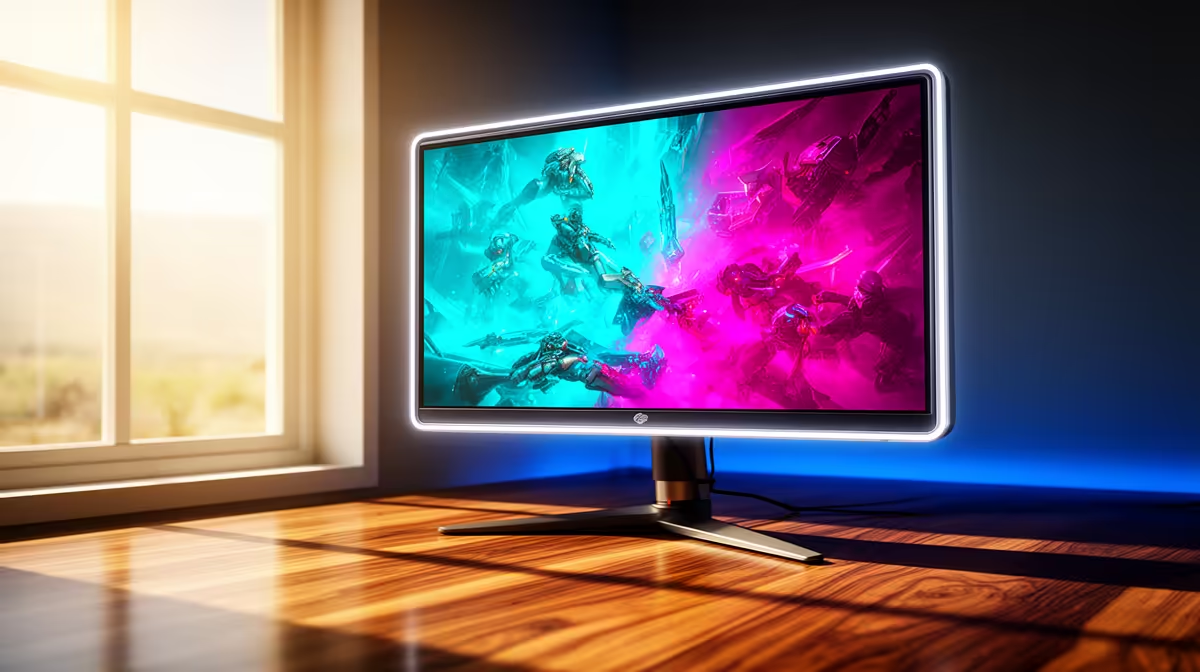
A glossy OLED can be difficult beside a bright north-facing window because reflections and daylight may overwhelm dark scenes. It is not automatically a mistake, but the room needs controllable light and a desk angle that keeps the window out of the screen.
Test the brightest hour
Place a similarly glossy screen at the intended desk and view dark content around midday. Look for reflected windows, the user silhouette and eye strain. Side lighting is easier to manage than a window directly behind the viewer or display. Adjustable blinds or curtains can help without turning the room dark all day.
Compare display priorities
The supplied facts contain no verified glossy-OLED monitor SKU or price. The Dell S2725QC 27-inch 4K USB-C IPS monitor is verified at R6,128 as a non-OLED high-resolution comparison. Its panel type and price do not prove superior glare control, so confirm coating, brightness, refresh rate and port support on the exact display.
OLED offers deep blacks and fast pixel response, while buyers should also check warranty terms, static-content care and automatic panel-protection features. Hide taskbars when practical, allow maintenance cycles and avoid forcing maximum brightness merely to fight an unsuitable window angle.
Reposition the desk before spending on extra brightness. Choose the glossy OLED when reflections remain controlled during the real workday and its gaming or creator strengths matter. Choose a different coating or layout when daylight cannot be managed.
Choosing a bright-room monitor? > Ask Evetech to compare panel coating, brightness, ports and refresh against the window position.