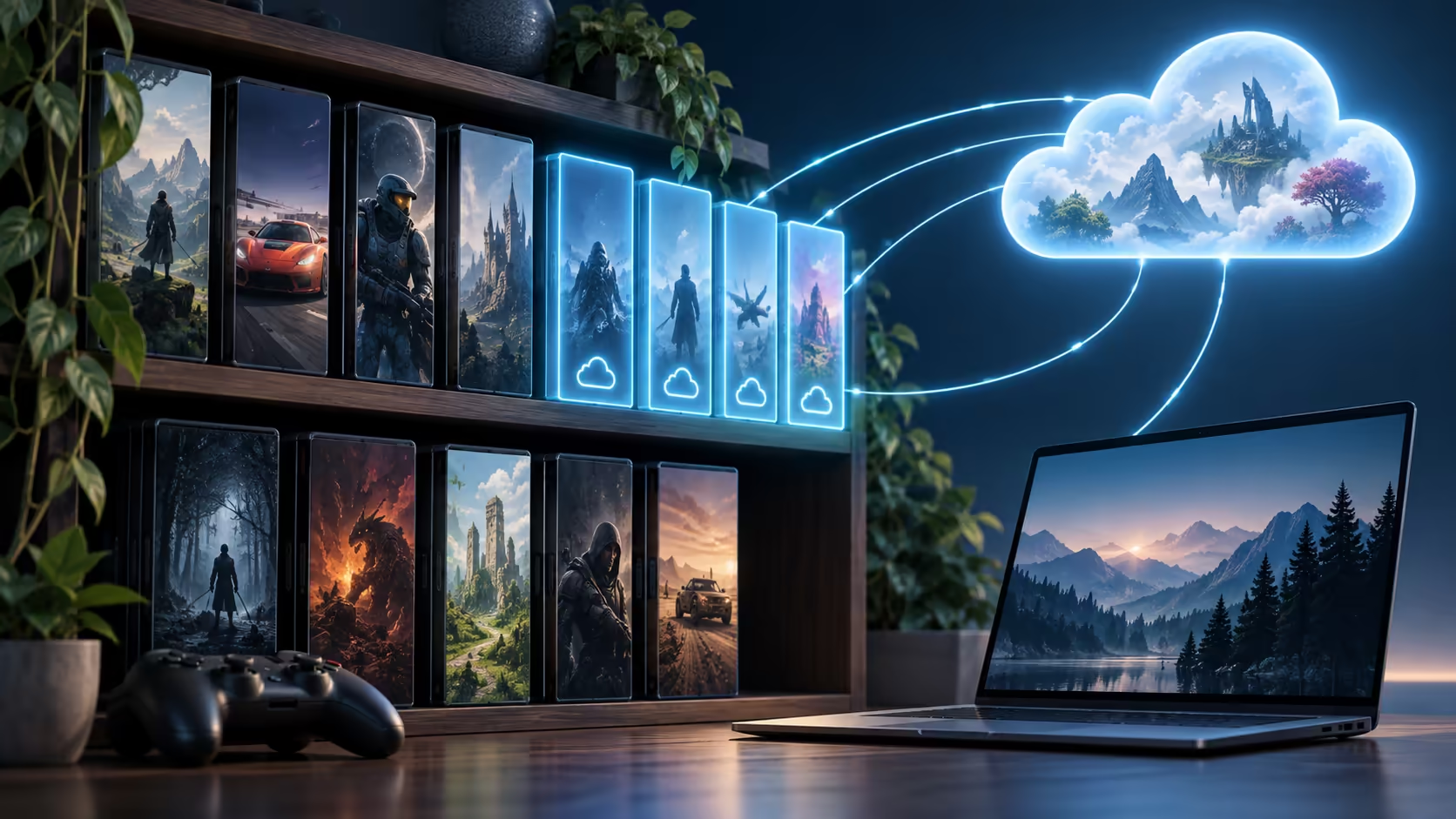
A library with hundreds of games can hinge on just three favourites. Your PC game library on Googlebook should be assessed title by title, because ownership, streaming support and saved progress are separate parts of access.
Quick Answer
Do not assume your complete PC catalogue transfers to Googlebook. For cloud play, match each important title to its supported service entry, store edition and regional access, then confirm saves and extra content. A Windows game folder cannot become compatible merely by being copied to a different laptop.
📚 Start with the games that matter most
Create a short list of the games played recently and those you intend to play next. Include the mode that matters: a campaign, competitive multiplayer, a modded sandbox or local co-op can place different demands on the access route. This list is more useful than the total number displayed by a launcher.
Assign each title a supported route, an unresolved route or no suitable route found. Keep that language precise. Not finding a game in one cloud catalogue is not proof that no service anywhere supports it, but it is enough to stop counting that route as confirmed.
Weight importance as well as quantity. If nine occasional games work and the one weekly favourite does not, the new machine may still fail its intended role. Conversely, a small compatible selection may be sufficient for a laptop bought mainly for other tasks.
Use Evetech laptop options to compare that role with other priorities, such as studying or travelling. The goal is to find a useful device, not to force every historical purchase onto one platform.
🏷️ Match the exact store entitlement
GeForce NOW links cloud access to supported game entries and store ownership. A familiar title appearing in a catalogue is only the start: identify which store versions the entry accepts and use the account that owns the relevant licence.
Different editions or regional packages can complicate the match. A subscription library entry is also different from a permanent purchase. If access comes through another service, its continuing membership can remain a dependency even while the streaming subscription is active.
Downloadable content needs similar attention. Owning an expansion on one platform does not establish that another account or store recognises it. Before continuing an old campaign, confirm that the required content is present so a save depending on it has the right environment.
Do not interpret a request to buy the game as an immediate need to purchase it again. Check the signed-in store identity and selected catalogue entry first. Duplicate accounts are an easy way to hide an existing entitlement from the service.
The cloud membership itself is separate from game ownership. Paying for access to remote hardware does not generally grant every paid game in its catalogue. Keep both costs visible when comparing the streamed route with a local installation.
💾 Verify progress, settings and modifications
Saved progress can be stored locally, synchronised by a launcher or held by the game publisher. Those paths behave differently when changing devices. An account login may restore multiplayer progress while leaving a locally stored campaign untouched.
Open a low-risk session and inspect the actual save before making changes. Check the chapter, playtime or another recognisable milestone. Allow synchronisation to finish at both ends when returning to the original system. If two copies diverge, resolve which one is authoritative before overwriting either.
Settings are another category. Control layouts, graphics preferences and accessibility options may not follow progress. Rebuild the important settings deliberately, especially if the streamed client changes the available input or display modes.
Mods need explicit support. A local PC gives you access to game files and tools that may not exist in a managed streaming session. Even a supported title can be unsuitable for a heavily modified save. Keep an unmodified backup where the game permits it, and do not assume a workaround accepted on a desktop is allowed by the remote service.
Screenshots, recordings and custom maps can also be separate from the game save. Preserve them as ordinary files if they matter to you. A successful launch does not imply the whole personal history surrounding a game has transferred.
Preserve the evidence for each favourite
For each essential title, keep the exact service entry, owned store and save route together in a private note. Add the required expansion or control method if it changes the experience. This is useful when a game later shows an unexpected purchase prompt or opens without the expected progress.
For example, a campaign owned through one store and a multiplayer edition accessed through a separate subscription are two different entitlements even if their names look related. Recording the distinction avoids signing into the wrong service and buying a duplicate copy in frustration.
Revisit the short list when a subscription ends or a catalogue changes. The audit describes a supported combination at a point in time, rather than a permanent guarantee for every future title. Keeping it small enough to maintain is more useful than cataloguing hundreds of games you no longer play.
🧭 Choose a role from the completed audit
The audit can support several sensible decisions. Googlebook may cover casual access to a few favourites, work as a second device beside the existing PC, or prove unsuitable as the primary gaming machine. None of those outcomes requires dismissing the entire platform.
If broad local PC compatibility is essential, compare gaming laptop deals around the required operating system and hardware. Local execution offers a different level of control over installation and files, while individual online games still impose their own account and network requirements.
For a cloud-first role, confirm the regional service and ordinary subscription terms before valuing promotional access. A title that streams in an overseas demonstration is not enough to establish a South African membership route or the same client features.
Keep the old installation until the important saves and game modes have been exercised through the new route. That gives you a fallback if a missing expansion, unsupported mod or input issue emerges later. The useful conclusion is a concrete list of playable favourites and remaining dependencies, rather than an unsupported claim that an entire PC library simply carries over.
Frequently Asked Questions
Does owning a PC game guarantee Googlebook access?
No. Ownership must be paired with a supported local or cloud route, including the correct store edition and region.
Why does the store edition matter for GeForce NOW?
A catalogue entry can support specific stores. A purchase from another store is not automatically interchangeable with that supported entitlement.
Do cloud saves cover every game automatically?
No. Save handling differs by title and platform. Confirm the actual latest progress through the supported account and sync route.
Can I copy a Windows game folder and expect it to run?
Copying files does not supply a compatible operating system, runtime or launcher. The installation requires an explicitly supported environment.
Will every mod transfer into a cloud session?
No. Managed streaming environments can restrict local file changes and mod tools, so confirm the particular service and game support.
Audit games by title, store and supported route?
Explore Evetech laptop choices using your most-played games, verified store support and the level of local control you need.