




IPS vs VA for Strategy and Sim Games in SA
IPS vs VA for strategy and sim games should be judged by fit, not a single winner. Compare compatibility, latency, capacity, upgrade path, cost planning, and South African setup needs.
Read moreHDMI 2.0 tops out around 18Gbps and 4K at 60Hz, while HDMI 2.1 carries 48Gbps, 4K at 120Hz and 8K at 60Hz. The gap also covers variable refresh rate and auto low latency mode, and a R299 Anker lead is specified for the higher tier from end to end.
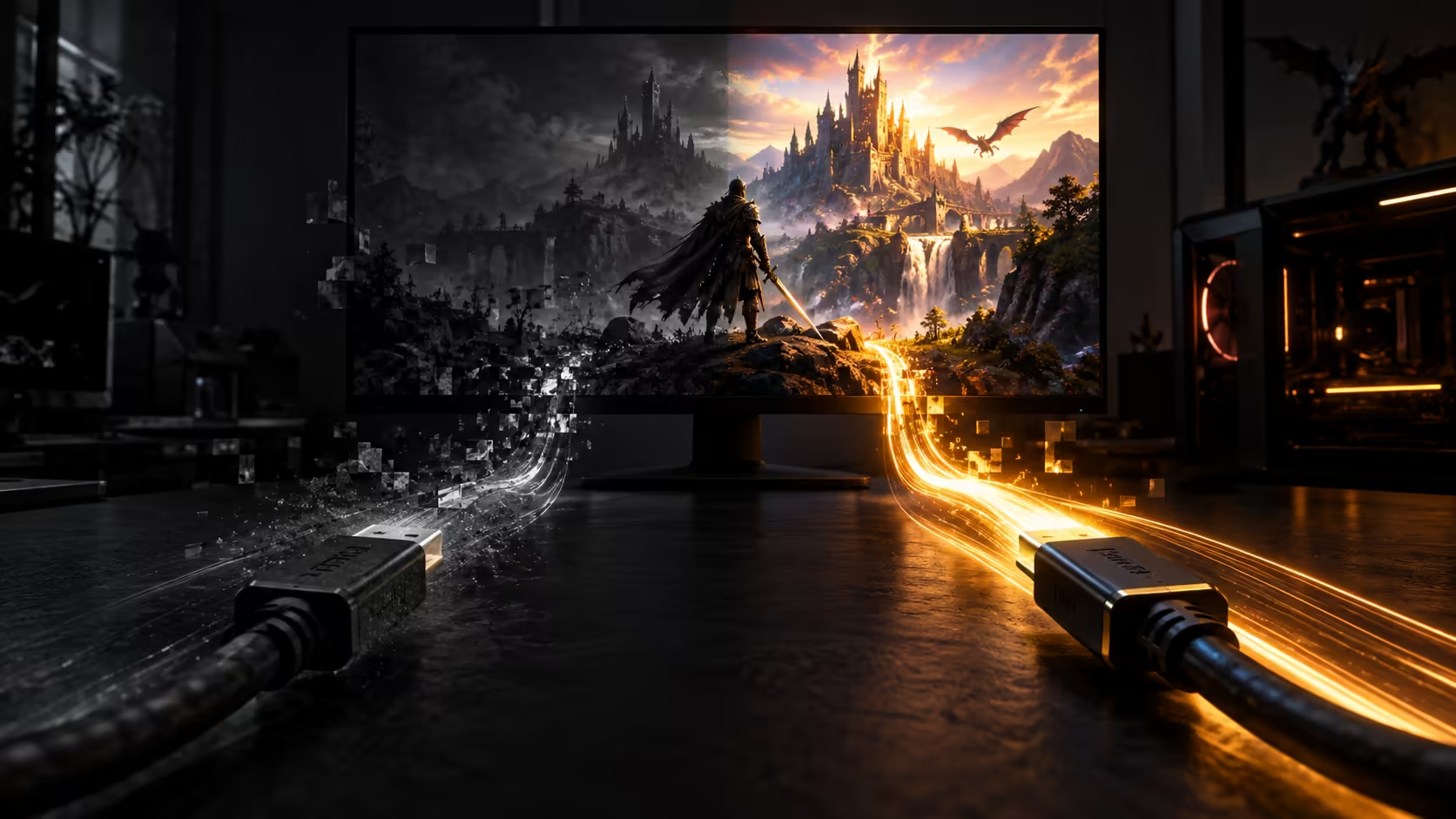
The gap between HDMI 2.0 and HDMI 2.1 is not a marketing refresh, it is roughly a tripling of the bandwidth a single cable can carry. That difference is the whole reason 4K at 120Hz and 8K exist as HDMI features at all, rather than something only DisplayPort could offer. Knowing where the ceiling actually sits on each version stops you buying a cable that cannot do what a newer console or graphics card is capable of.
HDMI 2.0 tops out around 18Gbps and 4K at 60Hz, while HDMI 2.1 carries 48Gbps, 4K at 120Hz and 8K at 60Hz. The gap also covers variable refresh rate and auto low latency mode, features 2.0 never had regardless of cable quality. A R299 Anker lead is specified for the higher tier from end to end.
HDMI 2.0's ceiling sits at roughly 18Gbps, which is enough for 4K at 60Hz with full 4:4:4 chroma and 8-bit colour, and that combination is where the standard was designed to land. HDMI 2.1 lifted the same single-cable figure to 48Gbps, close to a threefold increase, and that extra headroom is what makes 4K at 120Hz and 8K at 60Hz possible over one lead rather than needing dual-cable workarounds that older high-refresh setups sometimes relied on.
The practical effect shows up the moment you ask for more than 4K60: a 2.0-rated cable will pass a 120Hz signal at lower resolutions, but it cannot carry 4K at 120Hz, because the data simply will not fit. This is a hard ceiling set by copper and certification, not something a driver update or a firmware patch works around.
HDMI 2.1 did not only widen the pipe, it added capability that depends on that width existing. Variable refresh rate lets a display match its refresh to a game's frame rate in real time rather than sticking to a fixed number, which cuts down on tearing and stutter in exactly the fast-moving scenes where it is most noticeable. Auto low latency mode lets a console tell a compatible display to switch into its lowest-lag picture setting automatically, removing the manual step of finding a game mode buried in a TV menu each time you switch inputs.
Neither of these needs the full 48Gbps figure on its own, but both are specified as part of the HDMI 2.1 standard rather than 2.0, so a cable built to the older tier will not carry them even at resolutions it otherwise supports comfortably. The 1.8m Anker lead is 2.1-rated throughout, which means these features work over it as well as the raw resolution and refresh figures.
None of this means older gear becomes useless the moment a 2.1 cable arrives in the house. The connector has been identical across every HDMI generation, so a 48Gbps lead plugs straight into a television, monitor or console built to the 2.0 standard, and the two ends simply agree on the best mode both can manage, typically 4K at 60Hz. Nothing is damaged and no feature is lost that the older device could offer in the first place; you are simply not using the cable's full headroom yet.
That makes a single 2.1-rated cable a reasonable choice even for a household with a mix of older and newer screens, since it is the one lead that will not need replacing the next time a device in the chain gets upgraded.
If every device in the chain, source and display alike, is limited to 4K at 60Hz, an 18Gbps HDMI 2.0 cable will do the job without leaving anything on the table. The moment either end supports 4K at 120Hz, 8K, variable refresh rate or auto low latency mode, only a 48Gbps HDMI 2.1 lead carries it. Given how close the pricing sits between the two tiers, buying to the higher spec once is usually the more sensible move, so the cable is not the thing holding a future upgrade back.
The Anker 1.8m lead is R299, rated for the full 48Gbps figure, and its warranty is one a local courier handles rather than an overseas parcel. For a setup with a visible run, a sleeved cable covers the same specification with a tidier look on a desk. Compare that against the refresh rates listed on our monitor range before deciding which tier your own screen actually needs, and browse the full cable range if you are wiring up more than one device at once. Getting this decision right the first time saves a second purchase once a newer console or graphics card lands in the house, since the cable rarely gets swapped out on its own once it is routed and forgotten behind a cabinet.
Yes. 4K at 60Hz fits comfortably within HDMI 2.0's 18Gbps ceiling, so a cable rated to that standard carries it without issue on any device that only needs that mode.
It works alongside them. The connector is unchanged, so a 2.1-rated cable plugs into older 2.0 hardware and both ends agree on the highest mode the older device supports.
No, it is defined as part of the HDMI 2.1 standard, so it requires both a 2.1-capable device and a cable rated to carry it, regardless of resolution.
Not by much at typical lengths. The R299 Anker 1.8m lead sits close to what a decent HDMI 2.0 cable already costs, which is part of why buying to the higher spec once makes sense.
No. Once a display is receiving 4K at 60Hz, a higher-rated cable carries the identical signal; the extra bandwidth only matters once you ask for a mode 2.0 cannot carry at all.
No. The two simply agree on the highest mode the older device supports, and nothing about the connection is damaged by pairing a newer cable with older equipment.
Ready to future-proof your HDMI setup without overpaying? Buy to the 48Gbps figure once, and stop checking cable ratings every time a new device joins the chain.
Yes. 4K at 60Hz fits comfortably within HDMI 2.0's 18Gbps ceiling, so a cable rated to that standard carries it without issue on any device that only needs that mode.
It works alongside them. The connector is unchanged, so a 2.1-rated cable plugs into older 2.0 hardware and both ends agree on the highest mode the older device supports.
No, it is defined as part of the HDMI 2.1 standard, so it requires both a 2.1-capable device and a cable rated to carry it, regardless of resolution.
Not by much at typical lengths. The R299 Anker 1.8m lead sits close to what a decent HDMI 2.0 cable already costs, which is part of why buying to the higher spec once makes sense.
No. Once a display is receiving 4K at 60Hz, a higher-rated cable carries the identical signal; the extra bandwidth only matters once you ask for a mode 2.0 cannot carry at all.
No. The two simply agree on the highest mode the older device supports, and nothing about the connection is damaged by pairing a newer cable with older equipment.
IPS vs VA for strategy and sim games should be judged by fit, not a single winner. Compare compatibility, latency, capacity, upgrade path, cost planning, and South African setup needs.
Read more
Gen 5 NVMe SSD guide for Bloemfontein gamers should be shortlisted around the job it must do. South African buyers should compare capacity, speed, thermals, and motherboard support, warranty path, and upgrade room before treating any pick as best.
Read more
Skip the RTX 5070 if your first-time builder budget needs better balance. Better SA picks can free room for the right CPU, PSU, case, monitor, storage, and cooling while still giving a strong first gaming PC experience this year in South Africa.
Read more
RTX 5080: weighing the pros and cons for SA should be shortlisted around the job it must do. South African buyers should compare GPU tier, VRAM, cooling, and PSU headroom, warranty path, and upgrade room before treating any pick as best.
Read more
Core i5-13400F gives South African PC builders a capable mid-range CPU choice with clear limits. Check its gaming fit, discrete GPU requirement, LGA1700 platform costs, and upgrade path before locking in your parts list.
Read more
Pros and cons of the Wi-Fi 7 routers for SA should be shortlisted around the job it must do. South African buyers should compare WiFi standard, coverage, latency, and device support, warranty path, and upgrade room before treating any pick as best.
Read more
Steam content servers unreachable needs a download-path check, not an immediate reinstall of every game. Restart the client, inspect download settings and compare another connection when practical. Clearing the download cache is separate from deleting installed games.

Keychron G6 HE has built-in and swappable battery versions with different weights. The product brief lists 42g and 46g respectively, each with a 3g tolerance. Choose by grip and battery preference before treating one headline weight as universal.

Corsair HS80 v2 MAX supports 2.4GHz wireless and Bluetooth. Its maximum battery figures use RGB-off conditions and differ by connection. Check microphone routing, comfort and the exact device support before assuming every wireless mode behaves alike.

Windows taskbar notification badges can be shown or hidden in Taskbar behaviours. This changes the small app indicators, not the underlying messages. Choose a calmer desktop while keeping a deliberate routine for checking important conversations and app updates.

Windows title bar window shake can minimise other open windows when you shake the active window by its title bar. Inspect the Multitasking setting and switch it off if that gesture interrupts your work. The preference costs R0 and does not require new hardware.

Windows Print Screen opens Snipping Tool when its keyboard preference is enabled. Change the option under Accessibility, Keyboard to choose another workflow. Test whether you need a clipboard image or a saved file.

Windows desktop icons missing may be a visibility setting. Right-click the desktop, choose View and inspect Show desktop icons. If only system icons are absent, use Desktop icon settings. Check the Desktop folder before assuming files were deleted.

Windows set time zone automatically greyed out calls for a location and device-policy check. Automatic time-zone selection relies on location services. A manual time-zone choice is separate from synchronising the clock; check both before replacing hardware.
Windows title bar window shake can minimise other open windows when you shake the active window by its title bar. Inspect the Multitasking setting and switch it off if that gesture interrupts your work. The preference costs R0 and does not require new hardware.
Windows Print Screen opens Snipping Tool when its keyboard preference is enabled. Change the option under Accessibility, Keyboard to choose another workflow. Test whether you need a clipboard image or a saved file.
Windows desktop icons missing may be a visibility setting. Right-click the desktop, choose View and inspect Show desktop icons. If only system icons are absent, use Desktop icon settings. Check the Desktop folder before assuming files were deleted.
Windows set time zone automatically greyed out calls for a location and device-policy check. Automatic time-zone selection relies on location services. A manual time-zone choice is separate from synchronising the clock; check both before replacing hardware.