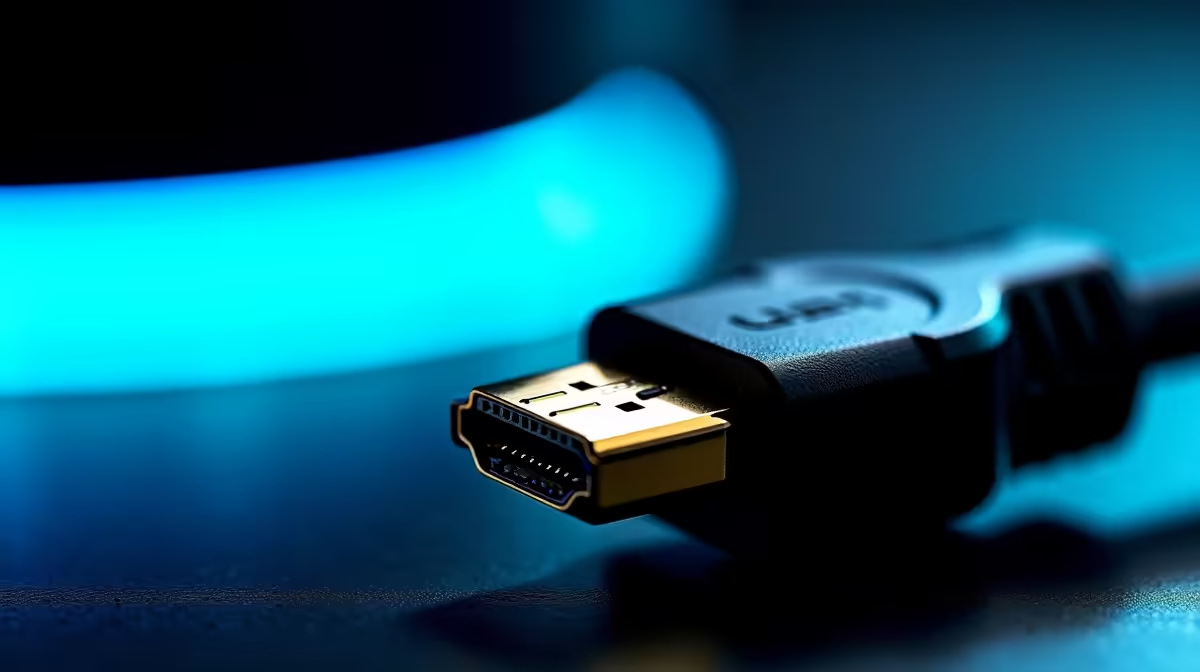
You’ve spent a fortune on a beastly GPU and a high-refresh-rate monitor. You launch your favourite game, ready for buttery-smooth action… but something’s off. The frames stutter, the screen tears, and it just doesn’t feel right. Before you start blaming your rig, look at the humble cable connecting it all. That forgotten cord might be the culprit, and applying a few simple HDMI tricks gamers use for better frame rates can unlock the performance you paid for.
Why Your HDMI Cable Might Be Bottlenecking Your FPS
Think of your gaming setup like a highway. Your GPU is the powerhouse pushing cars (frames) at high speed, and your monitor is the destination. The HDMI cable? That's the road itself. If you're using an old, narrow road (a low-spec HDMI cable) for high-speed traffic (4K at 144Hz), you're going to get a traffic jam. This "jam" shows up as input lag, screen tearing, and lower-than-expected frame rates.
The key is bandwidth. Different HDMI versions support different data speeds. An older HDMI 1.4 cable maxes out at 10.2 Gbps, which is fine for 1080p but struggles with modern demands. An HDMI 2.1 cable, however, boasts a massive 48 Gbps bandwidth. This is one of the most effective HDMI tricks for better frame rates: ensuring your cable’s bandwidth matches your hardware's capabilities. Upgrading to one of GIZZU's reliable options can be a surprisingly effective fix.
Actionable HDMI Tricks for Smoother Gaming 🚀
Unlocking your PC's potential isn't about magic; it's about making sure every component can perform its job without being held back. Here are the most effective HDMI tricks gamers use to get every last frame.
Match the Cable to Your Monitor's Specs
This is the big one. If you have a 4K 120Hz+ monitor or even a 1440p high-refresh-rate display, you need an "Ultra High Speed" HDMI 2.1 cable. It's the only standard certified to handle the immense data required for that resolution and speed. Using anything less means your monitor won't receive the full signal from your GPU, forcing it to a lower refresh rate and wasting its potential. Don't let a R200 cable cripple your R10,000 monitor; check out these HP certified cables to guarantee compatibility.
Enable VRR for Silky-Smooth Gameplay ✨
Variable Refresh Rate (G-SYNC FreeSync) syncs your monitor's refresh rate to your GPU's frame output in real-time. This eliminates screen tearing. To use it, you need a compatible monitor, GPU, and an HDMI 2.1 cable. Make sure to enable it in your graphics card's control panel!
Don't Overspend, But Don't Scrimp Either
You don't need gold-plated connectors wrapped in unicorn hair. The "premium" cables costing thousands of rands offer no real performance benefit over a properly certified one. The magic is in the internal wiring and its ability to meet the bandwidth spec, not flashy marketing. That said, the cheapest bargain-bin cable might not be properly shielded or tested, leading to signal interference. The sweet spot is a certified cable from a reputable brand. You can find fantastic, high-performance cables for under R500 that will deliver all the performance you need.
Does Cable Length Affect Your Gaming? 🔧
Yes, it can. For digital signals like HDMI, length introduces the risk of signal degradation. The longer the cable, the more chance for the signal to weaken, which can cause "sparkles" on screen, signal dropouts, or the connection failing to sync at the highest refresh rate. For a desktop setup, try to use the shortest cable that comfortably reaches, typically 1-2 metres. If you need a longer run, ensure you're buying a high-quality, well-shielded cable like those from Promate's range of lengths to maintain signal integrity.
Ready to Unleash Your True FPS?
A cheap, old cable can be the sneakiest bottleneck in your entire rig. Stop leaving performance on the table and explore our comprehensive cable solutions for smoother, faster, and more responsive gameplay.