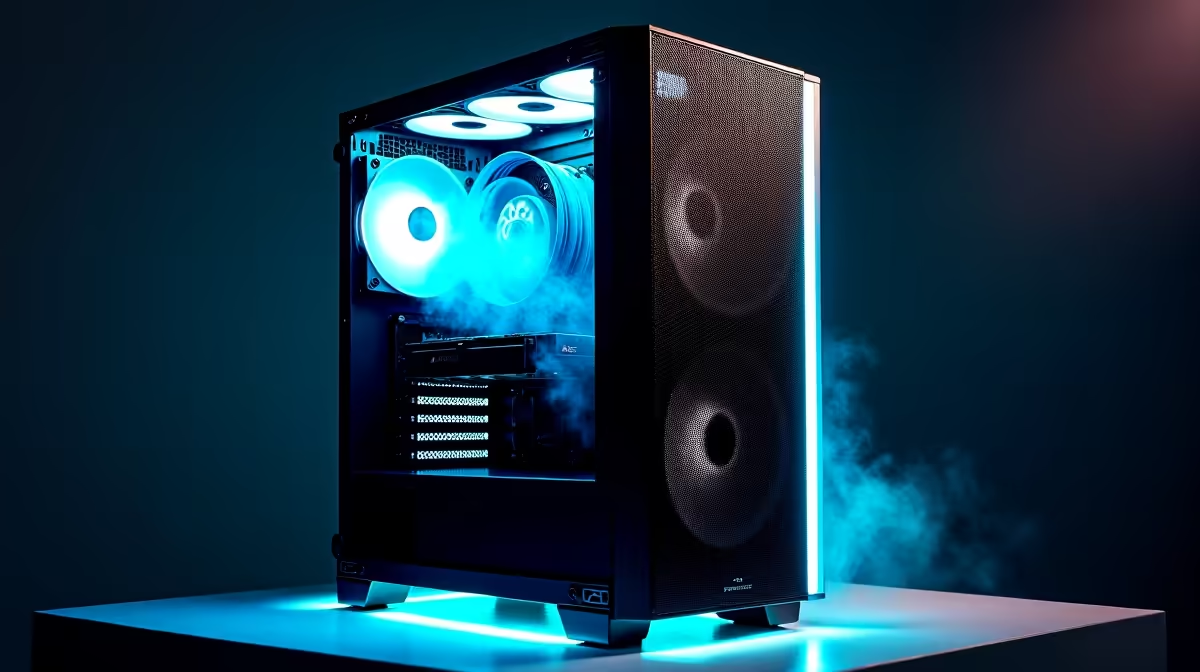
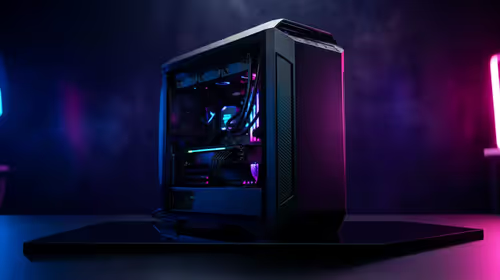
A high-airflow case can help an Apex Legends PC maintain stable processor and graphics clocks through long sessions. It becomes worthwhile when the current case traps heat, raises fan noise or limits the planned GPU. Measure temperature and frame pacing first, because a new enclosure cannot fix network packet loss.
Test a full match session
The GAMDIAS AURA GC11 costs R400 in the verified facts. The Antec AX1000 costs R800 and the Evetech REEVE costs R1,300. Check current stock, mesh placement, included fans, motherboard support, GPU clearance, cooler height and front ports. Price alone does not prove stronger airflow.
Run several busy matches while logging CPU and GPU temperatures, clock speed and fan noise. Clean current filters, confirm every fan turns and adjust fan curves before replacing the case. Check latency and packet loss separately so an internet problem does not look like thermal stutter.
Choose an enclosure with a clear front-to-rear air path and room for the graphics card plus cooler. Keep cables away from intakes. Repeat the same game test after moving the parts. The change succeeds when temperature, noise or sustained clocks improve. Keep the existing case when it already maintains safe temperatures without intrusive sound.
Check case dust filters after several weeks, since restricted mesh can erase the cooling gain.
Cooling an Apex Legends PC? > Ask Evetech to compare airflow cases and compatible gaming components.