You’re in the final circle. The tension is thick. You line up the perfect shot and… lag spike. Game over. We’ve all been there. You crave the raw speed and stability of a wired connection, but the thought of drilling through walls and running cables is a total nightmare.
What if you could get a perfect home Ethernet setup without rewiring a single thing? It’s easier than you think. Let's get your network sorted for good. ⚡
Ditching Wi-Fi Lag for Wired Stability
Let's be honest, Wi-Fi is convenient, but for serious gaming, streaming, or large downloads, it can be a bottleneck. Even with the best wireless networking gear, things like thick walls, competing signals from neighbours, and even a running microwave can cripple your connection. A wired setup delivers a direct, uninterrupted data pipeline from your router to your PC or console. The result? Lower latency (ping), faster speeds, and zero random disconnects.
Your Secret Weapon: Ethernet-over-Power (EoP) Adapters
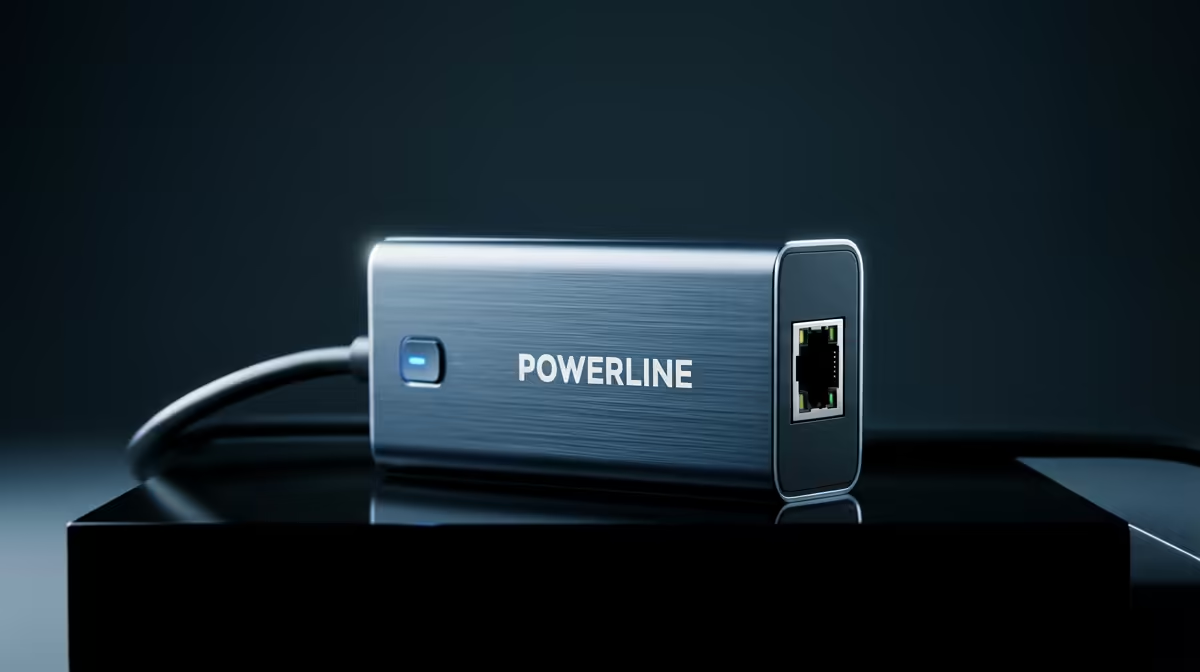
The best solution for getting Ethernet without rewiring is using Powerline, or Ethernet-over-Power (EoP), adapters. These incredible little gadgets turn your home's existing electrical wiring into a high-speed network. 🚀
It works like this:
- Plug one adapter into a wall socket near your router and connect it to the router with a short Ethernet cable.
- Plug the second adapter into any other wall socket in your house, like the one behind your gaming rig or smart TV.
- Connect your device to the second adapter with another Ethernet cable.
That’s it! The adapters automatically find each other and create a secure, stable network connection through your power lines. You get a direct, wired link without any mess or fuss. Top-tier manufacturers offer fantastic, reliable kits, including leading brands like TP-Link that have been trusted for years.
Pro Tip: Direct to Wall
For the best performance, always plug your Powerline adapters directly into the wall socket. Plugging them into an extension cord or a power strip can add electrical noise and significantly reduce your network speeds.
Choosing the Right Powerline Kit
When shopping for adapters, the key spec to look for is the speed rating, like AV600, AV1000, or AV2000. This number represents the theoretical maximum speed in Mbps (megabits per second). For 4K streaming and competitive gaming, an AV1000 kit or higher is a great starting point.
While many brands are available, you'll find that some of the most cost-effective and powerful options come from innovative options from Cudy, delivering excellent performance without breaking the bank. Many kits even come with a "pass-through" socket, so you don't lose a valuable wall plug. Some models also feature built-in Wi-Fi extenders, giving you the best of both worlds. ✨
A stable home Ethernet setup without rewiring is no longer a dream. With a simple Powerline adapter kit, you can achieve the low-ping, high-speed connection you need to dominate online and stream flawlessly. It’s the most effective way to upgrade your home network without calling an electrician.