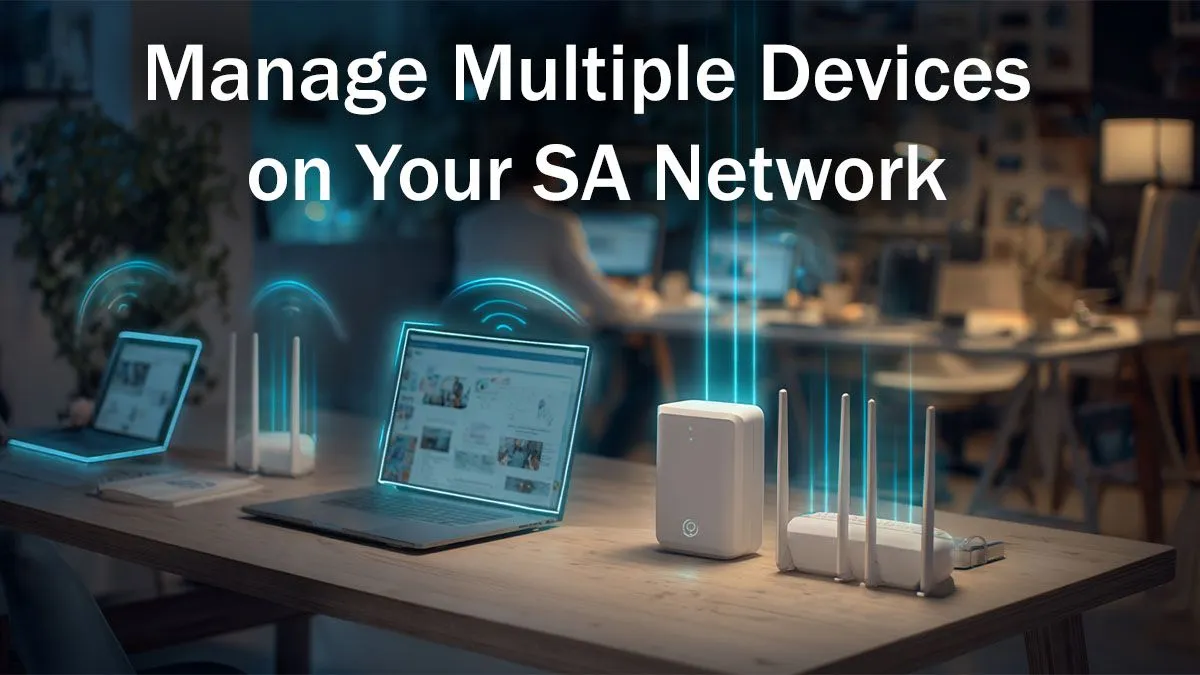
Is your home Wi-Fi feeling more like a dial-up connection from the 90s? You're not alone. In South Africa, our homes are packed with devices... your gaming PC, your partner's work laptop, the kids' tablets, and that smart TV all fighting for a slice of the internet pie. This digital traffic jam leads to lag spikes, buffering streams, and endless frustration. Effective home network management isn't just for IT pros anymore; it's essential for a peaceful household.
Understanding Your Digital Battlefield
Before you can win the war against lag, you need to know your enemy. The average SA household is a complex digital ecosystem. Think about it: multiple smartphones, a console or two, a smart TV streaming Showmax, laptops for work and school, and maybe even a few smart home gadgets. Each device is constantly sending and receiving data. When they all do it at once, your standard ISP-provided router can quickly become overwhelmed, creating a bottleneck that slows everyone down. Proper home network management starts with understanding this load.
This is where investing in a solid foundation becomes critical. A powerful central router, supported by the right components, can intelligently direct traffic, ensuring every device gets the bandwidth it needs. Exploring modern complete wireless networking solutions is the first step towards creating a robust and reliable system for your home.
The Heart of Your Network: Choosing the Right Router
Your router is the traffic controller for your entire digital life. While the free one from your ISP gets you online, it often lacks the features needed for demanding tasks like gaming and 4K streaming. Upgrading is one of the most impactful steps in managing your household devices.
Modern routers offer powerful tools for home network management. Look for features like:
- Dual-Band/Tri-Band: This creates multiple networks (2.4GHz for range, 5GHz/6GHz for speed), letting you put your high-priority devices on the faster, less congested lanes.
- MU-MIMO (Multi-User, Multiple Input, Multiple Output): Allows the router to communicate with multiple devices simultaneously, instead of making them wait in a queue.
- Quality of Service (QoS): The ultimate tool for taming your network. QoS lets you tell your router which devices or applications are most important. 🔧
By prioritising your gaming PC or console, you ensure it gets the bandwidth it needs first, even when others are streaming. This simple tweak can dramatically reduce in-game lag. Finding the right wireless router with these features is foundational to a smooth online experience.
Pro Tip: Activate QoS ⚡
Most modern routers have a Quality of Service (QoS) setting in their admin panel. Log in, find the QoS or "Traffic Manager" section, and add your gaming PC or console's MAC address to the highest priority list. This tells your router to always serve your game's data packets first, providing a more stable connection and lower ping, even when your network is busy.
Eliminating Wi-Fi Dead Zones for Good
There's nothing more annoying than having full-speed internet in the lounge but a dead zone in your bedroom or office. Walls, floors, and even appliances can block Wi-Fi signals, creating frustratingly weak spots. This is a common challenge in many South African homes, but it's easily solved.
For smaller homes or single-room dead spots, simple Wi-Fi range extenders can be a cost-effective solution. They pick up your existing signal and rebroadcast it, pushing your network's reach further. For larger, multi-story homes, a Mesh Wi-Fi system provides seamless coverage under a single network name, ensuring you have a strong connection everywhere. ✨
Is Your PC the Weakest Link?
You could have the fastest fibre line in SA and a top-of-the-line router, but if your PC is using an old Wi-Fi card, you're still creating a bottleneck. The network adapter inside your computer is just as important as the router it connects to. An outdated adapter simply can't handle the speeds and features that modern Wi-Fi 6 or Wi-Fi 6E routers provide.
If your PC is a few years old or you're experiencing slower speeds than other devices on the same network, it might be time for an upgrade. Installing new high-speed wireless adapters is a straightforward and affordable way to unlock your network's full potential, ensuring your rig gets every last drop of performance you're paying for. 🚀
Ready to Master Your Digital Domain?
Taking control of your network is easier than you think. With the right hardware, lag-free gaming and smooth 4K streaming become the norm. Explore our complete range of networking gear and build the powerful, reliable home network you deserve.