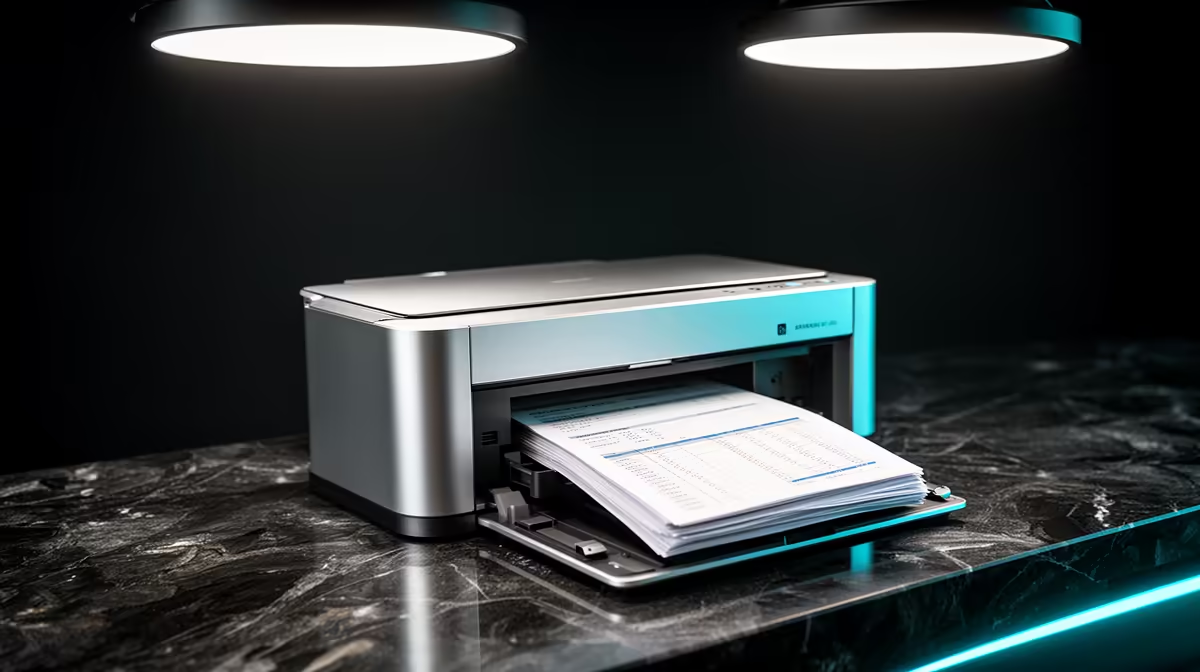
A home printer is worthwhile for spreadsheet-heavy work when reports, signatures or physical review copies are produced every week. It is unnecessary when digital PDFs satisfy the workflow and printing happens only a few times each term. Page volume and cost per page matter more than the purchase price alone.
Measure a normal month
Count monochrome and colour pages, note the largest paper size and record how often duplex printing, scanning or copying is needed. Wide spreadsheets may require landscape output, careful scaling or larger paper. Print one representative report elsewhere before choosing a machine around assumptions.
No printer SKU or verified printer price appears in the supplied product facts, so a specific model cannot be recommended honestly. Compare cost per page, replacement consumable availability, paper trays, duplex capability, network support, duty cycle, warranty and local servicing before purchasing elsewhere.
Place the printer where paper stays dry and jam access remains clear. Secure wireless administration, update firmware and give the device a recognisable network name. Confidential reports should not sit unattended in a shared room.
Export spreadsheets to PDF and inspect page breaks before printing. Keep a digital archive and test scanning if signed pages must return to the workflow. Ownership makes sense when regular volume and saved travel outweigh consumables, maintenance and desk space.
Equipping a home-office workflow? > Review Evetech computers and accessories for dependable spreadsheet work.