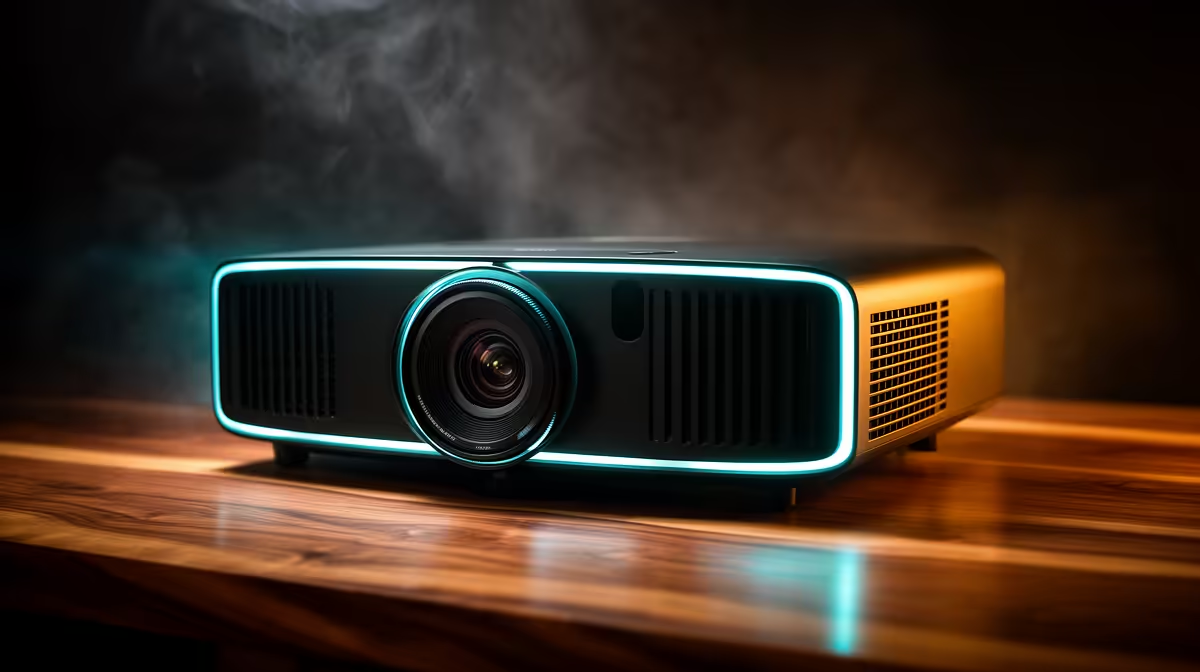
A home projector is not a solution for working through power dips because it needs stable electricity along with the computer, network and audio path. It is worthwhile only when a large shared image serves the work; continuity must be engineered as a separate electrical requirement.
Map power and viewing needs independently
Measure the room, throw distance, ambient light and smallest text that colleagues must read. Then list the wattage and required runtime of every essential device. Ask a qualified supplier or electrician to validate any backup or protection equipment rather than guessing from projector brightness.
The Yaber T1 Pro FHD HDR10 projector is verified at R2,900 and the ViewSonic portable LED model with Harman Kardon audio at R5,996. Neither fact establishes backup-power capability. Confirm current power draw, native resolution, input support, throw, text clarity and warranty. Price the suitable continuity equipment separately after a real load calculation.
Save documents locally before unstable periods, use versioned cloud or external backups and enable application recovery features. Keep vents clear and signal leads out of walkways. Follow manufacturer shutdown guidance rather than abruptly removing power.
Buy the projector for collaboration or image scale, not as an electrical workaround. A lower-power monitor or laptop screen may preserve productive runtime more effectively when continuity is the priority.
Adding a shared work display? > Compare Evetech projectors while specifying power continuity with qualified guidance.