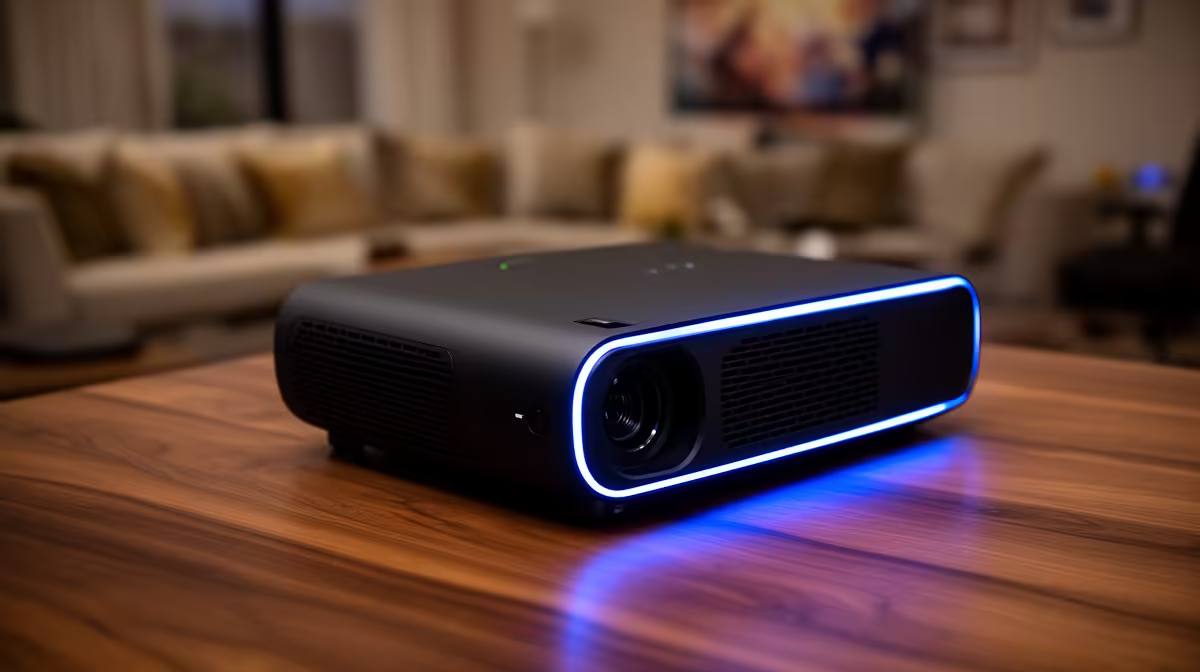
A home projector is the right remote-work choice only when large shared presentations, training or wall-scale review occur regularly in a suitable room. For daily documents, spreadsheets and video calls, a monitor usually provides sharper text, quicker startup and better usability in daylight.
Test the full workday at the intended image size and room light
Measure throw distance, wall size, seating and ambient light. Display a representative spreadsheet, document, dashboard and presentation, then check text clarity, focus across the image, fan noise and control convenience. Confirm where the webcam sits and whether projected light makes calls awkward.
The Yaber T1 Pro FHD HDR10 at R2,900 and ViewSonic portable LED projector with Harman Kardon audio at R5,996 are verified projector references. Confirm live native resolution, brightness method, throw, inputs, audio, dimensions and warranty. Input acceptance must not be confused with native display detail.
Use a stable stand or safe mount, leave ventilation around the unit and route power away from walking paths. Check screen-sharing privacy, display scaling and sleep behaviour. A secondary monitor can keep private notes visible while a projector shows only the presentation.
Buy when wall-scale viewing solves a repeated collaboration need. Choose a suitable monitor when close text work dominates the remote schedule.
Use a monitor for private notes during projected presentations.
Planning a home presentation space? > Compare Evetech projectors by native resolution, throw and room conditions.