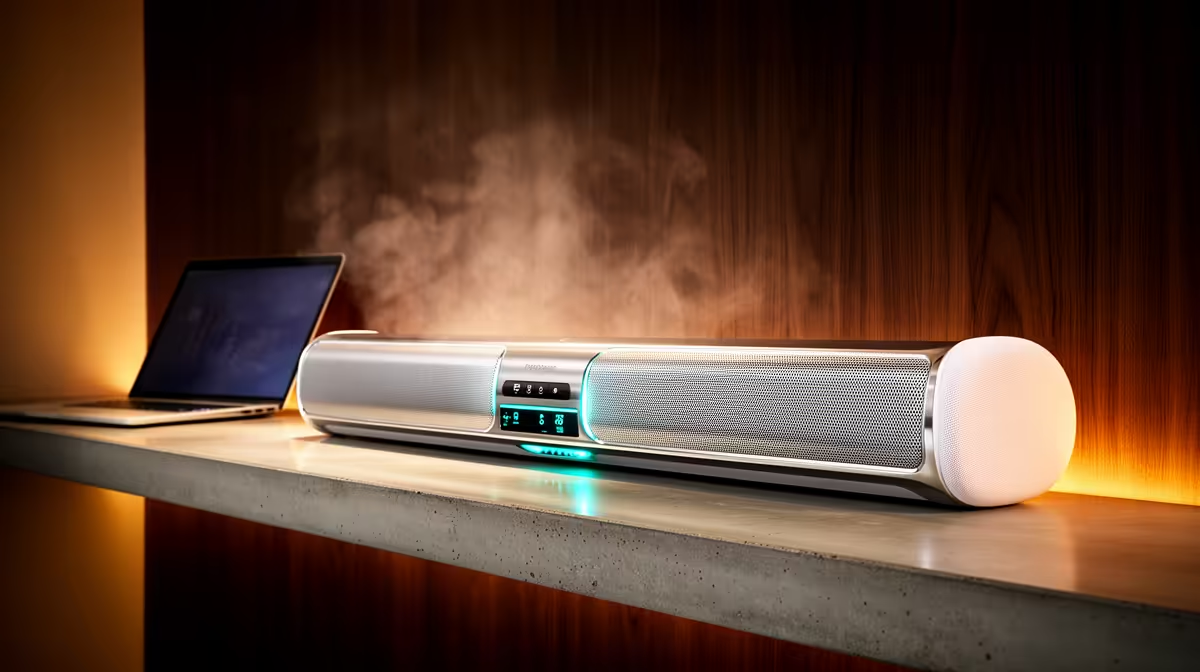
A home theatre system is poor primary audio for Twitch because room speakers can feed game sound back into the microphone. It suits films and shared console play outside broadcasts. Streamers need clean monitoring, low delay and a microphone path that viewers can understand.
Test speaker spill
Play the stream mix at normal room volume and record speech. Listen for echo, game spill and delayed effects. Move speakers in front of the microphone and lower their level, then compare a wired headset. The quietest capture path should become the live default.
Compare verified desk audio
The Logitech Z407 2.1 Bluetooth speaker system carries a verified R1,404 price as an entertainment comparison. The Logitech H390 USB headset costs a verified R320 for wired call and monitoring use. Neither product forms a complete home theatre, so check current surround systems separately by inputs, speaker placement and latency.
Keep one headset-based OBS scene that bypasses room speakers. Verify every scene after changing HDMI, Bluetooth or Windows outputs, because monitoring and broadcast feeds can diverge. Place subwoofers and cables away from microphone stands and chair movement.
Buy home theatre audio when the room serves films and shared play often enough to justify it. Keep serious Twitch broadcasts on headphones or controlled near-field monitoring. Account security, stable networking and clear speech deserve priority.
Improving Twitch audio? > Compare Evetech headsets and speakers around microphone placement and room use.